How to connect Dell WD19S docking station?
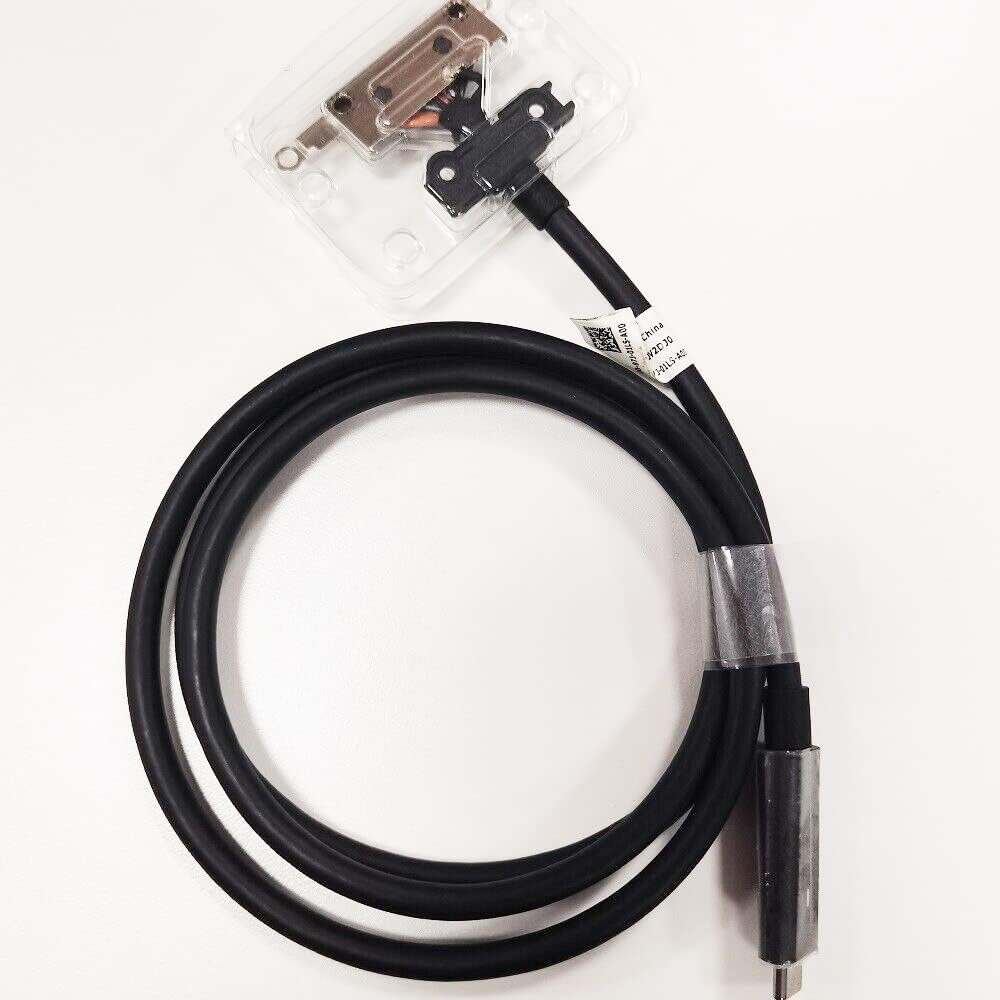
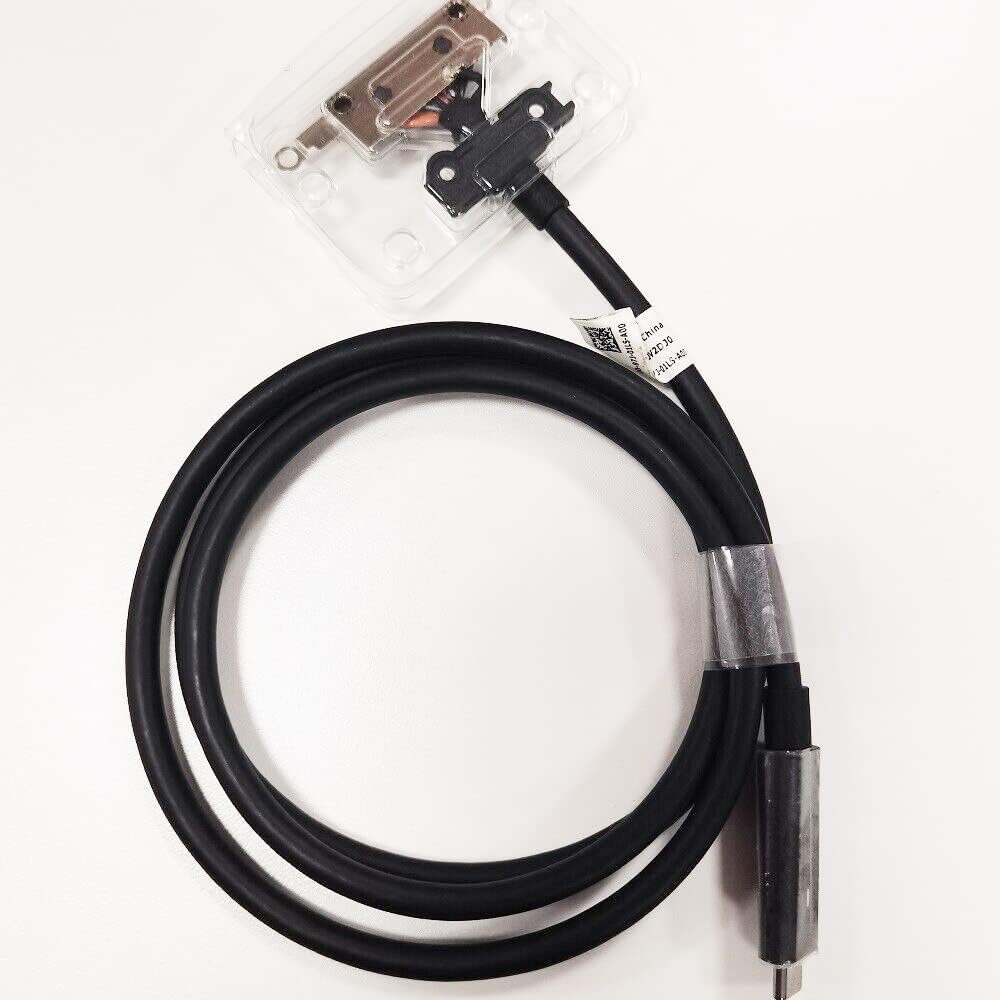
New Dell WD19 4K Docking Station USB Type-C Cable V2DJ0 0V2DJ0
Accessories
Status:
Open Aug 08, 2026 - 08:04 AM
1answer
Answer
Aug 08, 2026 - 08:04 AM
To connect a Dell WD19S docking station, plug the dock’s power adapter into a power outlet and connect the dock to your laptop using the USB-C cable. Then, connect your external monitors, keyboard, mouse, and other peripherals to the dock’s available ports. Your laptop should automatically detect the connected devices once everything is plugged in.
View More Product Details
Browse by Category
Accessories
View our complete selection of Accessories to find the one that suites your needs.
View All
View all Accessories Questions & Answers
View all New Dell WD19 4K Docking Station USB Type-C Cable V2DJ0 0V2DJ0 Questions & Answers