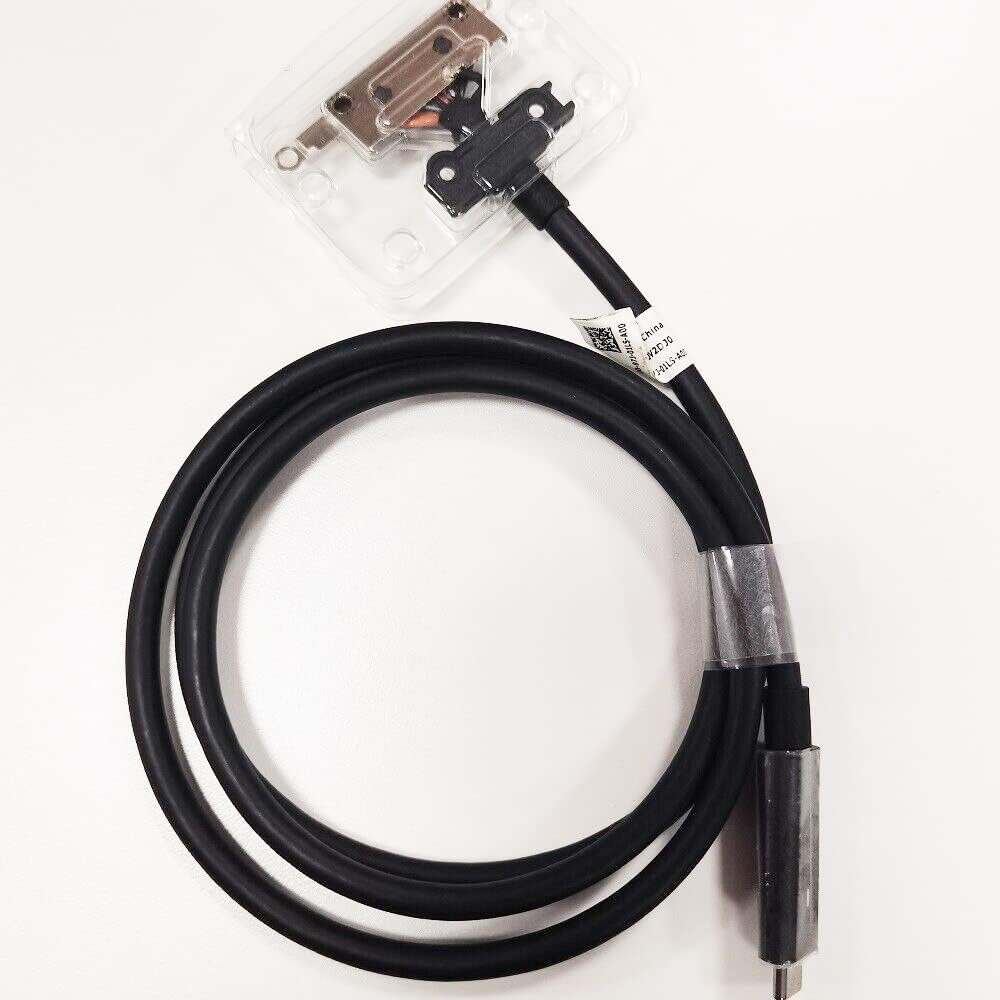
How do you replace the USB-C cable on a Dell docking station?
New Dell WD19 4K Docking Station USB Type-C Cable V2DJ0 0V2DJ0
Accessories
Status:
Open Aug 08, 2026 - 08:04 AM
1answer
Answer
Aug 08, 2026 - 08:04 AM
To replace the USB-C cable on a Dell docking station, first disconnect the dock from power and devices, then locate the removable USB-C cable port (some models have a detachable cable, while others do not). If your model allows, unplug the old cable from the dock and connect the new USB-C cable securely; otherwise, the cable is not user-replaceable and you may need to replace the entire dock.
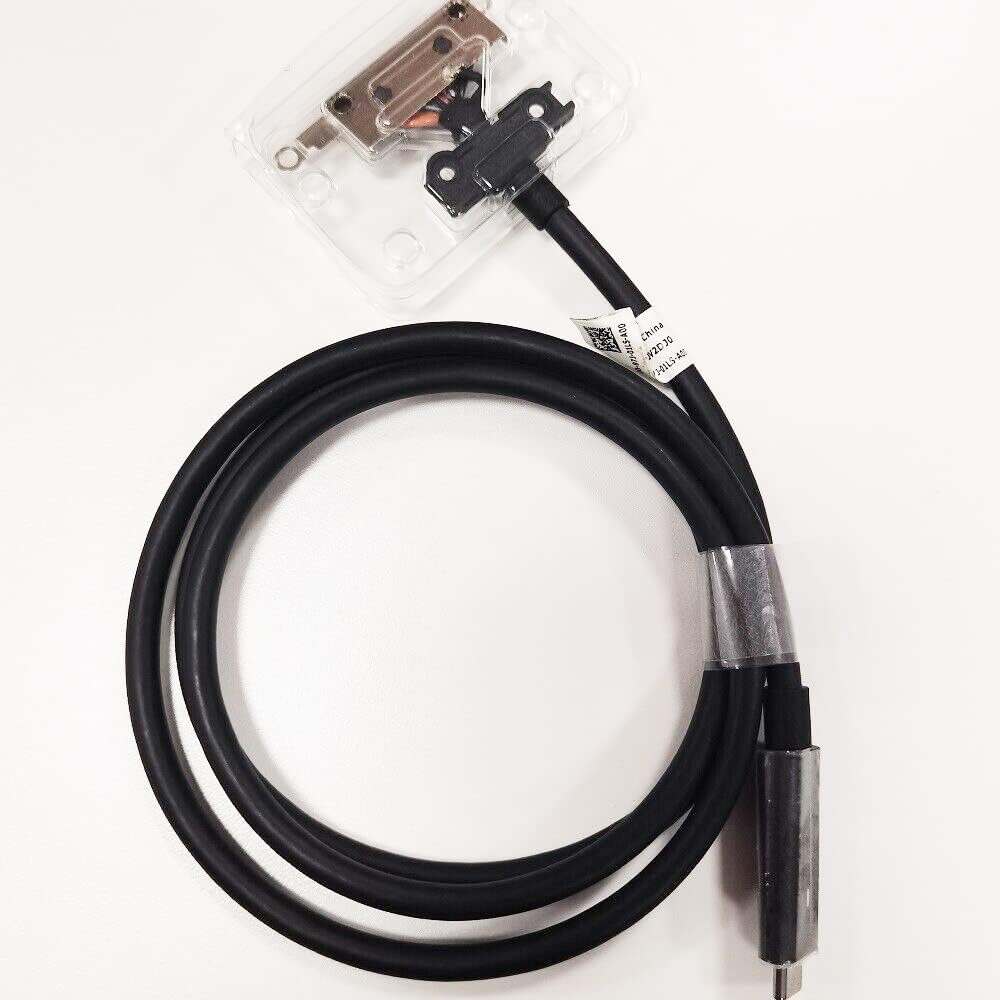
View More Product Details
Browse by Category
Accessories
View our complete selection of Accessories to find the one that suites your needs.
View All
View all Accessories Questions & Answers
View all New Dell WD19 4K Docking Station USB Type-C Cable V2DJ0 0V2DJ0 Questions & Answers