Answer
Aug 08, 2026 - 07:42 AM
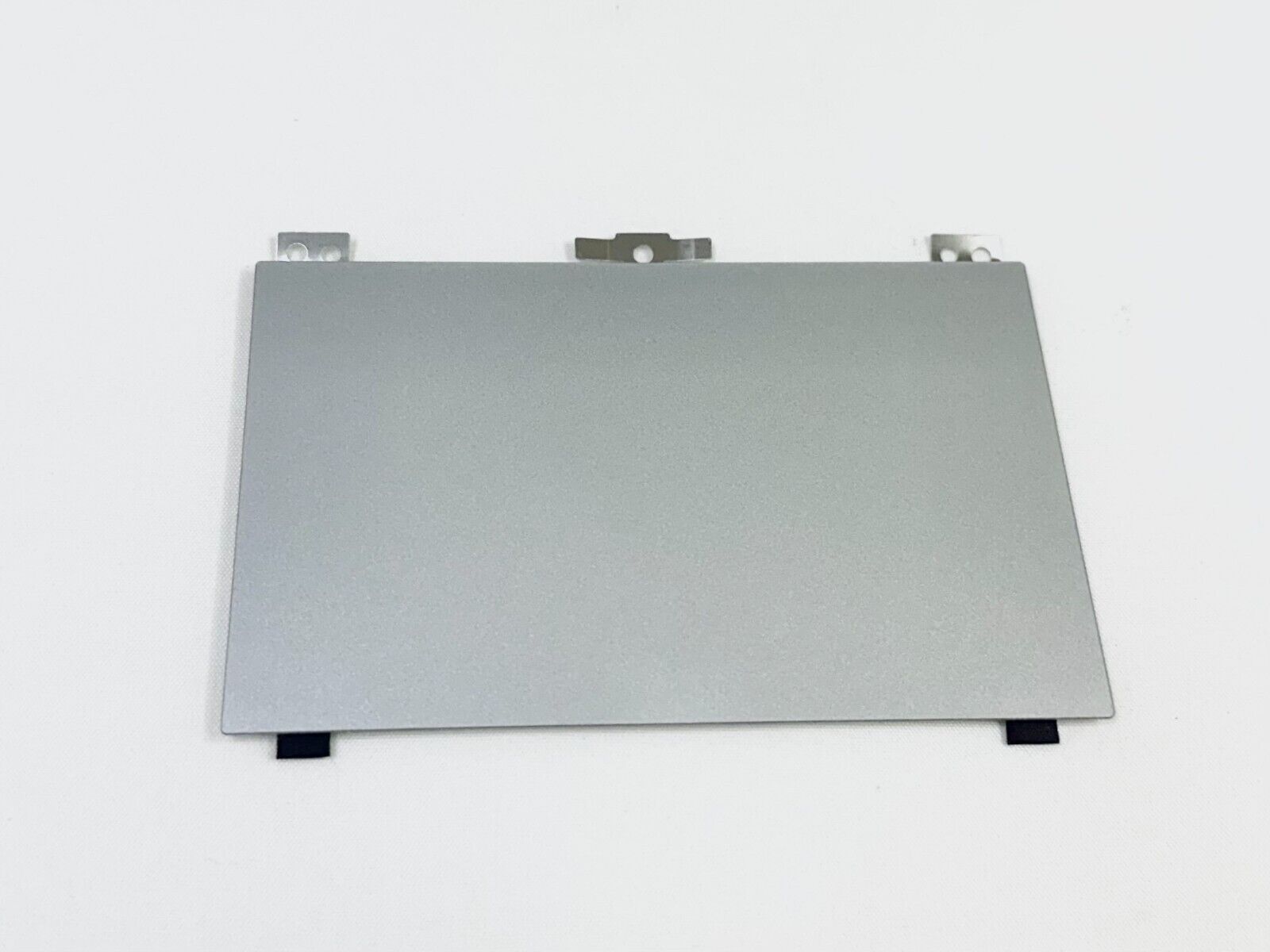
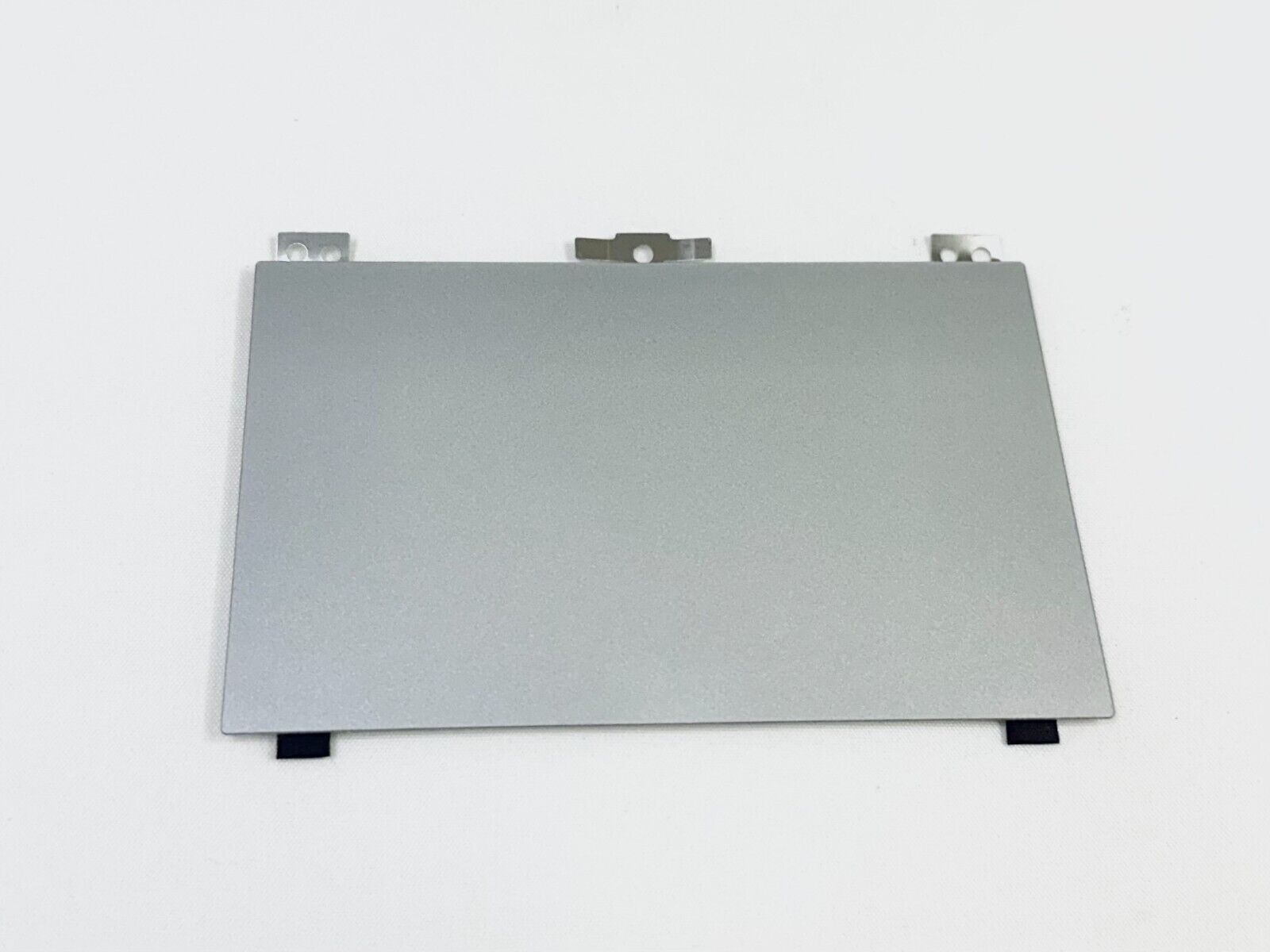
Your new HP laptop touchpad might not be working due to a disabled touchpad (often toggled by a function key), outdated or missing drivers, or a hardware issue. Try enabling the touchpad using the function keys (usually F5, F6, or F7) and updating the touchpad drivers from the HP website. If the problem persists, there could be a hardware fault that may require professional assistance.