Answer
Aug 08, 2026 - 07:41 AM
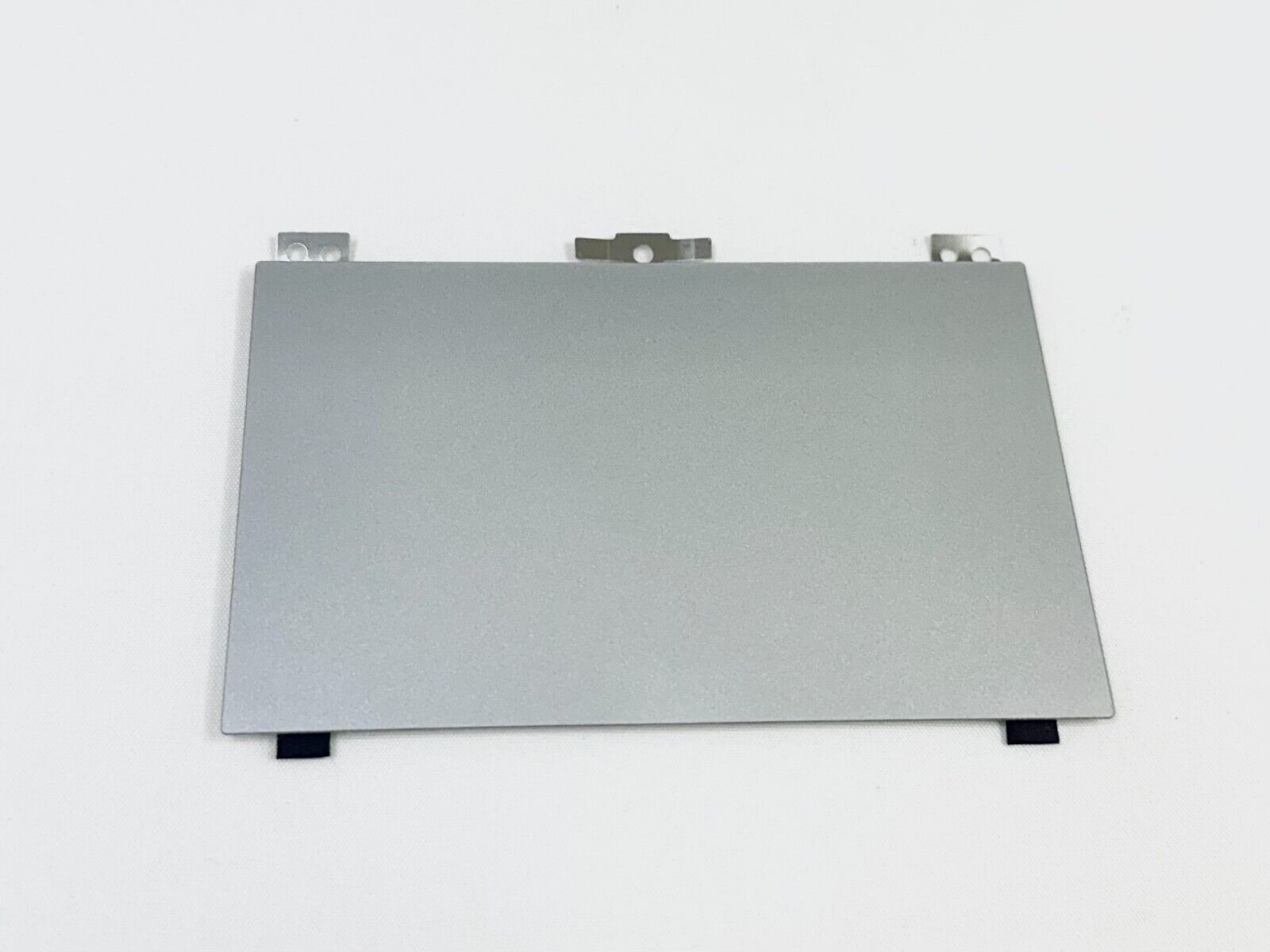
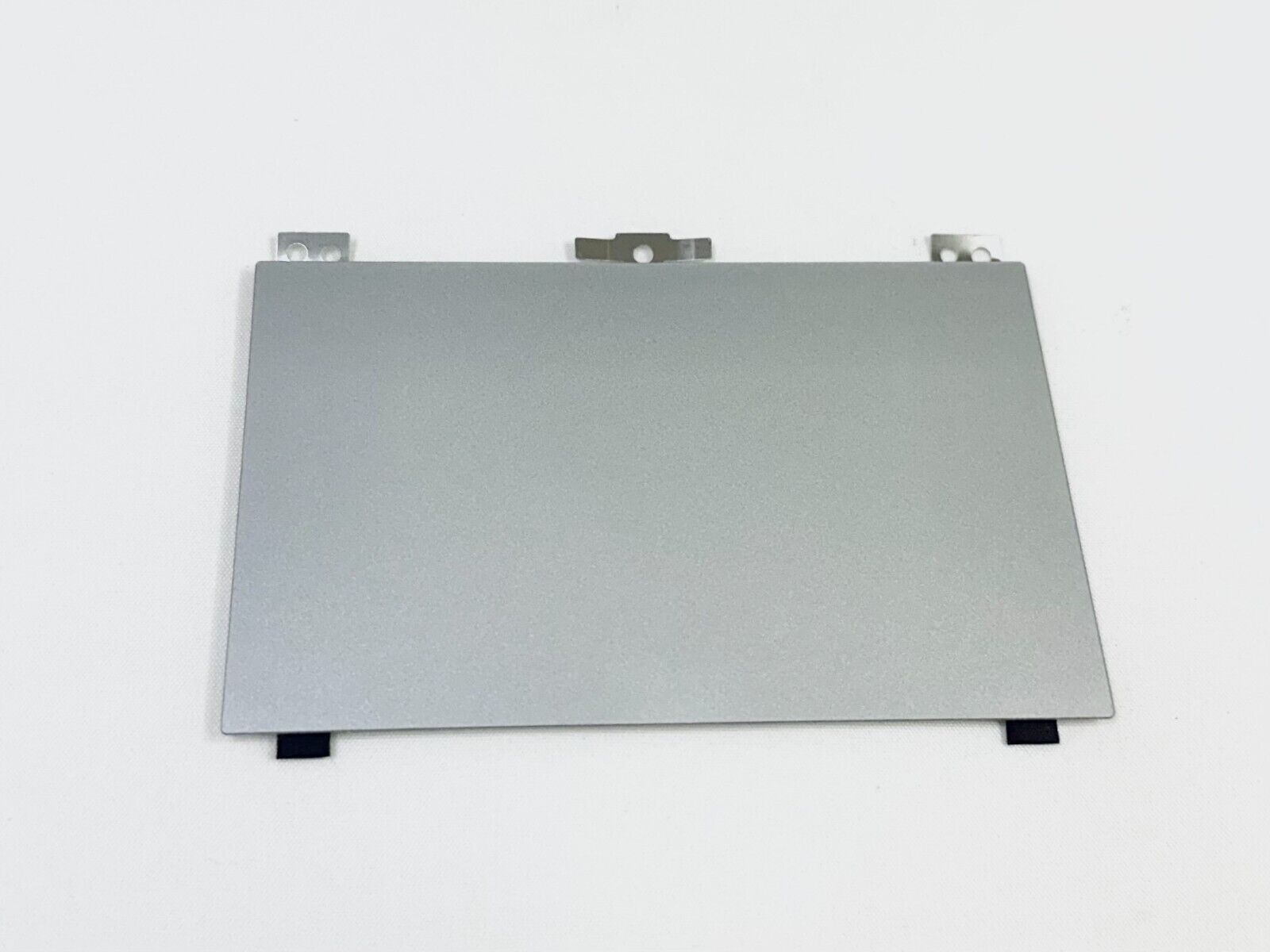
To activate the HP touchpad, press the touchpad on/off button, which is usually located at the top-left corner of the touchpad itself (double-tap the small dot if present). Alternatively, you can enable it through "Settings" > "Devices" > "Touchpad" on Windows, or by pressing the function key (such as Fn + F5 or F7) that has a touchpad icon.