More Questions We've Answered Related to This Product
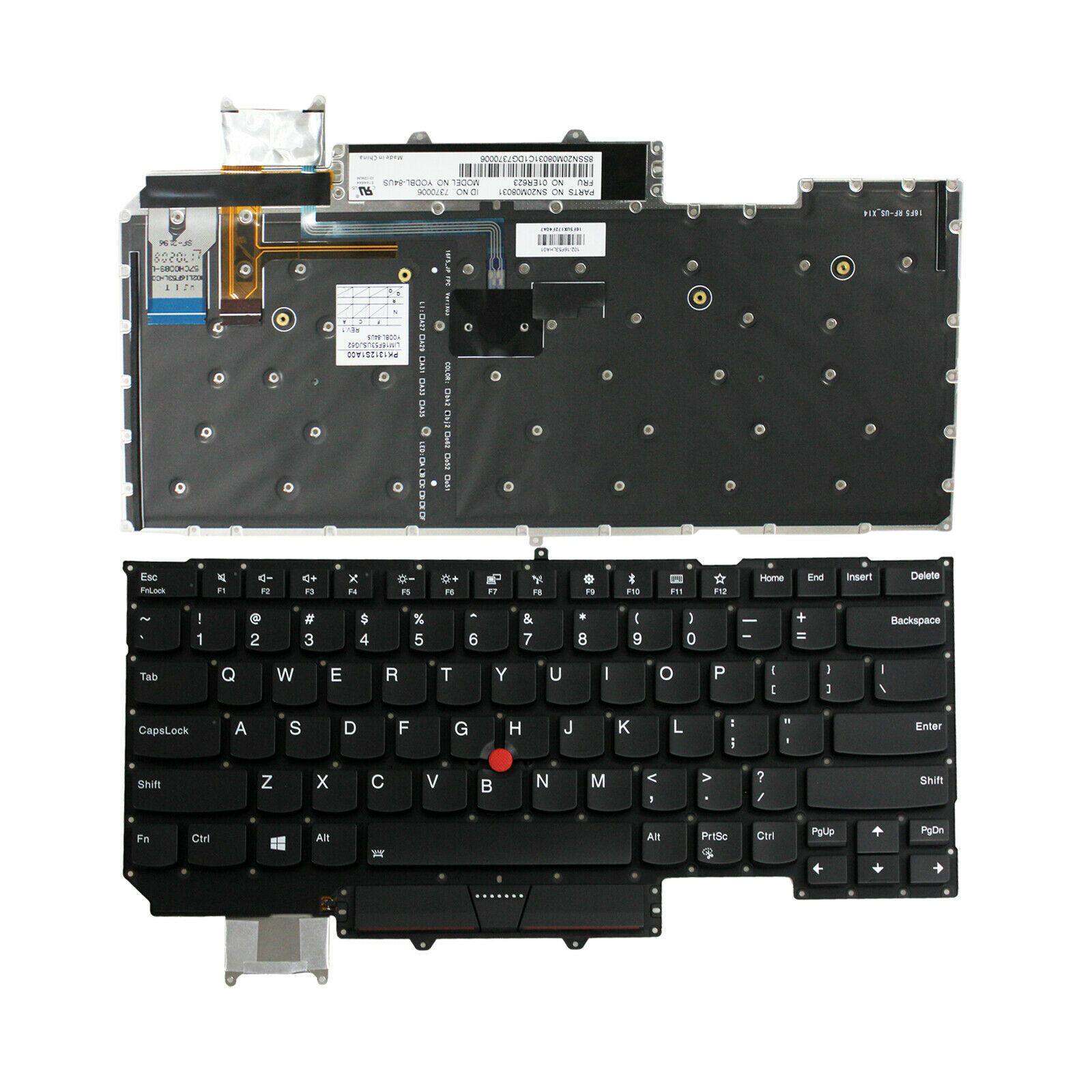
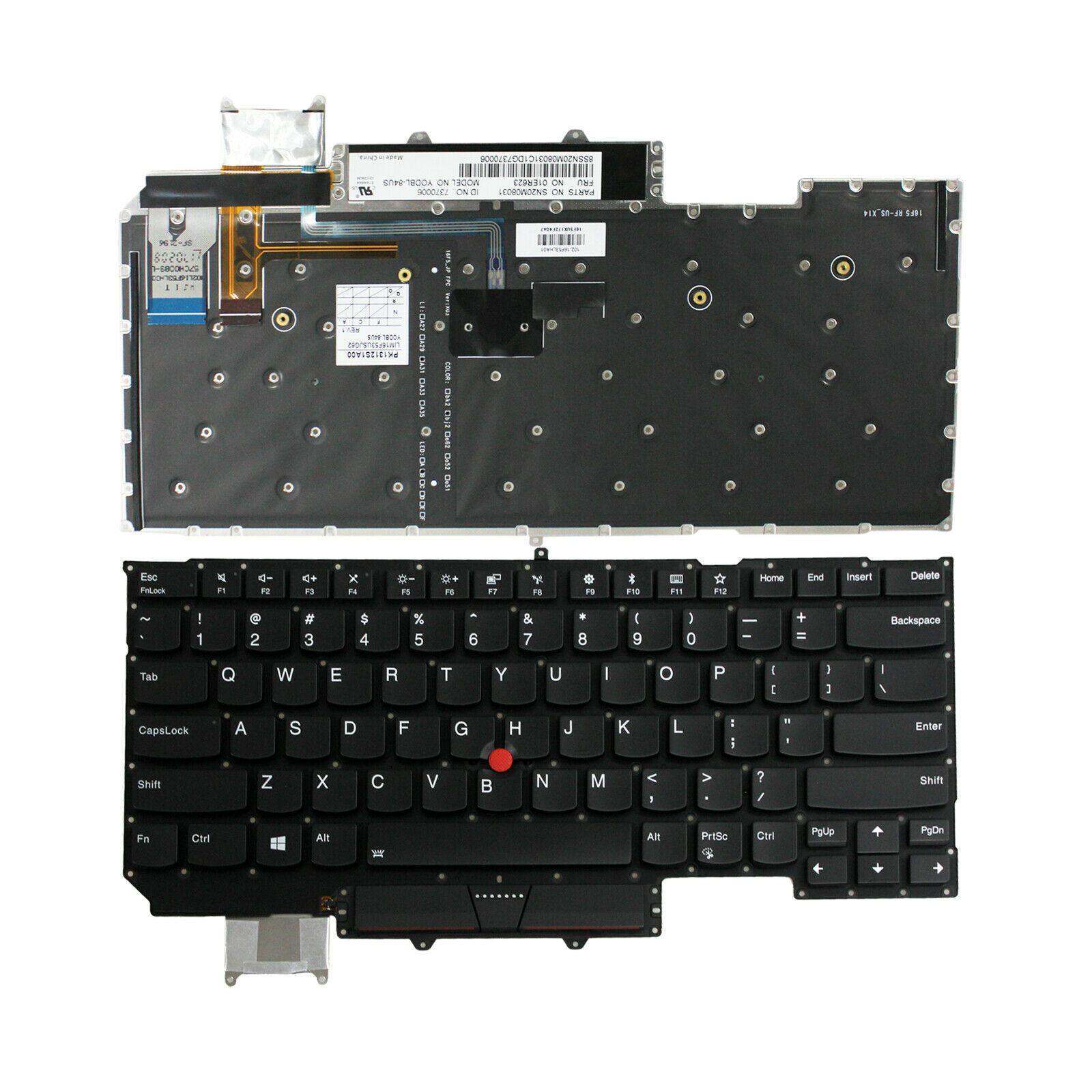
We’ve provided several answers to questions related to New Lenovo ThinkPad X1 Carbon 6th Gen 20KH 20KG Backlit Keyboard , see some other helpful Q&A related to this product.
-
Question: How to turn on keyboard backlight lenovo X1 carbon?
Answer: To turn on the keyboard backlight on a Lenovo X1 Carbon, press the **Fn** key and the **Spacebar** at the same time. Repeatedly pressing this combination cycles through the different brightness levels (off, low, high).
-
Question: Does the keyboard have a backlight?
Answer: Yes, the x1 carbon gen 6 keyboard is backlit. A backlit keyboard allows you to type easily in low-light environments, which is especially useful for working at night or during travel.