Answer
Aug 08, 2026 - 07:39 AM
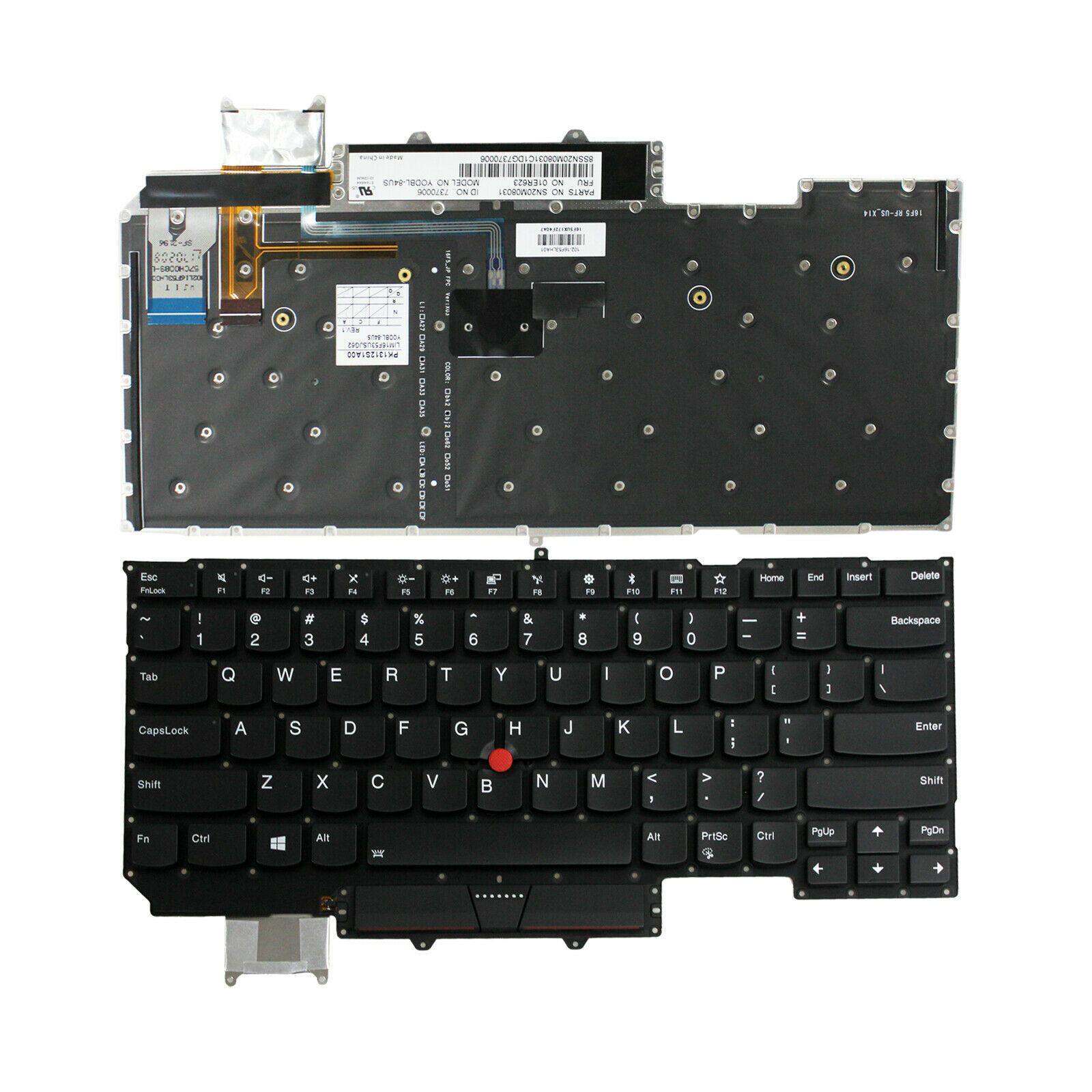
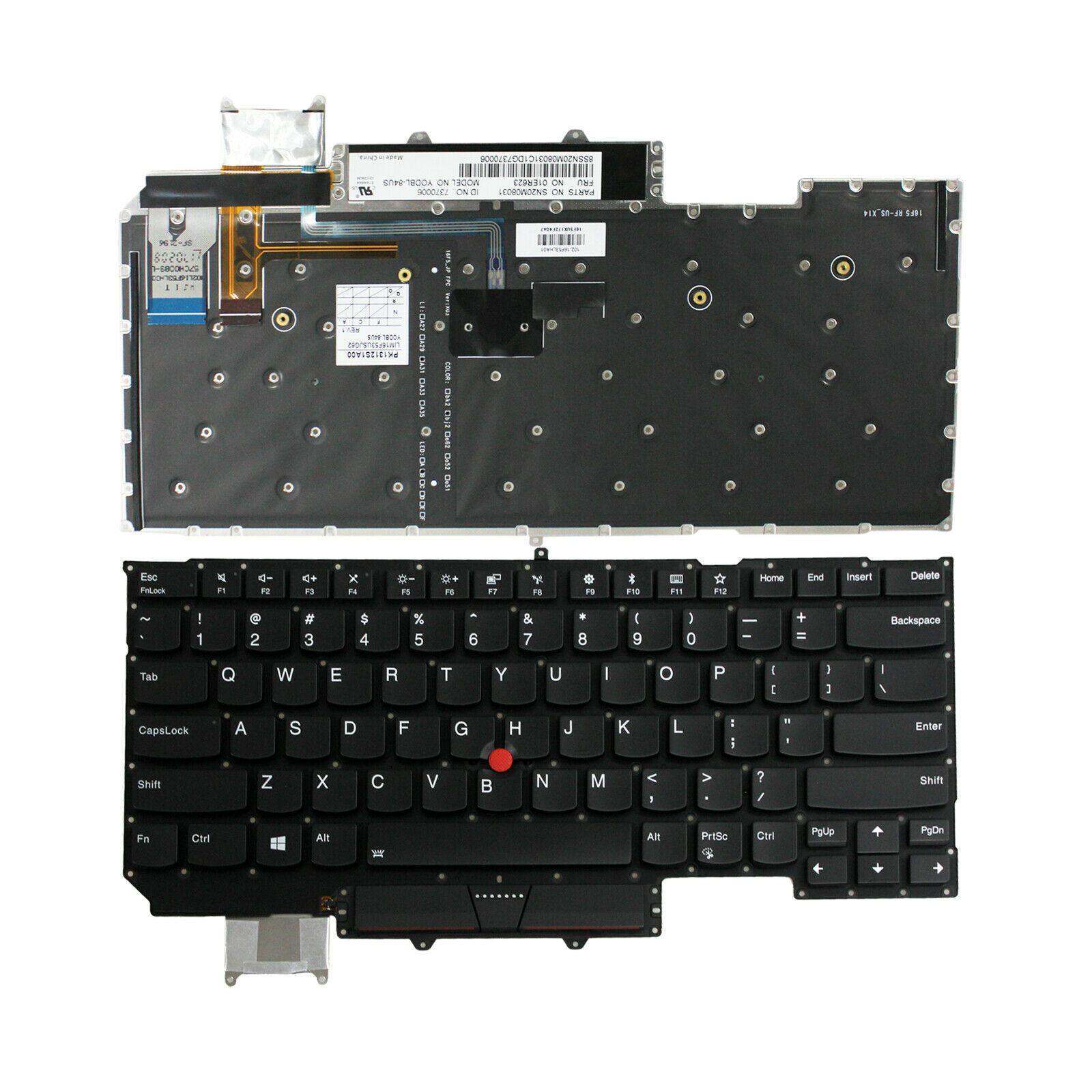
To use the function keys (F1–F12) on a Lenovo X1 Carbon, press them directly if the "Fn Lock" is enabled (usually by pressing Fn + Esc). If "Fn Lock" is not enabled, hold down the Fn key while pressing the desired function key. You can toggle the default behavior in the Lenovo Vantage app or in the BIOS settings.