Answer
Aug 08, 2026 - 07:28 AM
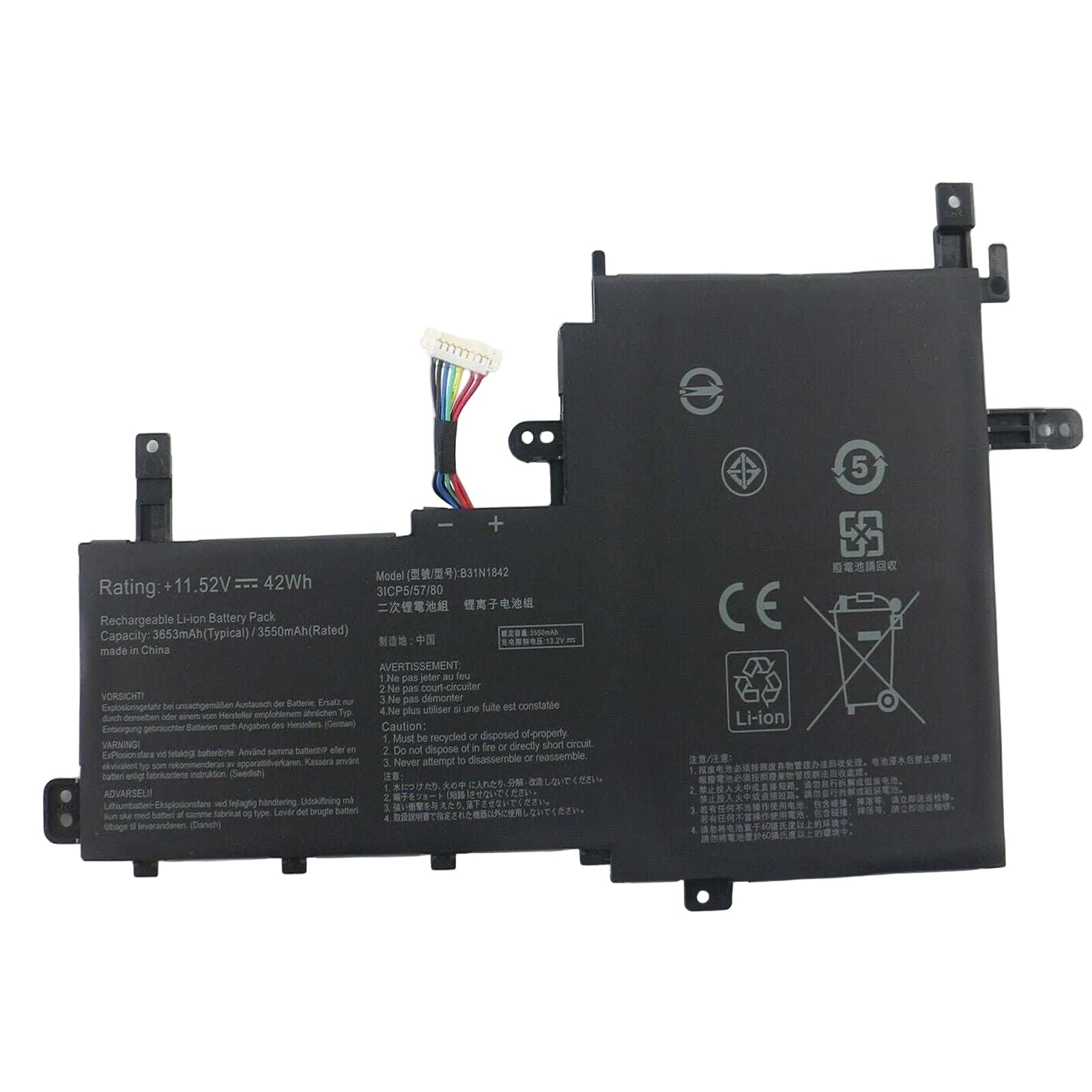
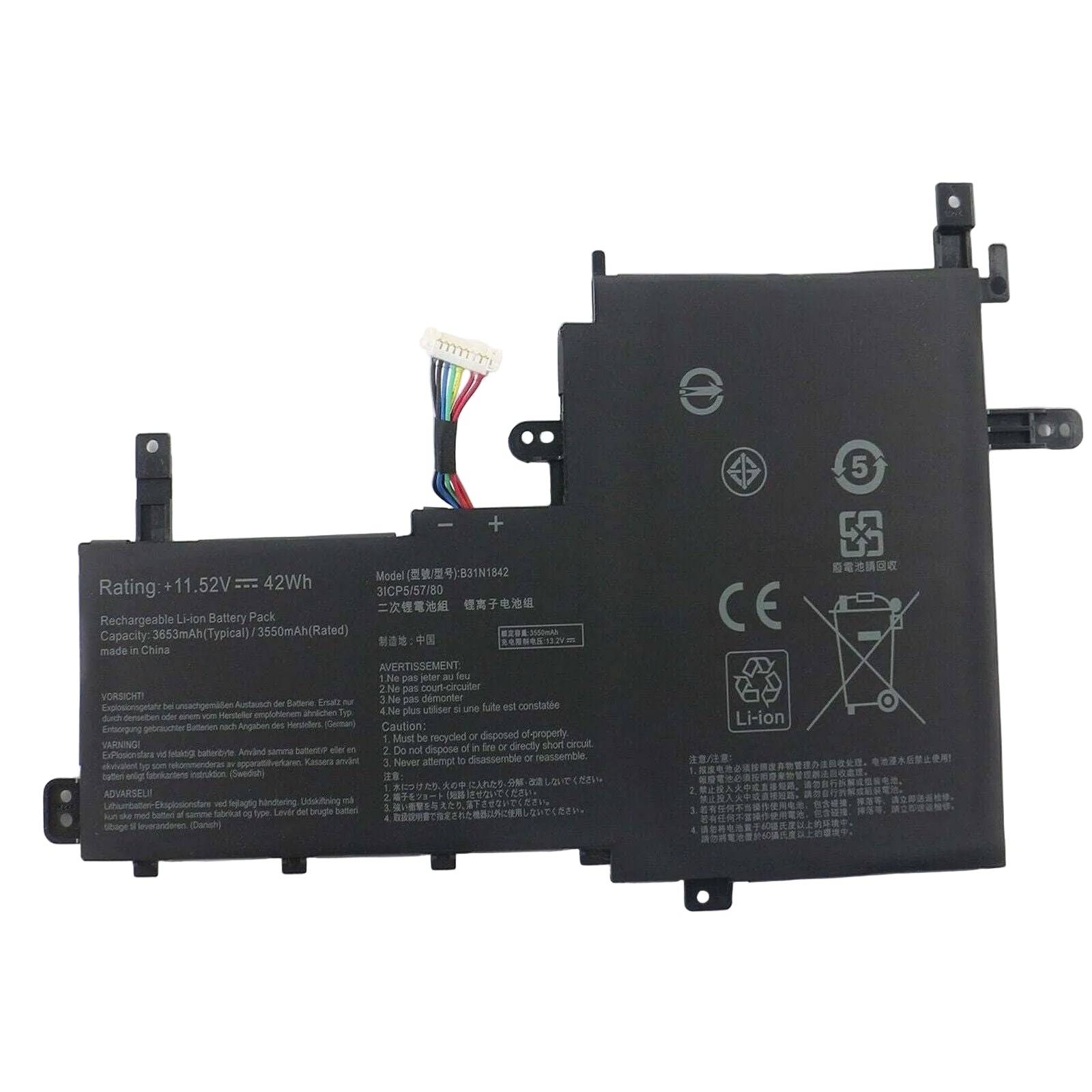
To find your ASUS laptop battery part number, turn off your laptop, remove the battery, and look for a sticker or label on the battery itself— the part number is usually printed there, often labeled as "Part No" or "P/N." Alternatively, you can check your laptop's user manual or visit the ASUS support website with your laptop model to find the compatible battery part number.