Answer
Aug 08, 2026 - 07:26 AM
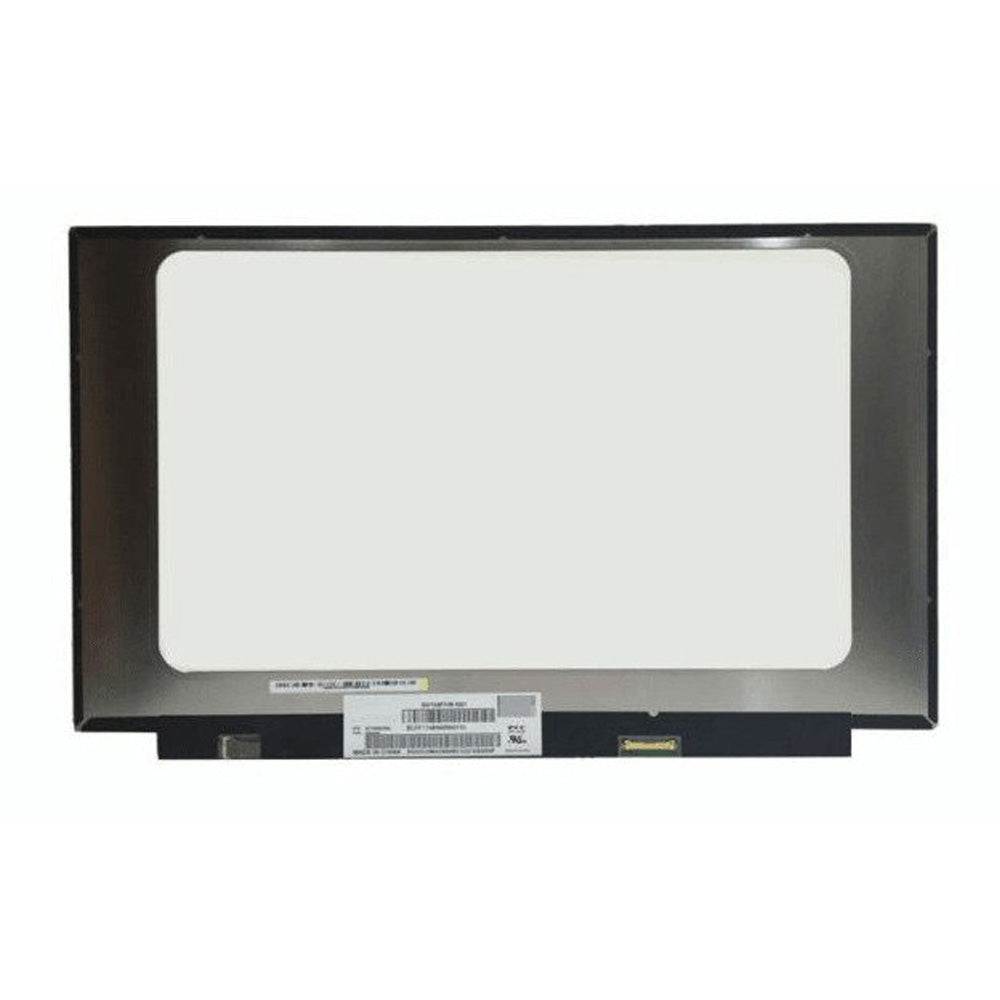
To replace an Acer screen, first power off the laptop and remove the battery if possible. Carefully pry off the bezel, unscrew the broken screen, disconnect the cables, and connect the new screen in reverse order. Reattach the bezel and battery, then power on to test the new screen.