Answer
Aug 08, 2026 - 07:19 AM
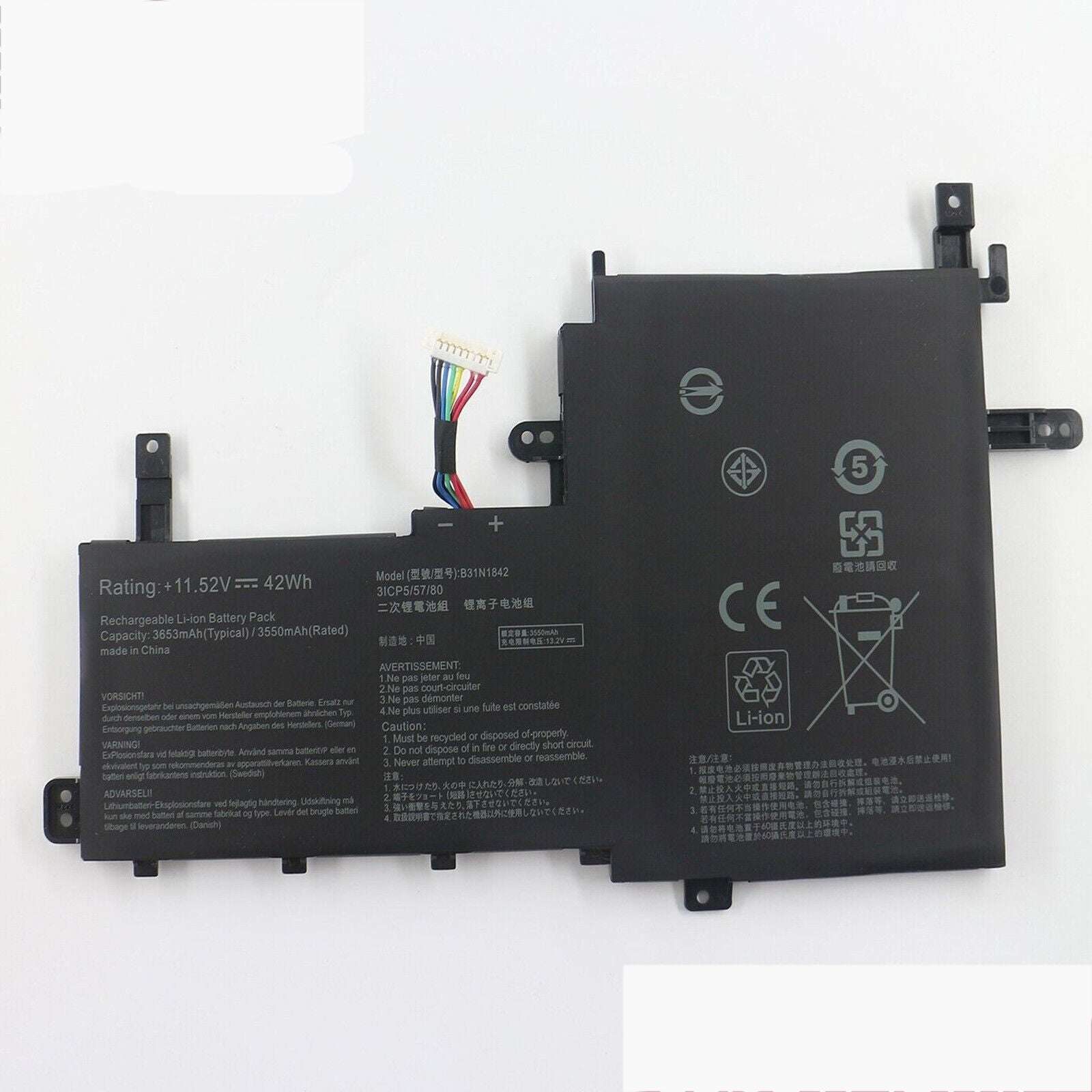
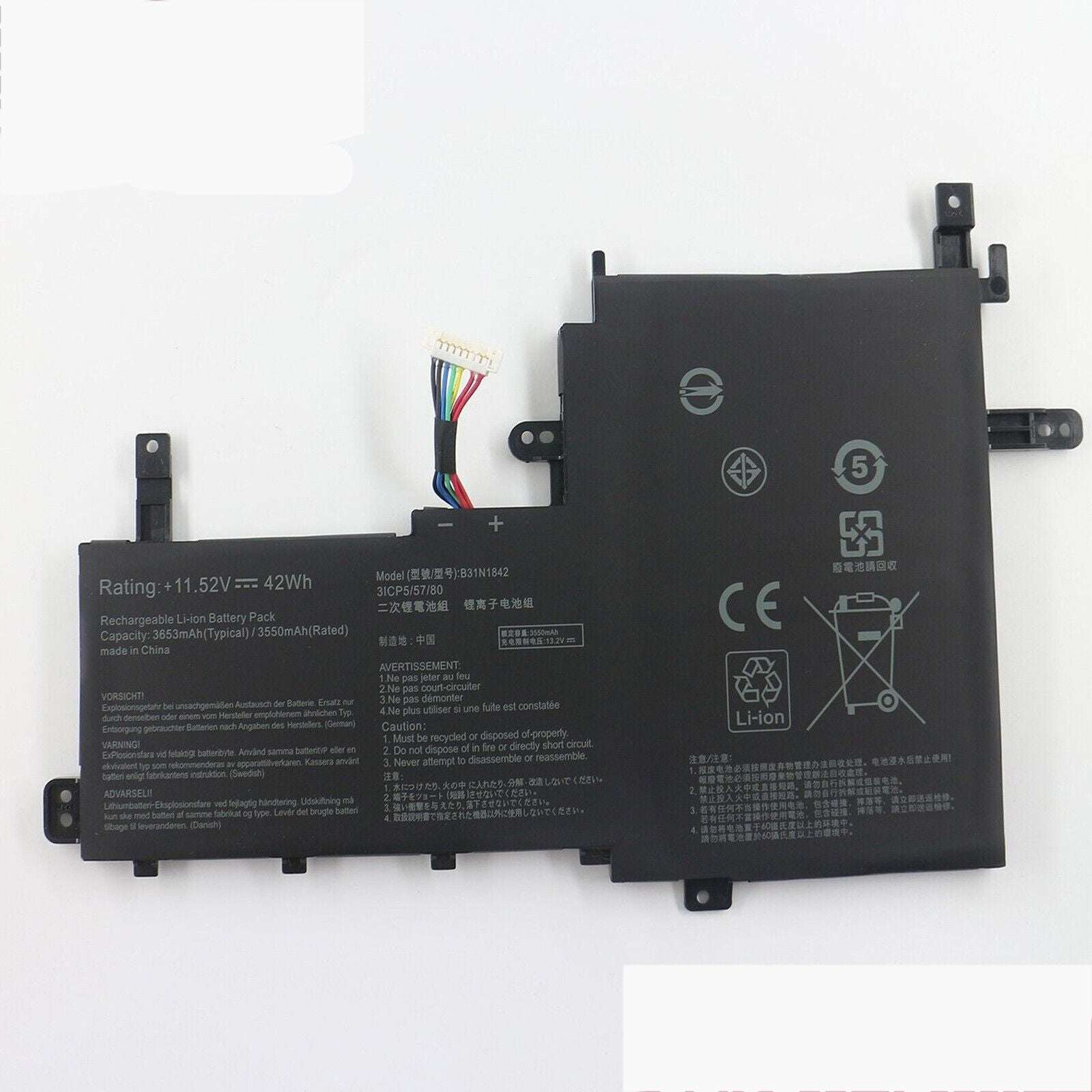
You can check your Asus battery status using the command `upower -i /org/freedesktop/UPower/devices/battery_BAT0` in the terminal. Alternatively, you can use `acpi -V` if the `acpi` utility is installed. These commands display detailed battery information, including charge level and status.