How to check battery status on ASUS laptop?
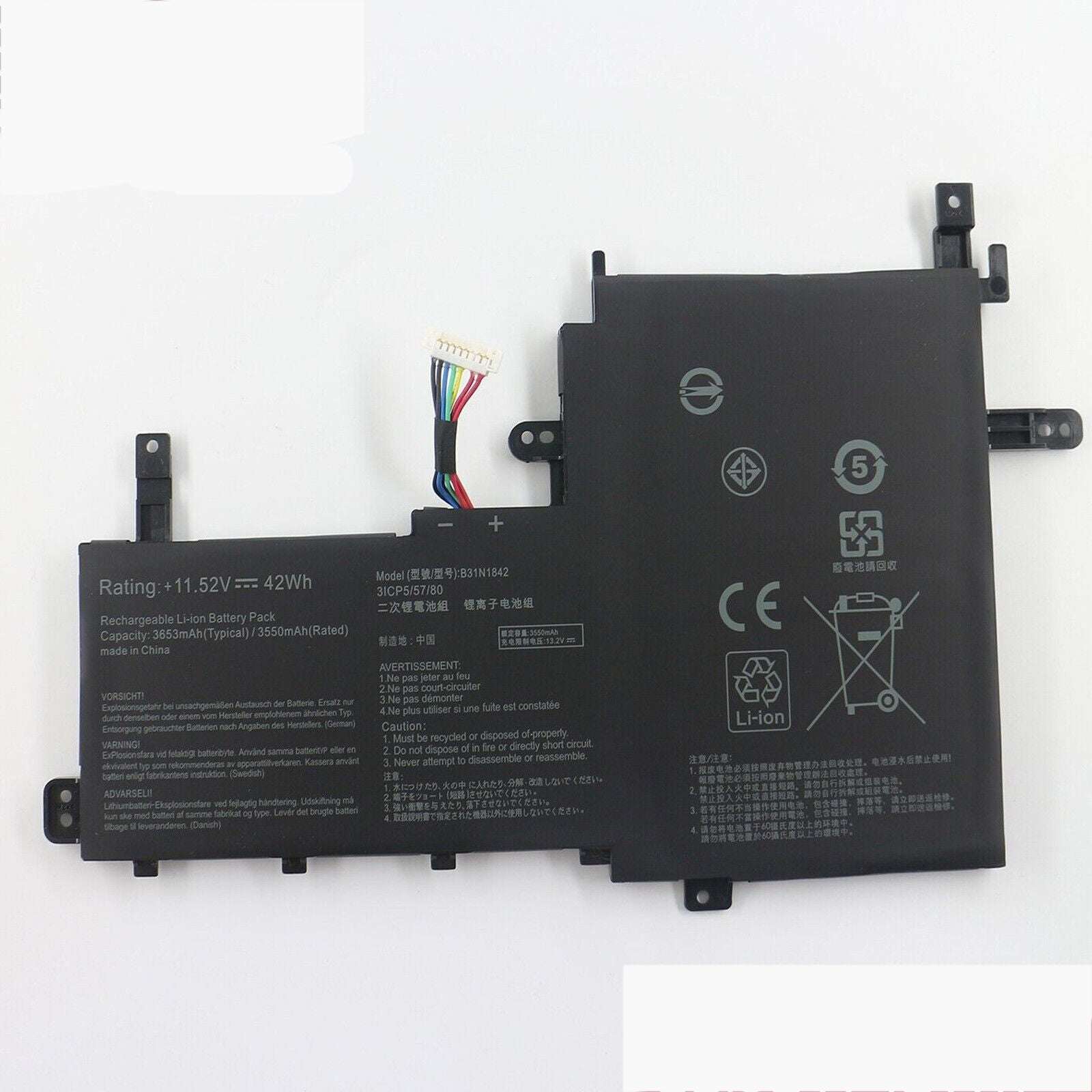
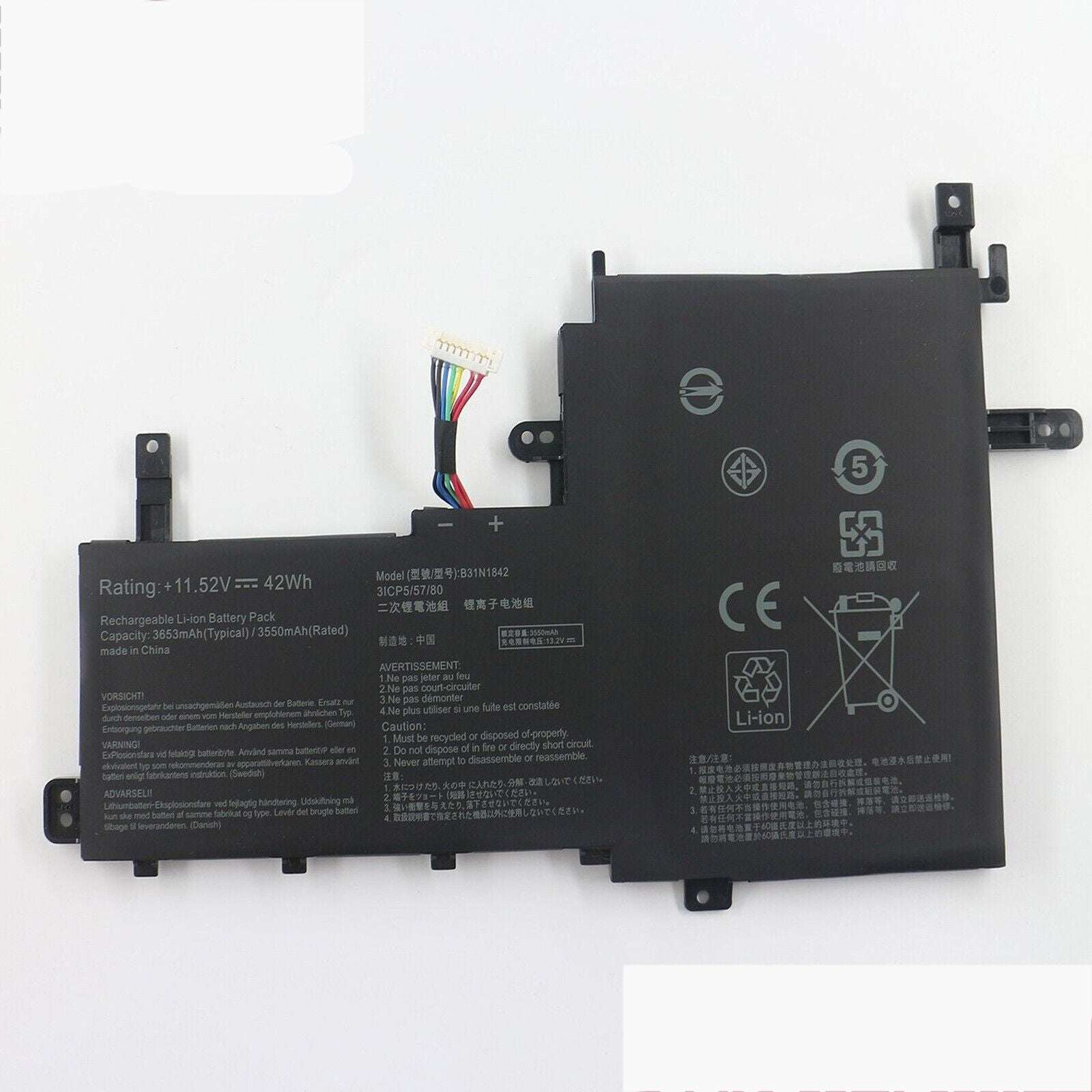
New Compatible Asus VivoBook K513E K513EA K513EP K513EQ Battery 42WH
Status:
Open Aug 08, 2026 - 07:19 AM
1answer
Answer
Aug 08, 2026 - 07:19 AM
To check the battery status on an ASUS laptop, click on the battery icon in the system tray at the bottom-right corner of the screen. You can also go to Settings > System > Power & battery to view detailed battery information.
View More Product Details
View all New Compatible Asus VivoBook K513E K513EA K513EP K513EQ Battery 42WH Questions & Answers