Answer
Aug 08, 2026 - 07:00 AM
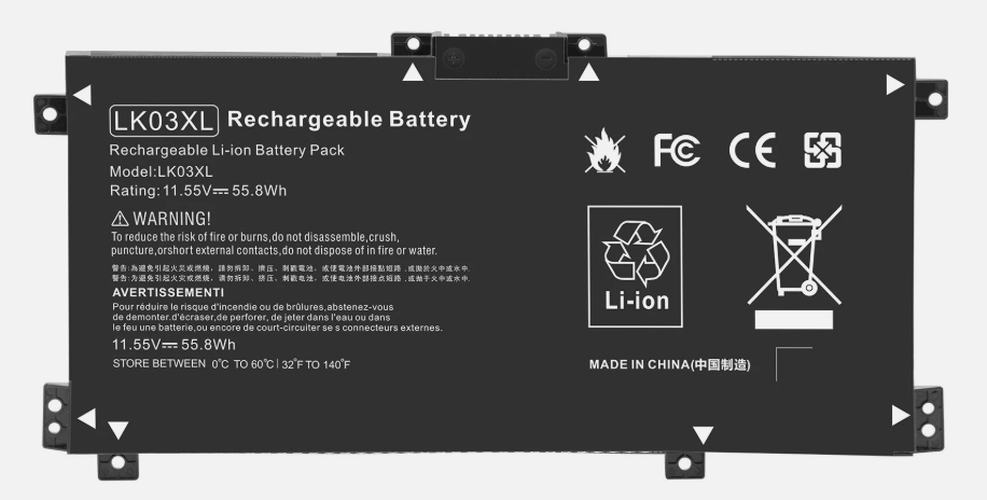
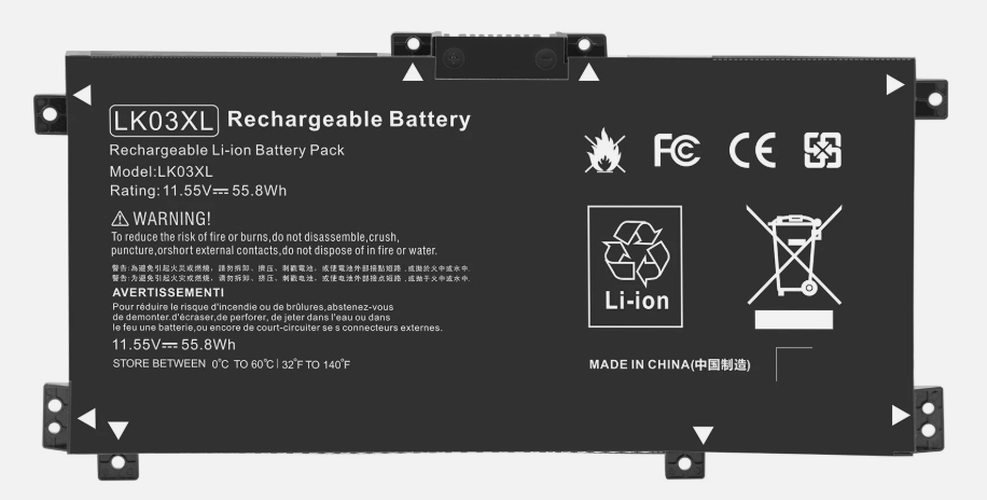
To find battery information on an HP laptop, press **Windows + X** and select **Device Manager**, then expand the **Batteries** section to view details. Alternatively, you can run the **HP Battery Check** tool from HP Support Assistant or generate a battery report by typing **powercfg /batteryreport** in Command Prompt.