Answer
Aug 08, 2026 - 07:00 AM
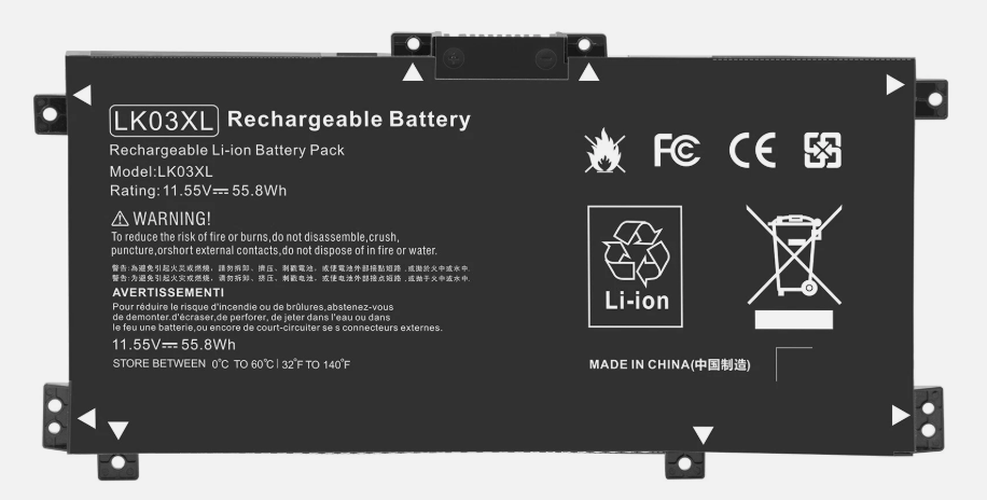
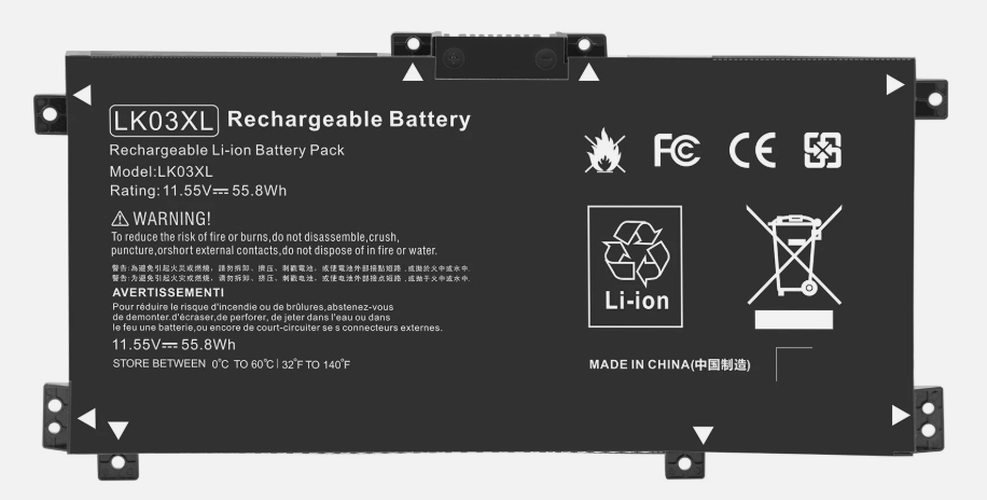
To check battery information on an HP laptop, press **Windows + X** and select **Windows PowerShell (Admin)** or **Command Prompt (Admin)**. Then type **powercfg /batteryreport** and press Enter; the report will be saved as an HTML file in your user folder, which you can open to view detailed battery information.