Answer
Aug 08, 2026 - 06:59 AM
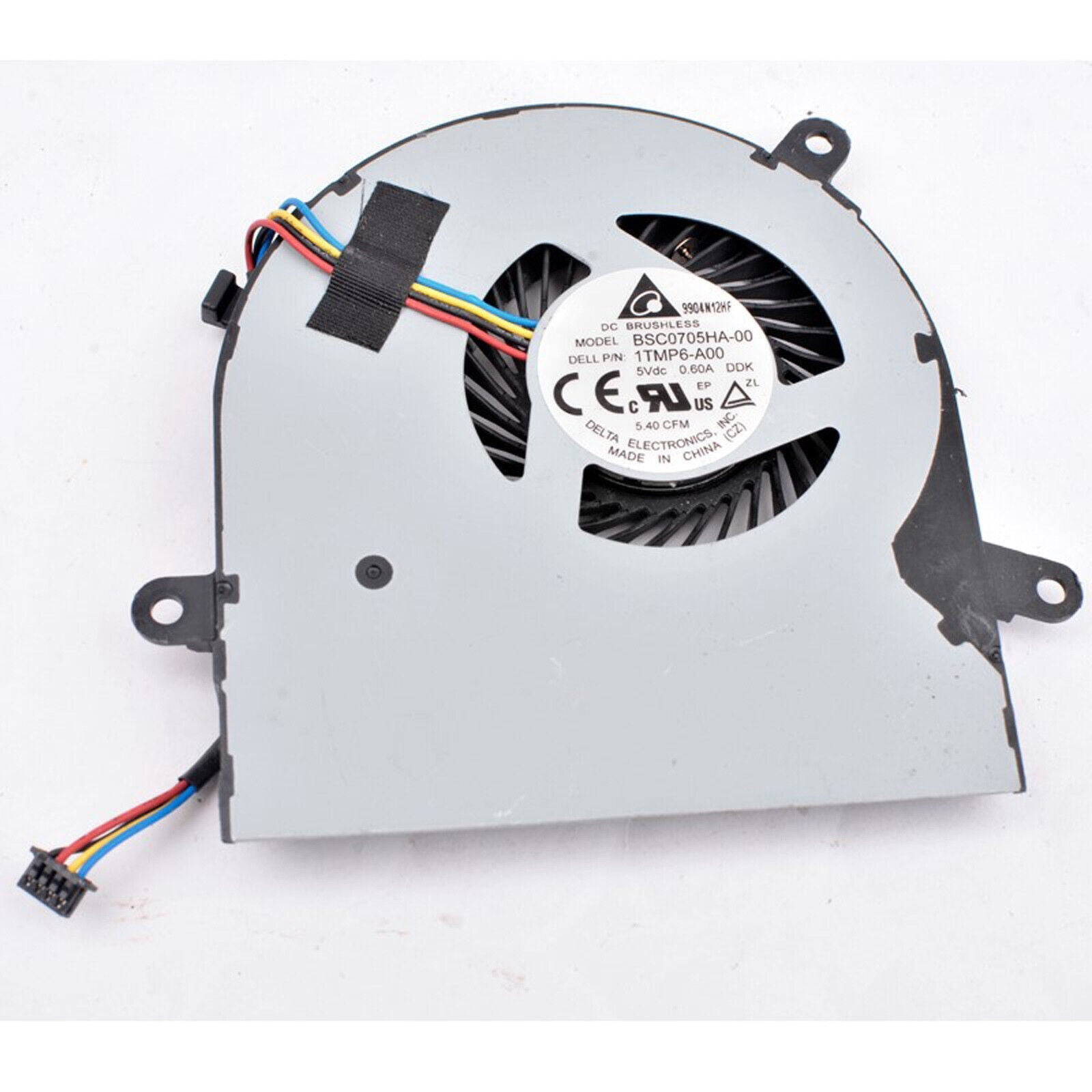
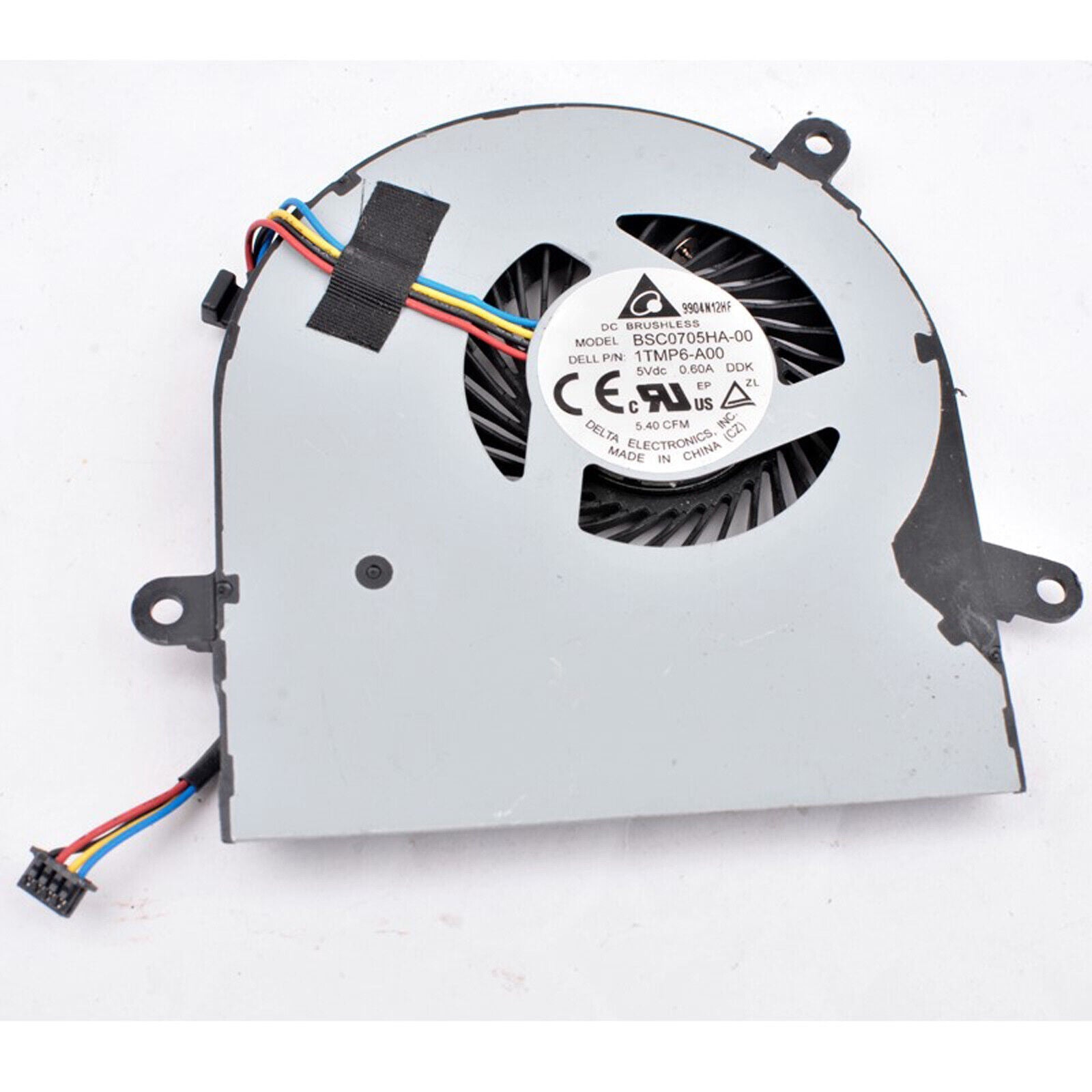
To replace the fan in a Dell Inspiron, first power off the laptop, unplug it, and remove the battery. Unscrew and open the back cover, locate the fan, disconnect its cable, and remove the screws securing it. Replace it with a new fan, reassemble the laptop, and power it on to ensure proper operation.