How to check battery health on 2017 MacBook Pro?
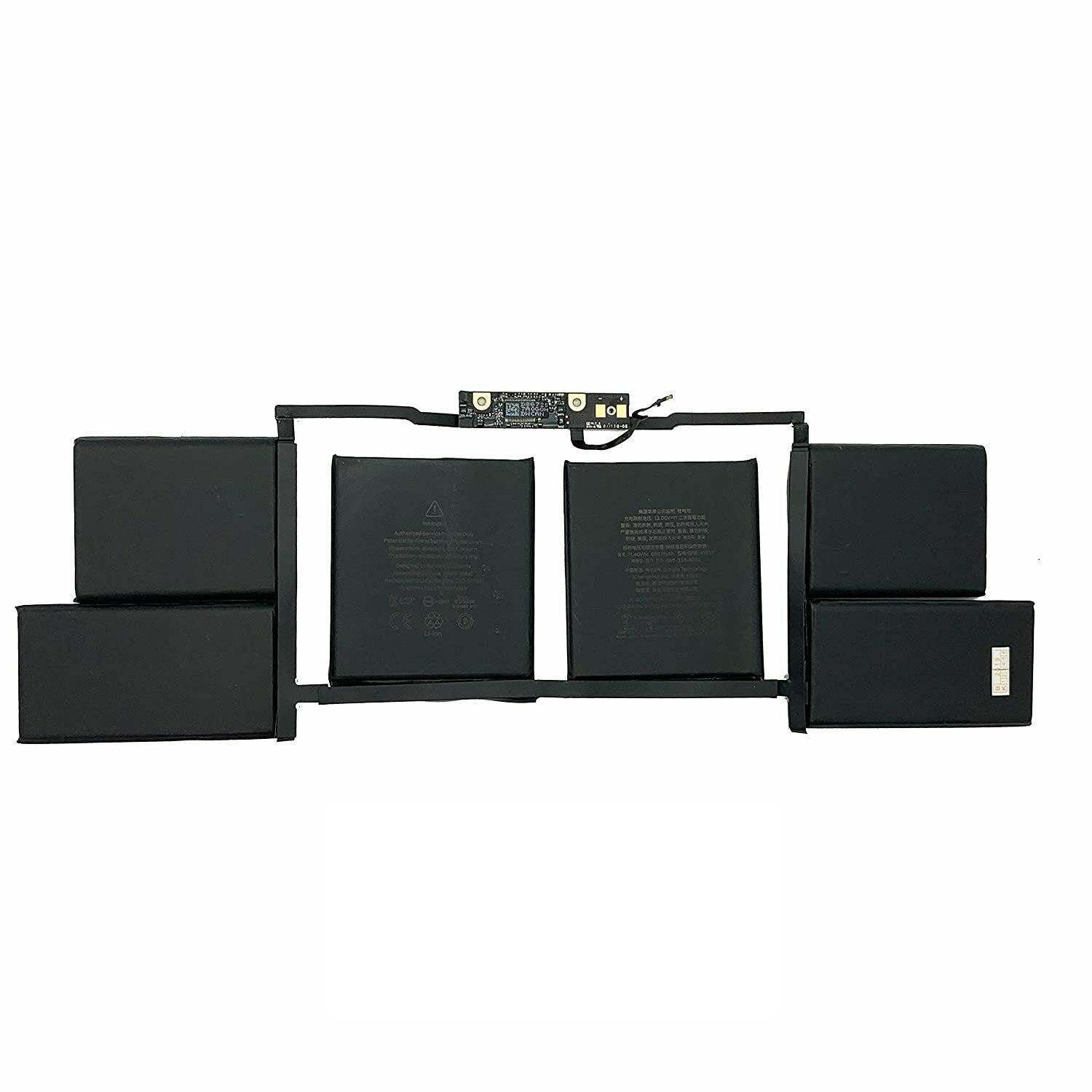
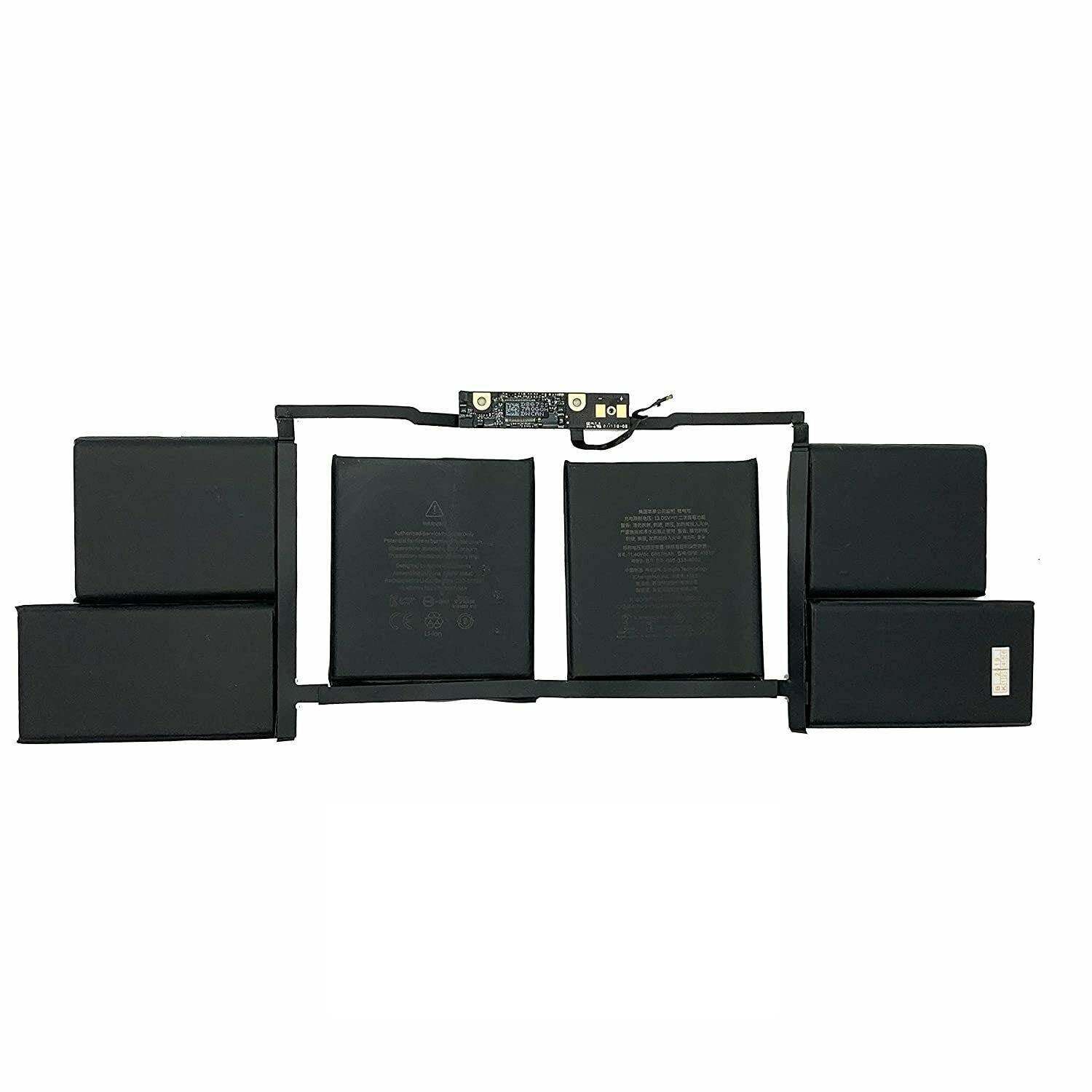
New Genuine Apple Macbook Pro Retina 15 A1707 A1820 2016 2017 Battery 76Wh
Batteries
Status:
Open Aug 08, 2026 - 06:57 AM
1answer
Answer
Aug 08, 2026 - 06:57 AM
To check the battery health on your 2017 MacBook Pro, hold the Option key and click the Apple menu, then select "System Information." Under the "Hardware" section, click "Power" to view detailed battery information, including cycle count and condition. Alternatively, you can hold the Option key and click the battery icon in the menu bar to see a quick battery condition status.
View More Product Details
Browse by Category
Batteries
View our complete selection of Batteries to find the one that suites your needs.
View All
View all Batteries Questions & Answers
View all New Genuine Apple Macbook Pro Retina 15 A1707 A1820 2016 2017 Battery 76Wh Questions & Answers