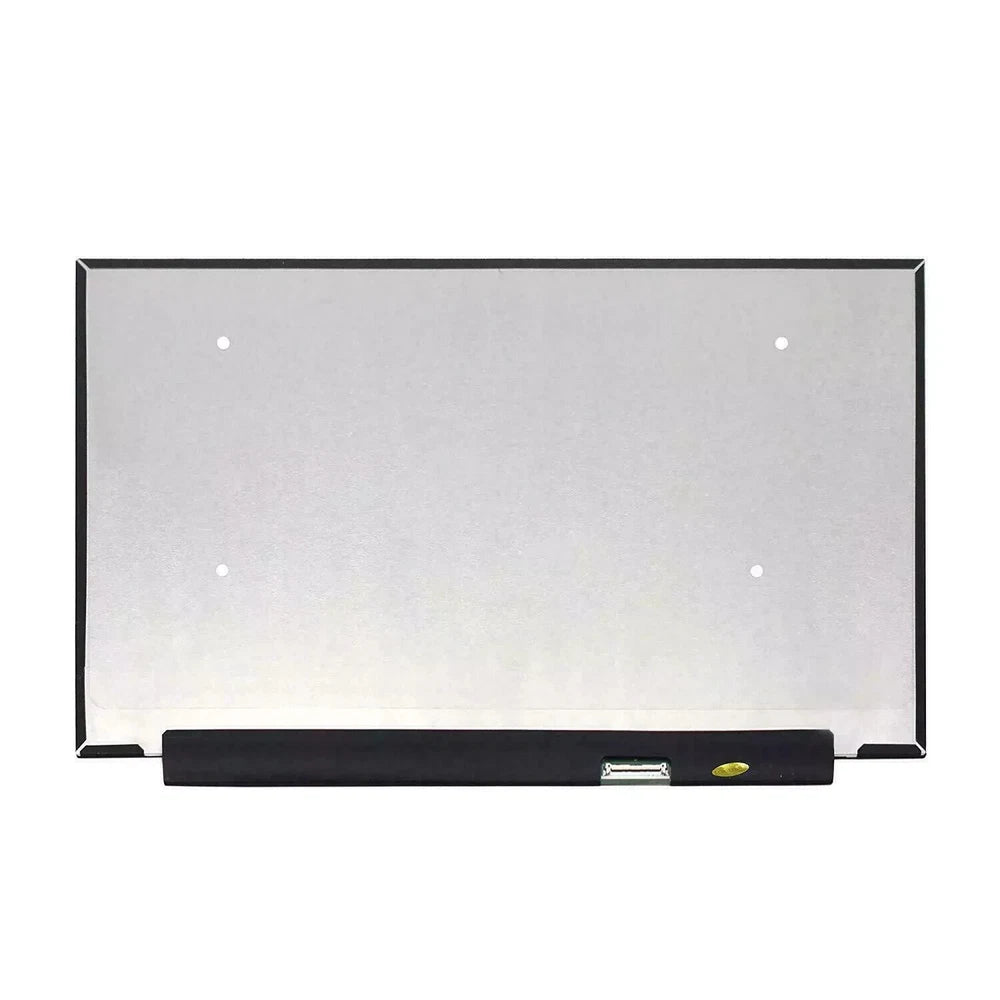
We’ve provided several answers to questions related to New Lenovo ThinkBook 16" WUXGA B160UAK01.2 B160UAK01.8 N160JCN-ELK LCD Touch Screen 5D11K06186 5D11Q00692 , see some other helpful Q&A related to this product.
-
Question: What is the benefit of having a 40-pin connector on the display?
Answer: The 40-pin connector ensures a secure and stable connection between the display and the device, allowing for optimal data and power transmission. This is important for maintaining screen performance and compatibility with the device’s hardware.
-
Question: What is an LCD screen and why is it beneficial?
Answer: LCD stands for Liquid Crystal Display, a technology known for producing crisp, clear images with good color reproduction and energy efficiency. LCD screens are widely used in laptops and monitors for their reliability and visual quality.
-
Question: What kind of warranty does this product come with?
Answer: This product comes with a 1-year warranty. A warranty provides peace of mind and protection against manufacturing defects, ensuring your investment is safeguarded.
-
Question: What is the condition of the product?
Answer: The product is brand new. Purchasing a new display means you get the latest technology, full manufacturer support, and a longer lifespan compared to refurbished or used parts.
-
Question: What is the part number 5D11K06186 compatible with?
Answer: The part number 5D11K06186 is designed for Lenovo devices that require a 16-inch WUXGA LCD touch screen. Using the correct part number guarantees proper fit and optimal functionality.
-
Question: What is the model number N160JCN-ELK compatible with?
Answer: The model N160JCN-ELK is compatible with certain Lenovo devices needing a 16-inch WUXGA touch screen. Ensuring the correct model is used helps maintain device performance and display quality.
-
Question: What is the model number B160UAK01.2 compatible with?
Answer: The model B160UAK01.2 is compatible with specific Lenovo devices that require a 16-inch WUXGA touch screen. Compatibility ensures that the screen fits and functions perfectly with your device, reducing installation issues.
-
Question: Is the screen a touch screen?
Answer: Yes, this is a touch screen display. Touch screen functionality allows users to interact directly with the display, which enhances usability and provides a more intuitive experience, especially for creative and productivity tasks.
-
Question: How many pins does the connection have and where is it located?
Answer: The display has a 40-pin connector located at the bottom right. The number and placement of pins are important for compatibility and easy installation, ensuring the display works seamlessly with the intended device.
-
Question: What type of backlight does the screen use?
Answer: The screen uses an LED (Light Emitting Diode) backlight. LED backlighting is energy-efficient, provides bright and vibrant colors, and typically has a longer lifespan compared to traditional backlighting technologies.
-
Question: What is the resolution of the screen?
Answer: The screen resolution is 1920 x 1200 pixels. This WUXGA (Wide Ultra Extended Graphics Array) resolution provides clear, sharp visuals and more screen real estate, which is beneficial for detailed work and entertainment.
-
Question: What is the size of the display?
Answer: The display size is 16 inches. A 16-inch display offers a larger viewing area, making it ideal for productivity, multimedia, and multitasking needs.