More Questions We've Answered Related to This Product
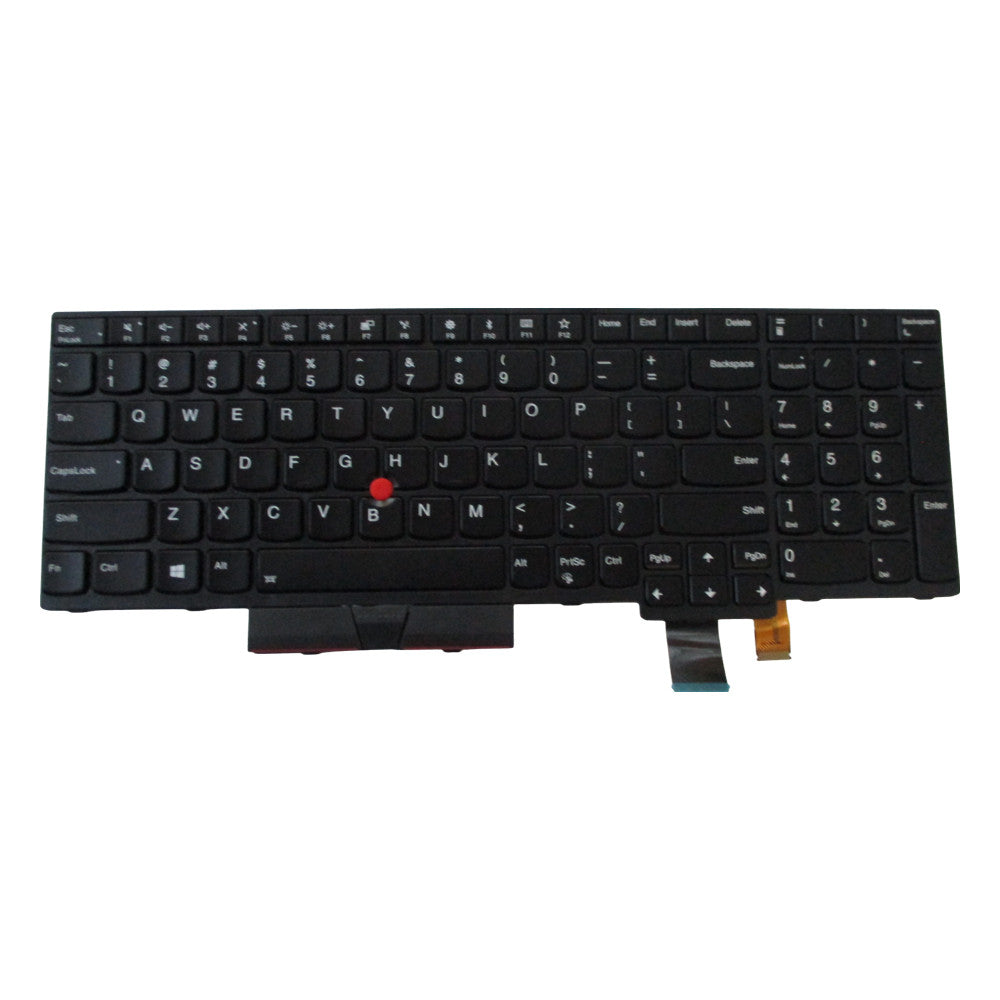
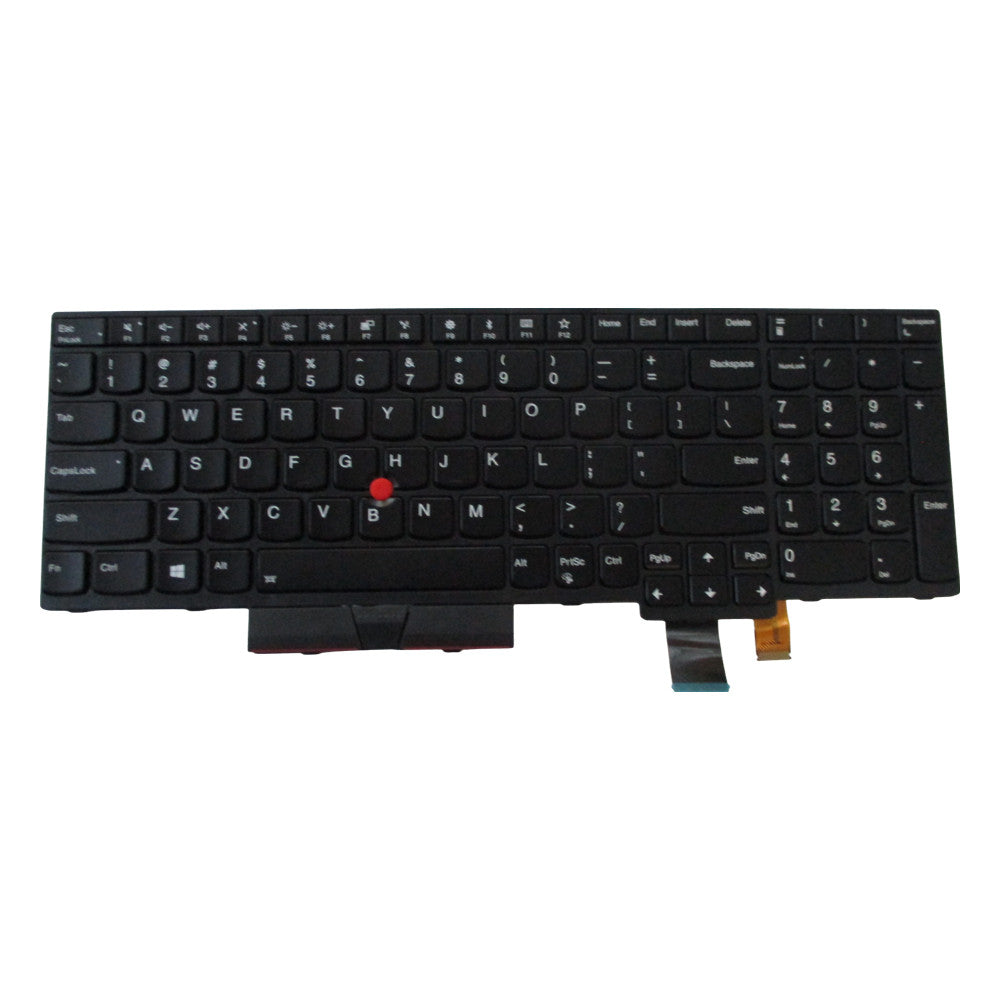
We’ve provided several answers to questions related to New Lenovo ThinkPad P51s P52s T570 T580 Backlit Keyboard , see some other helpful Q&A related to this product.
-
Question: How to turn on the backlit keyboard on Lenovo ThinkPad?
Answer: To turn on the backlit keyboard on a Lenovo ThinkPad, press the "Fn" key and the spacebar at the same time. Repeating this key combination will cycle through the different brightness levels (off, low, and high).
-
Question: Does this keyboard work with part number SN20M07893?
Answer: Yes, this keyboard is compatible with part number SN20M07893. Having the correct part number ensures you get the right fit for your laptop.
-
Question: Does this keyboard work with part number SN20M07964?
Answer: Yes, this keyboard is compatible with part number SN20M07964. Ensuring the correct part number is used guarantees the replacement will fit and function properly.
-
Question: Does this keyboard work with part number 01HX248?
Answer: Yes, this keyboard is also compatible with part number 01HX248. Using the correct part number means you avoid issues with mismatched components.
-
Question: Does this keyboard work with part number 01ER541?
Answer: Yes, this keyboard matches part number 01ER541. Using the correct part number guarantees a seamless installation and optimal performance.
-
Question: Is this keyboard compatible with the Lenovo ThinkPad T580?
Answer: Yes, this keyboard is suitable for the Lenovo ThinkPad T580. Compatibility is important to ensure that the keyboard fits perfectly and all keys function as expected.
-
Question: Is this keyboard new?
Answer: Yes, this keyboard is brand new, so you can be assured of its quality and longevity. A new keyboard offers reliability and is less likely to have any pre-existing issues compared to refurbished or used parts.