Where is the battery reset button on an Acer Aspire laptop?
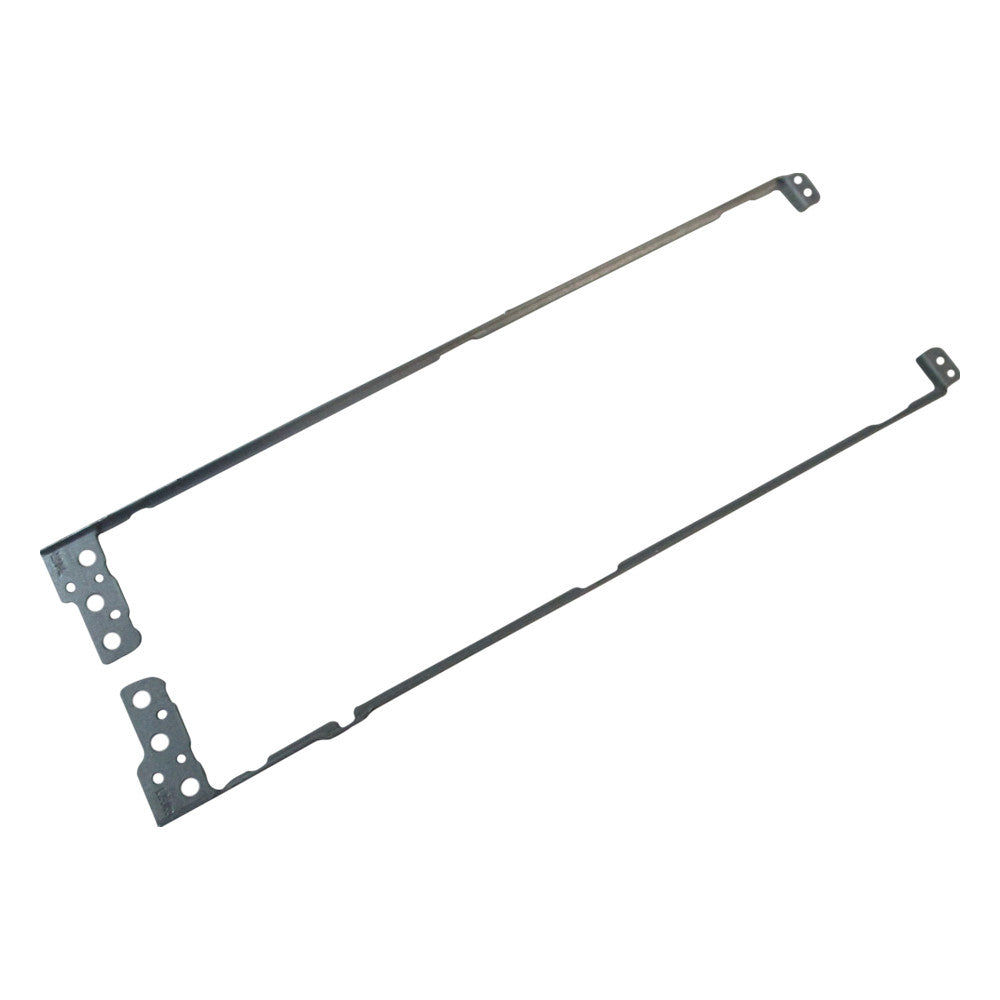
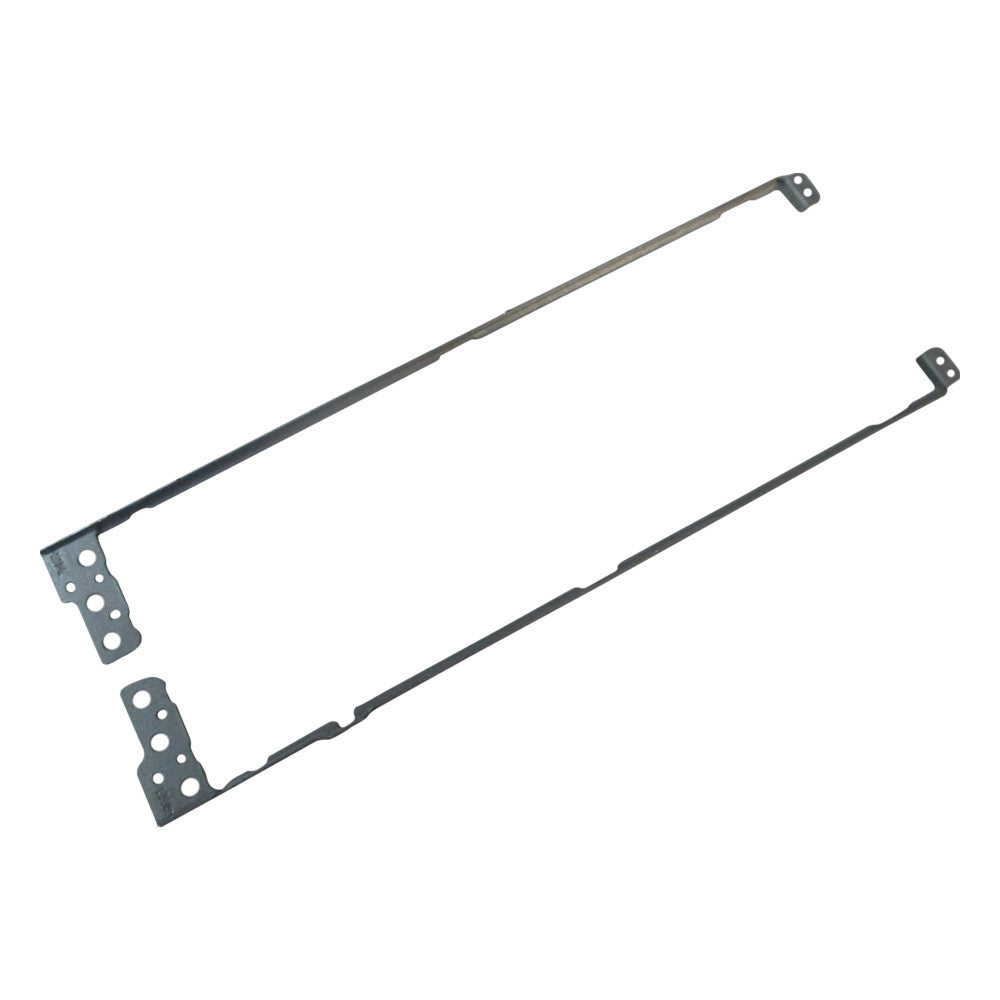
New Acer Aspire Vero Green AV15-51 AV15-52 Left & Right Lcd Bracket Set 33.AYCN2.002
Acer Parts Canada
Status:
Open May 19, 2026 - 05:50 PM
1answer
Answer
May 19, 2026 - 05:50 PM
The battery reset button on an Acer Aspire laptop is usually located on the bottom of the laptop, often marked with a small pinhole. You can press it using a paperclip or a similar tool to reset the battery. If you have trouble finding it, check your specific model’s manual for the exact location.
View More Product Details
View all Acer Parts Canada Questions & Answers
View all New Acer Aspire Vero Green AV15-51 AV15-52 Left & Right Lcd Bracket Set 33.AYCN2.002 Questions & Answers