Answer
May 19, 2026 - 05:44 PM
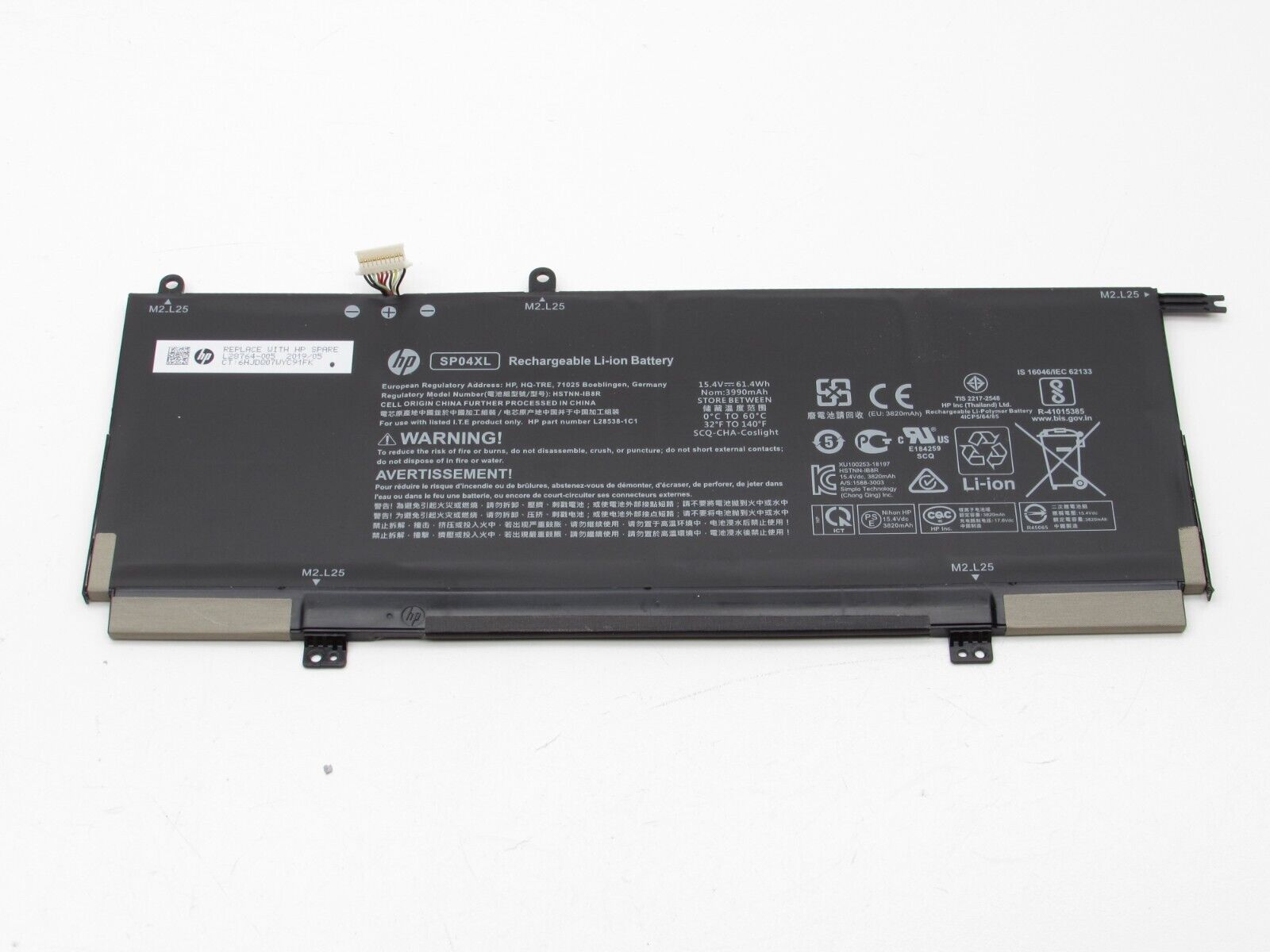
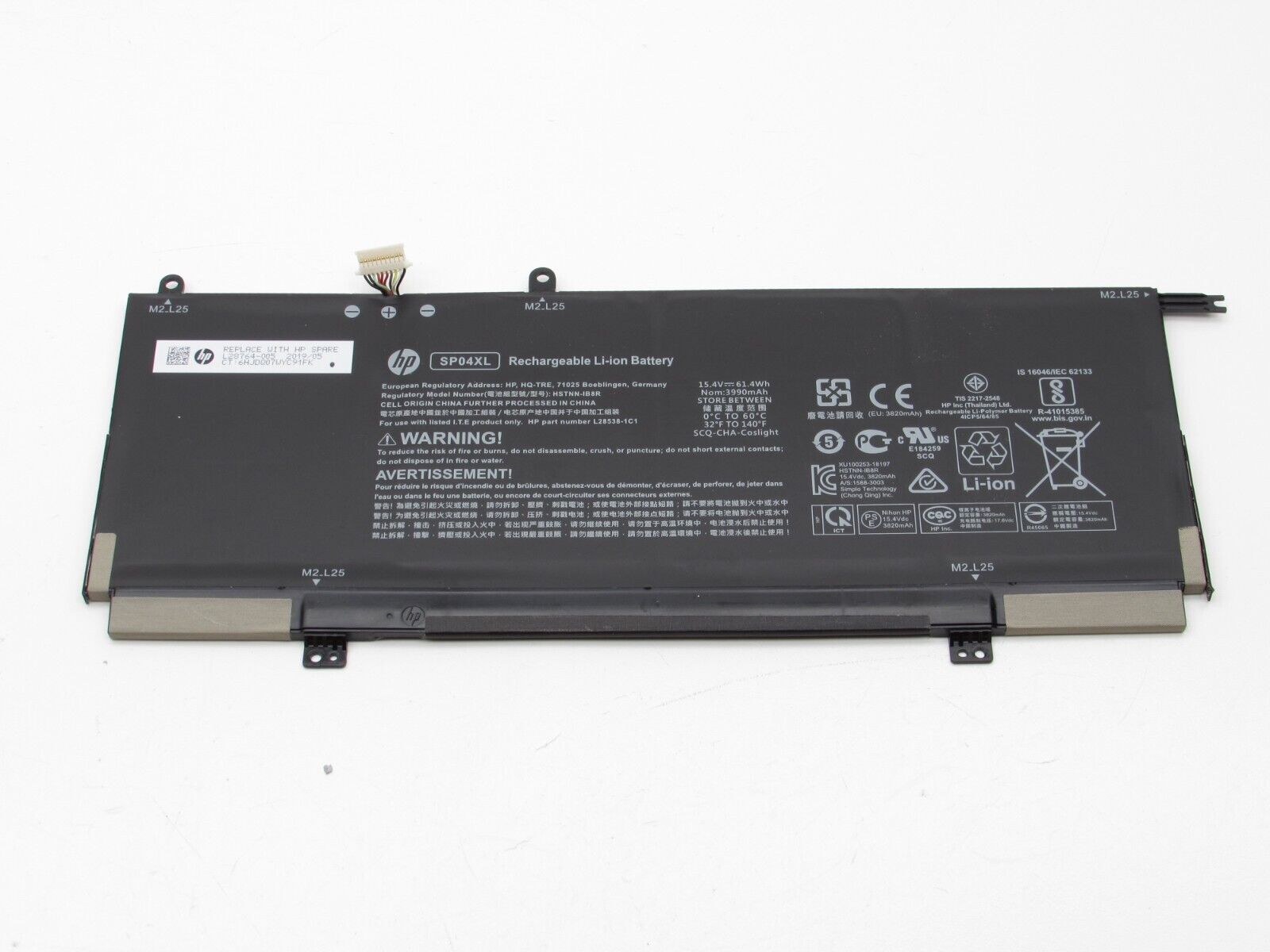
To replace the battery on an HP Spectre x360 laptop, first power off the device and remove all external cables. Unscrew and carefully remove the bottom cover, then disconnect the battery connector and unscrew the battery before replacing it with a new one. Reassemble the laptop by reversing these steps.