Answer
May 19, 2026 - 05:37 PM
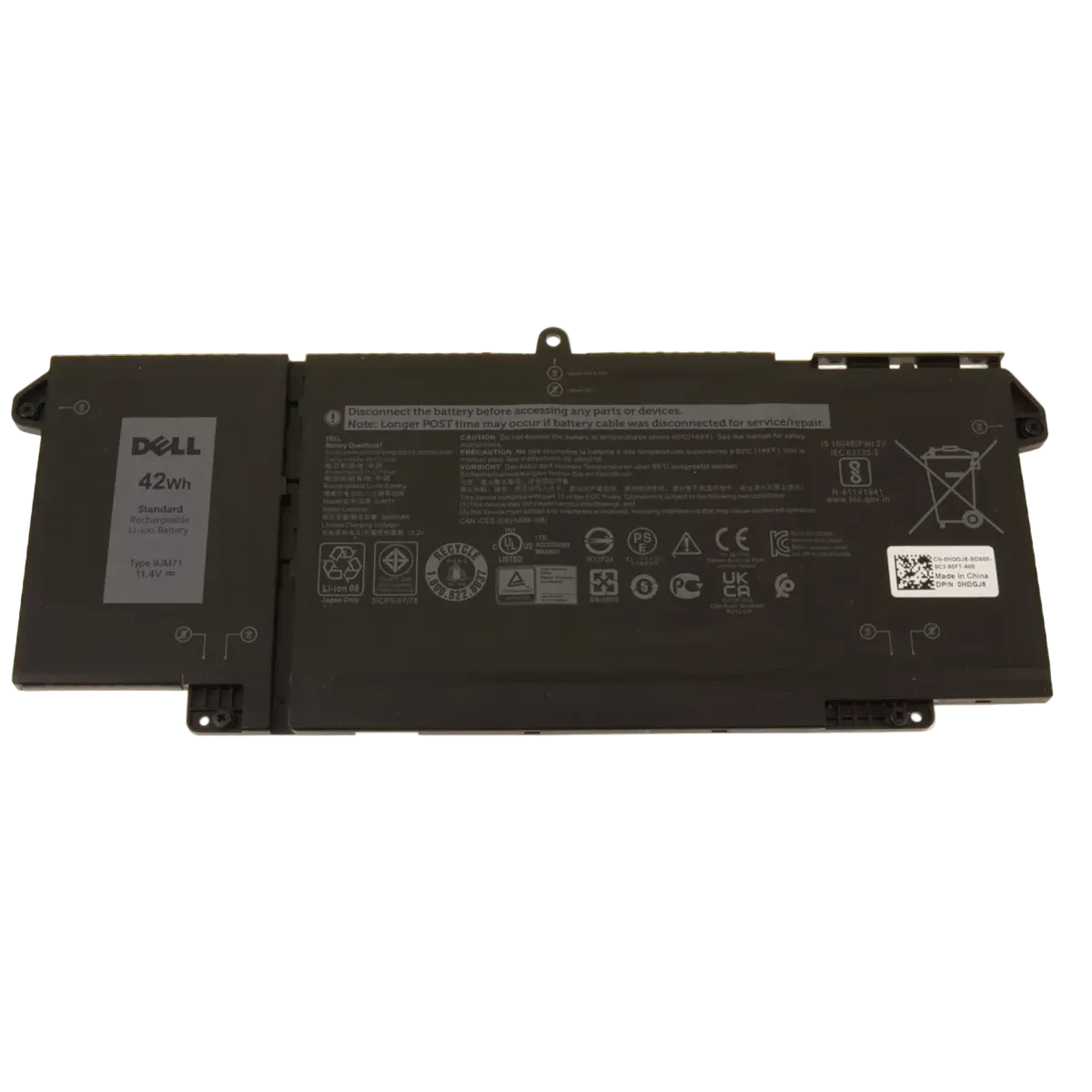
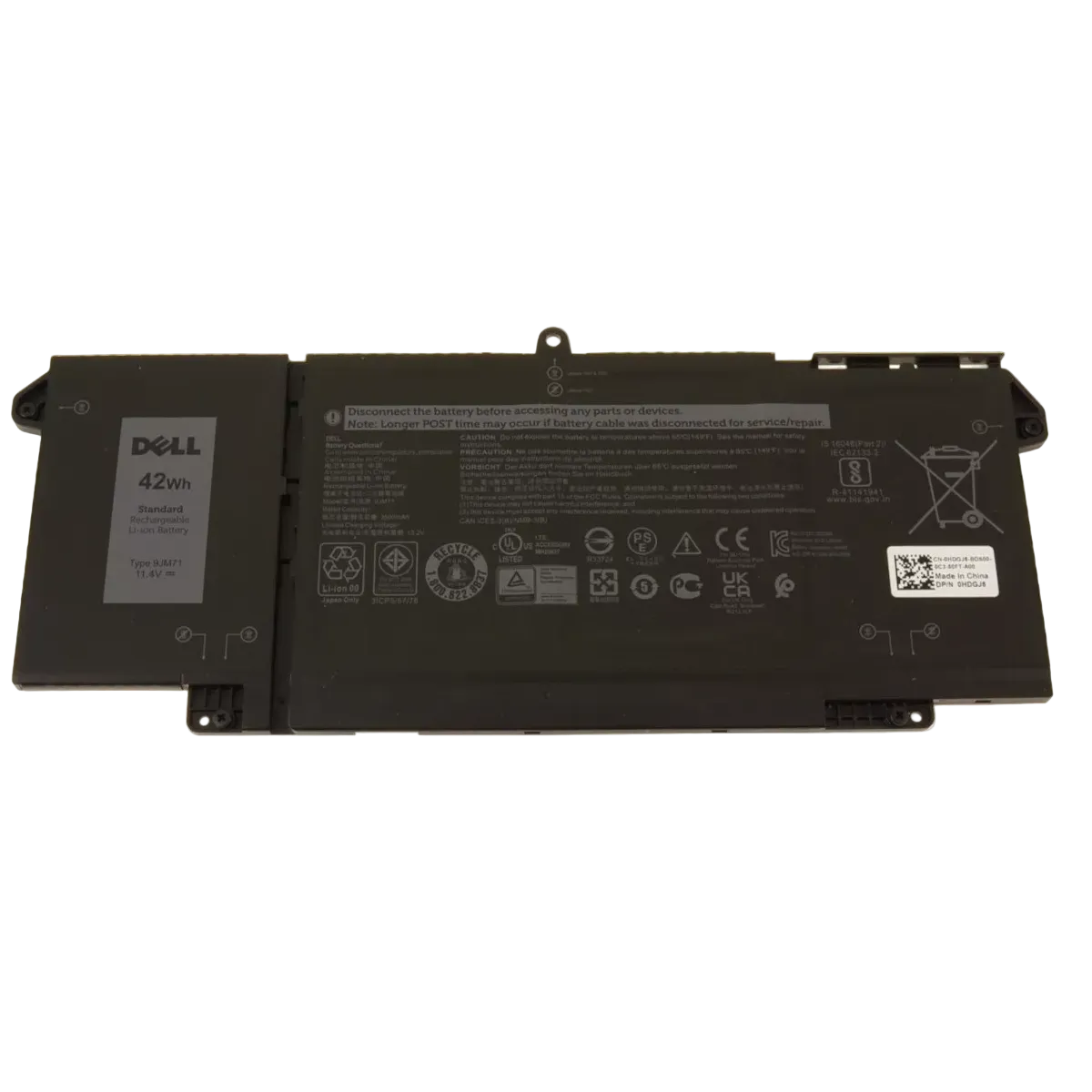
To check your Dell laptop battery details, open the Command Prompt and type **powercfg /batteryreport** to generate a battery report, which you can view for detailed information. Alternatively, you can use the Dell Power Manager app or check the battery status in the BIOS by pressing F2 at startup.