Answer
May 19, 2026 - 05:30 PM
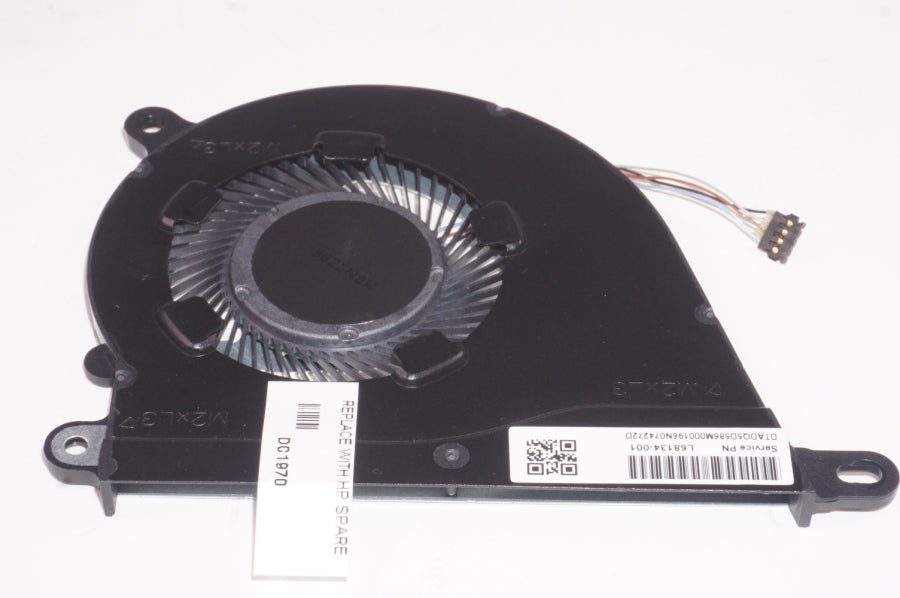
To activate or control the cooling fan on an HP laptop, ensure that your laptop is not in silent or battery-saving mode, as these can slow down the fan. You can also access the BIOS/UEFI settings during startup (usually by pressing Esc or F10) and look for a “Fan Always On” or similar option to enable it. Additionally, keeping your laptop’s vents clean and using HP Support Assistant can help manage fan settings and performance.