Answer
May 19, 2026 - 05:29 PM
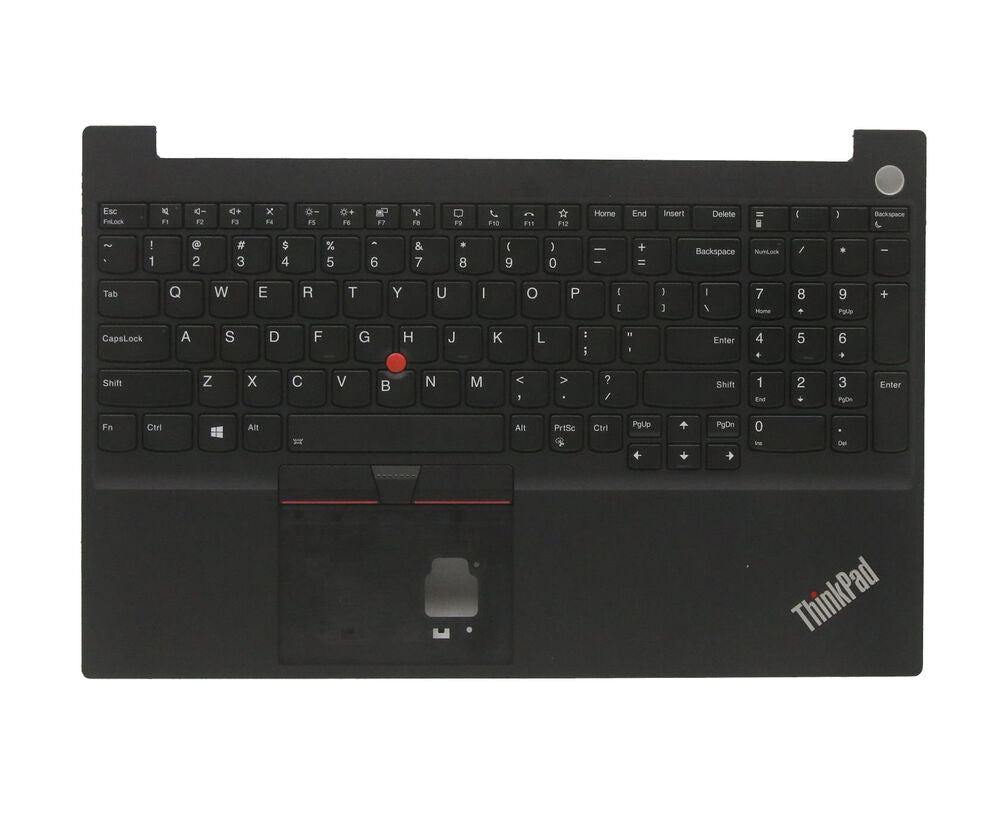
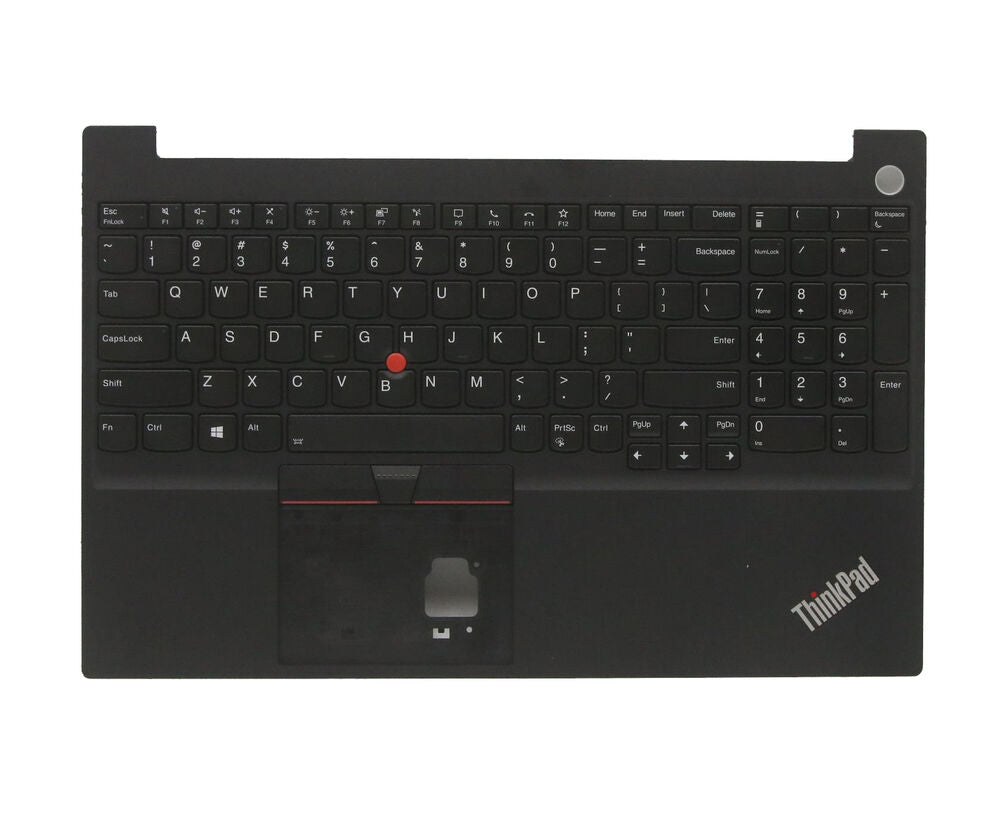
To turn on the keyboard backlight on your Lenovo ThinkPad, press the "Fn" key and the spacebar at the same time. You can cycle through the available brightness levels by pressing this key combination repeatedly. If your model supports keyboard backlighting and it doesn't work, check your Lenovo Vantage app or BIOS settings.