More Questions We've Answered Related to This Product
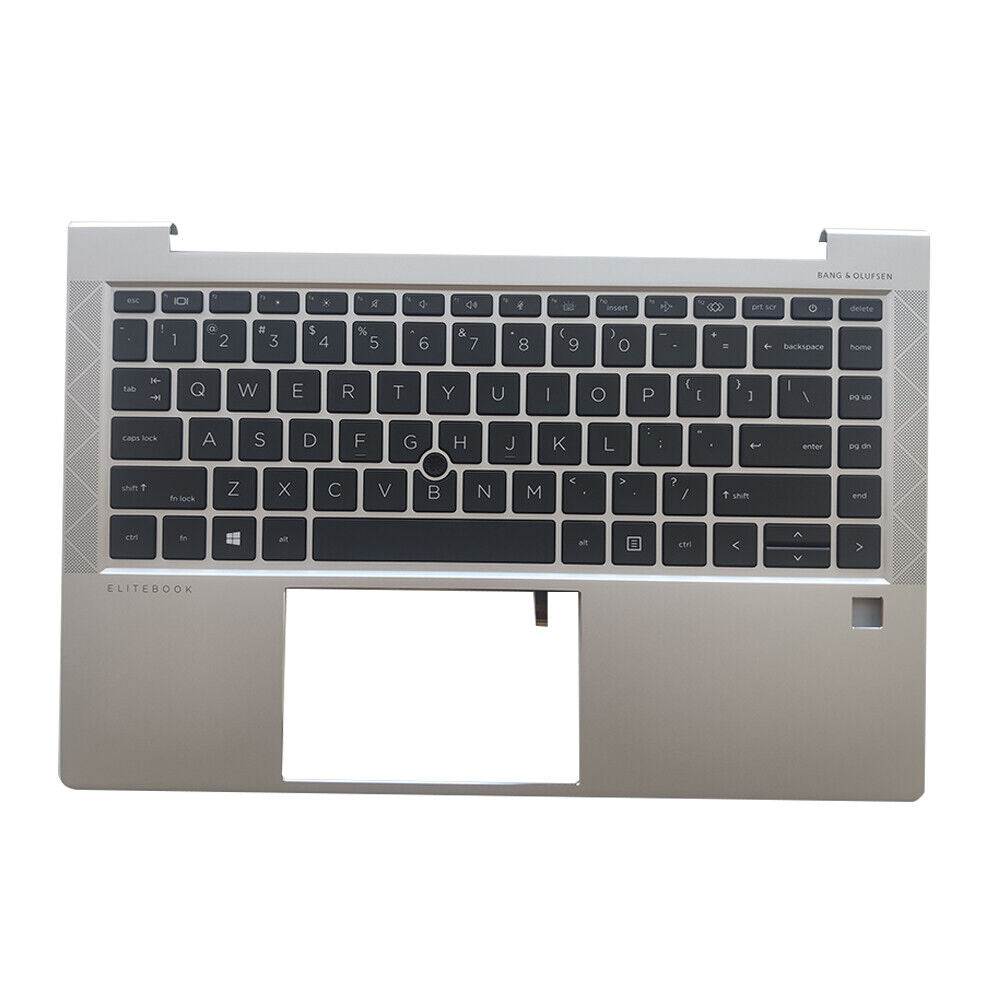
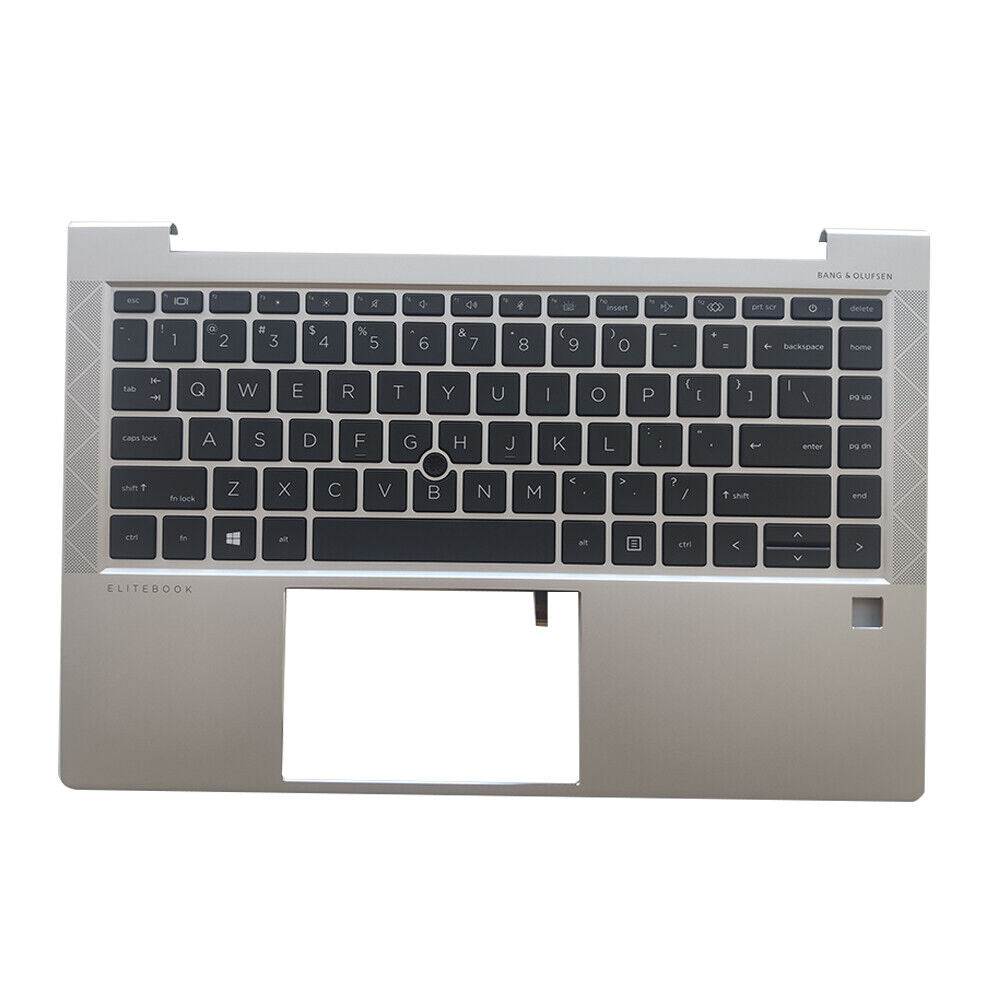
We’ve provided several answers to questions related to New HP Elitebook 745 840 G7 G8 Palmrest With Backlit US English Keyboard M07090-001 M36312-001 , see some other helpful Q&A related to this product.
-
Question: How to turn on backlit keyboard HP EliteBook 840 G7?
Answer: To turn on the backlit keyboard on an HP EliteBook 840 G7, press the **F5** key (it has a backlight icon) or **Fn + F5** if needed. You can cycle through different brightness levels by pressing the key repeatedly.
-
Question: Is this compatible with the HP EliteBook 745?
Answer: Yes, this palmrest and keyboard are also compatible with the HP EliteBook 745. This ensures that users of the 745 series can utilize this component for repairs or upgrades, extending the useful life of their device.