Answer
May 19, 2026 - 05:27 PM
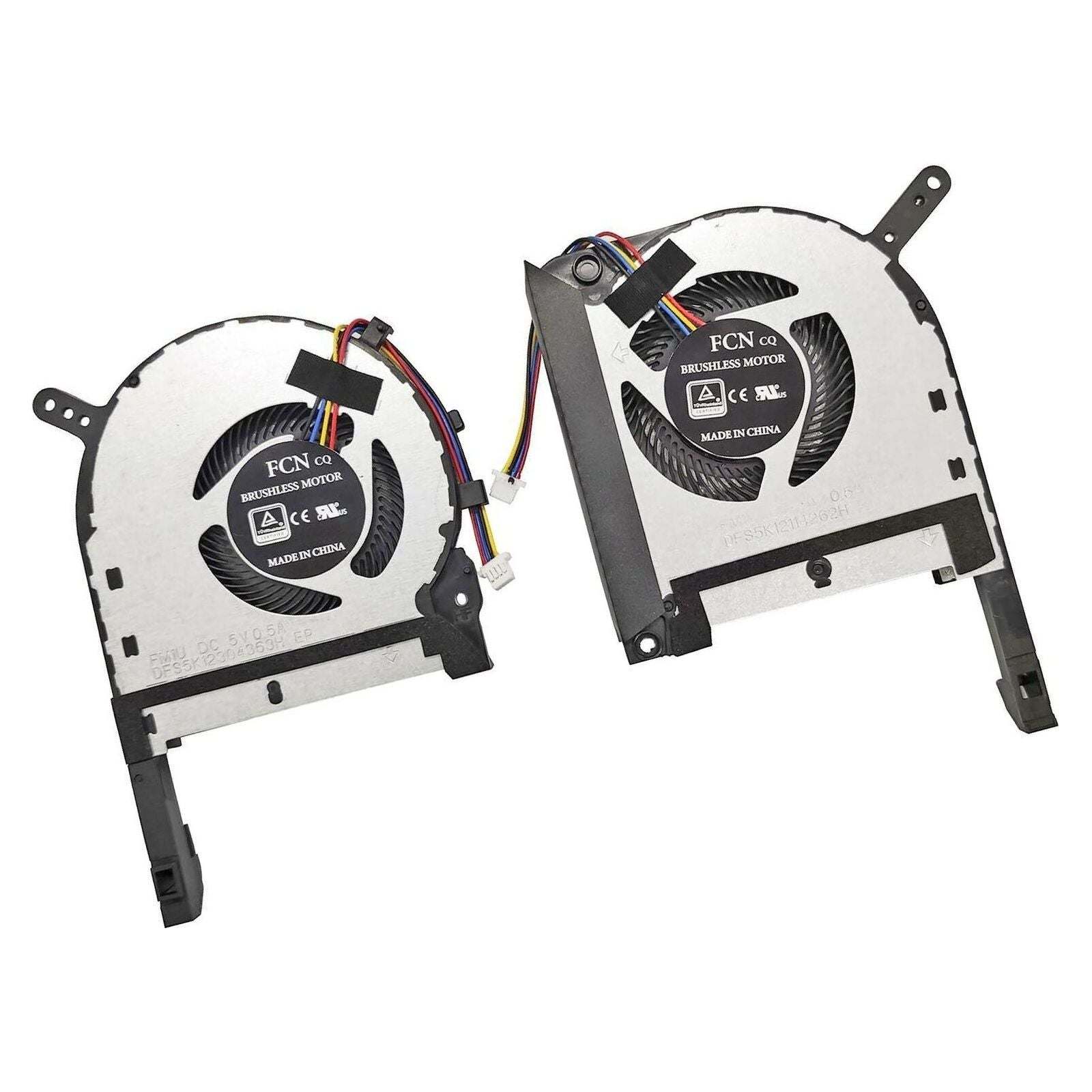
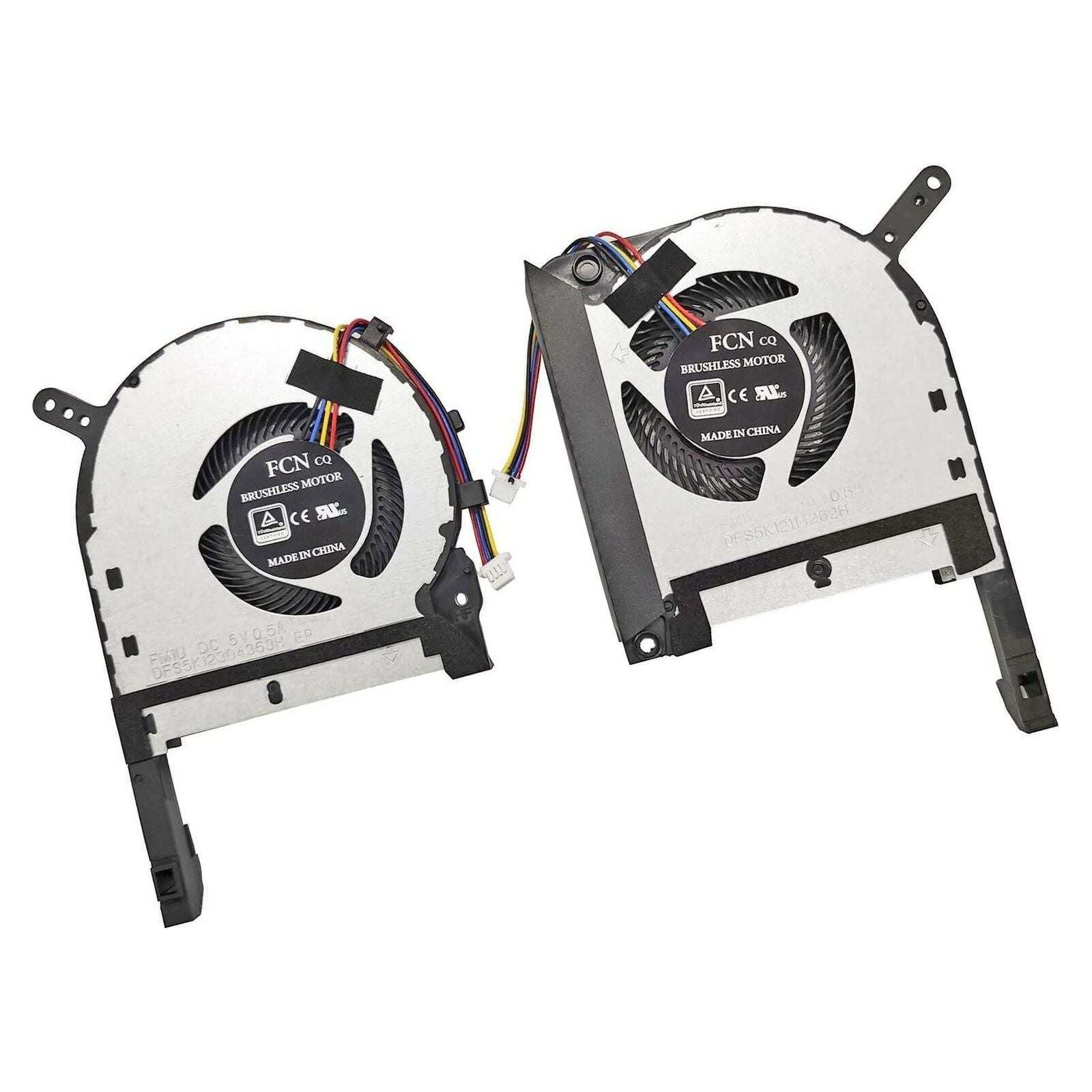
To turn on or adjust the cooling fan on an ASUS TUF laptop, you can press the "Fn" + "F5" keys to cycle through different fan modes (Silent, Performance, Turbo). Alternatively, you can open the Armoury Crate software and manually select the fan profile or customize fan speeds under the "System" or "Device" settings.