Answer
May 19, 2026 - 05:26 PM
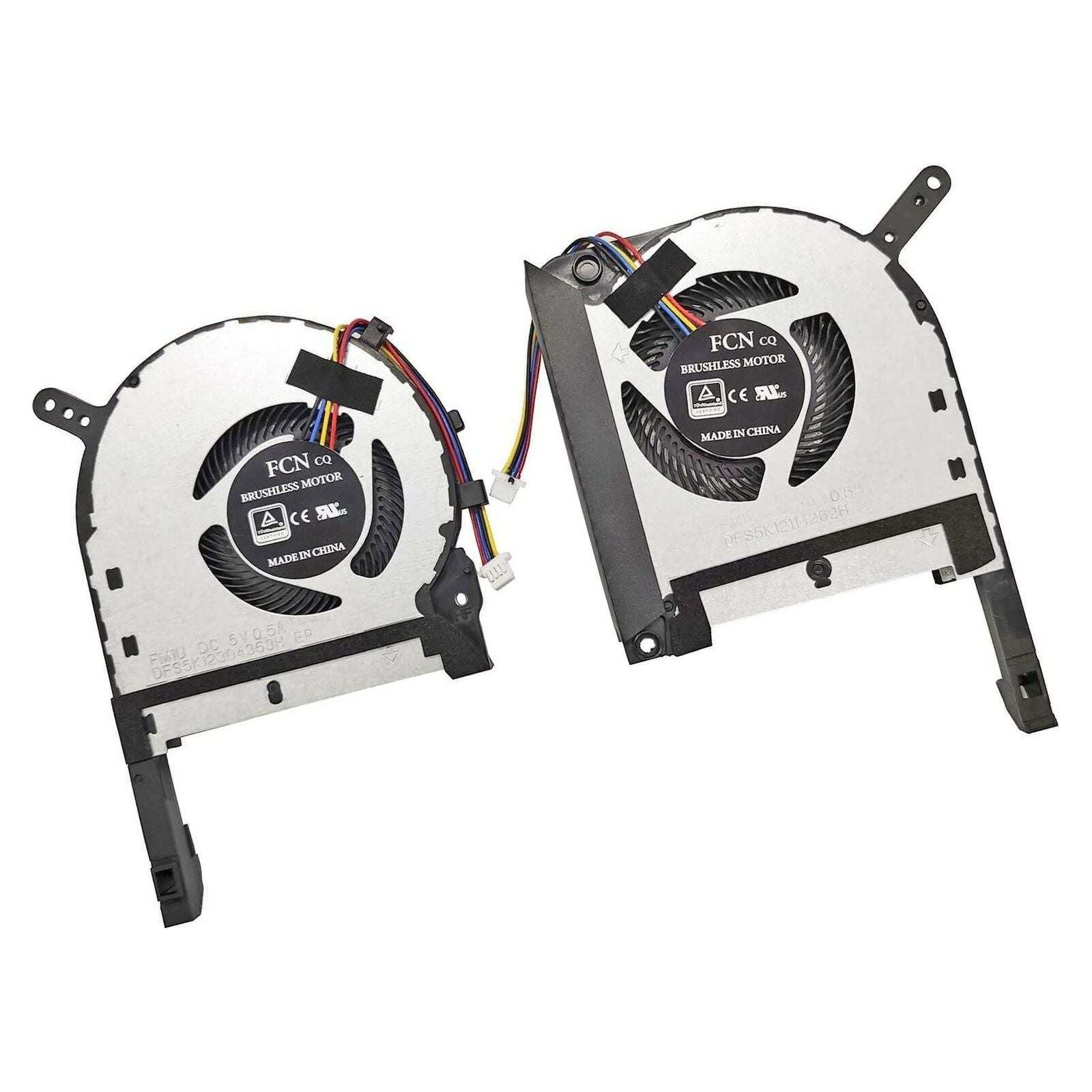
To activate or control the fan in an ASUS TUF laptop, you can use the pre-installed Armoury Crate software. Open Armoury Crate, go to the "Device" or "System" section, and select a fan profile such as "Turbo" for maximum cooling or customize the fan speed manually. You can also press the "Fn + F5" keys (on some models) to quickly switch between fan modes.