Answer
May 19, 2026 - 05:26 PM
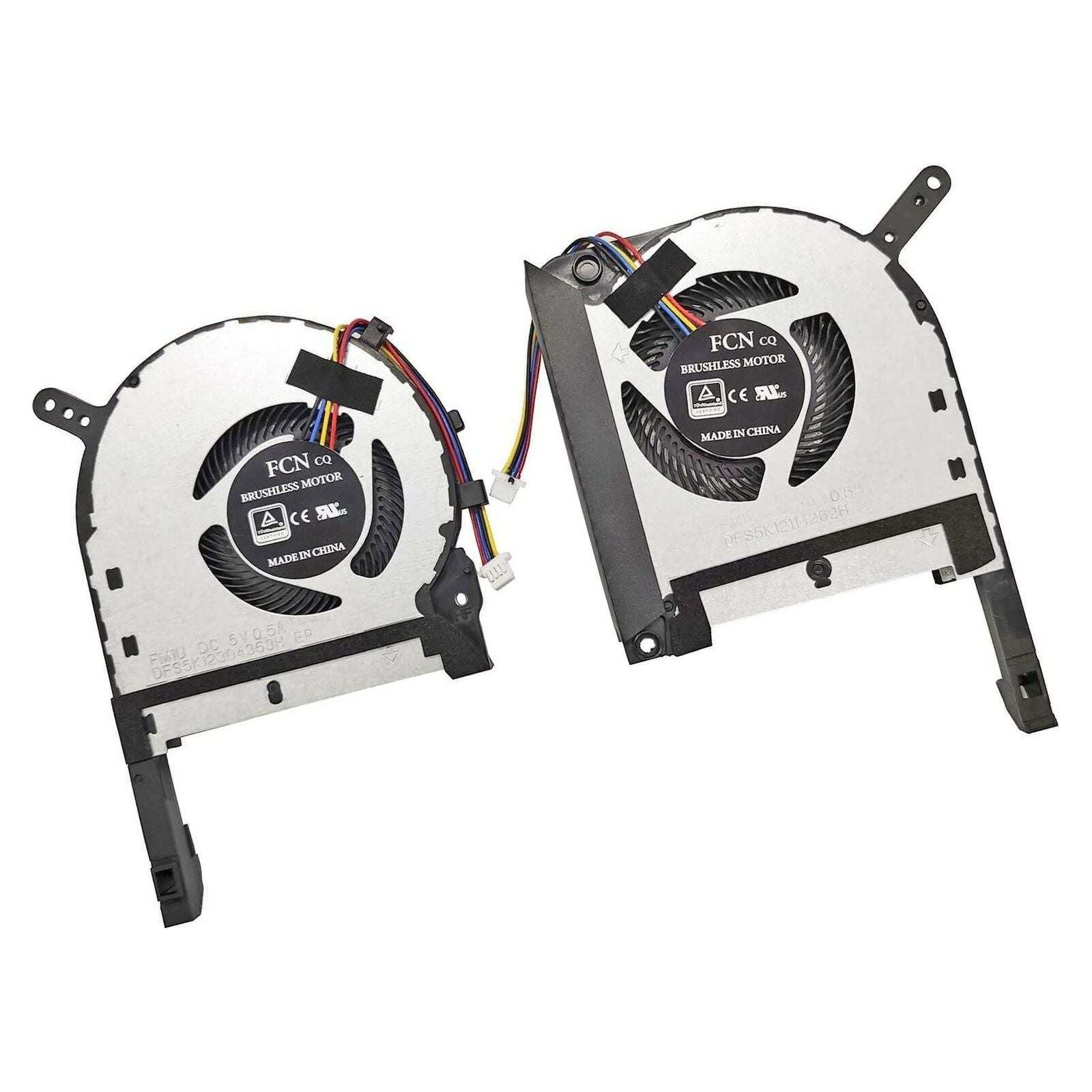
To access ASUS fan settings, restart your computer and enter the BIOS/UEFI by pressing the "Delete" or "F2" key during startup. Once in the BIOS, navigate to the "Hardware Monitor" or "Q-Fan Control" section to adjust fan speeds and profiles. Save your changes before exiting the BIOS.