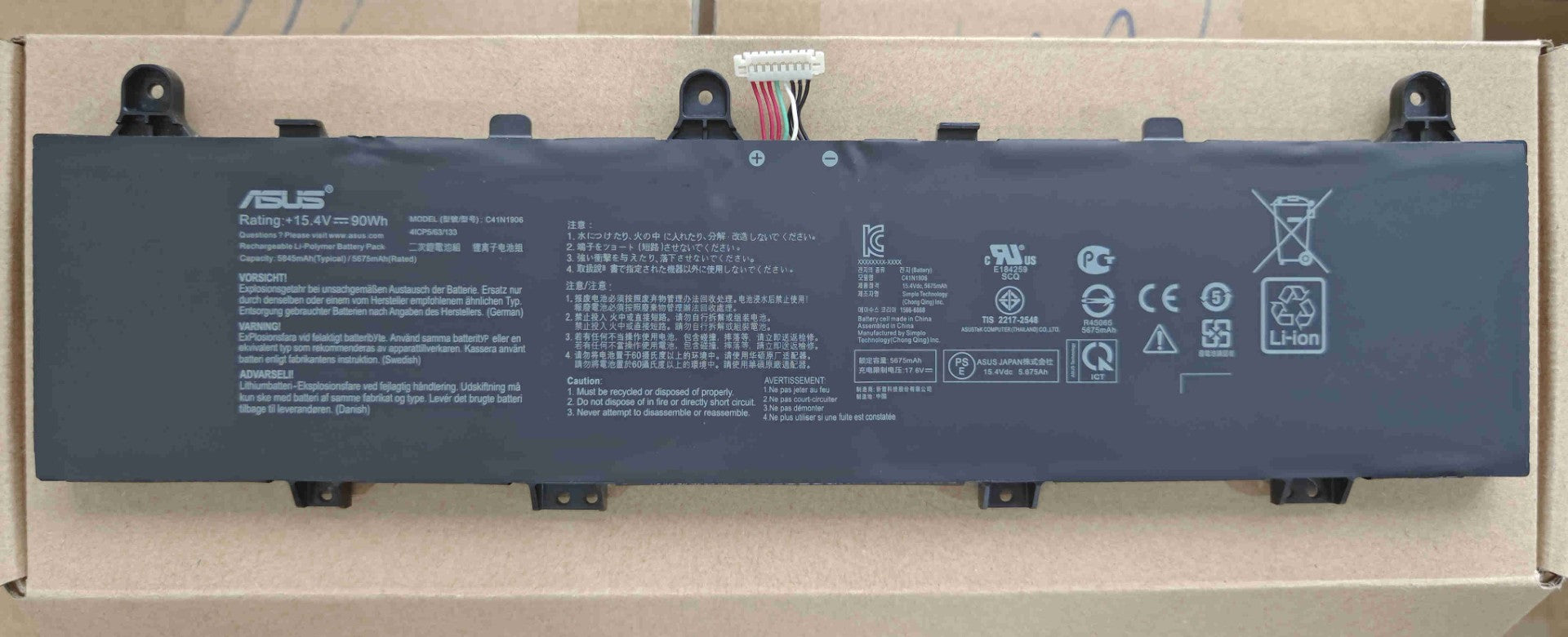
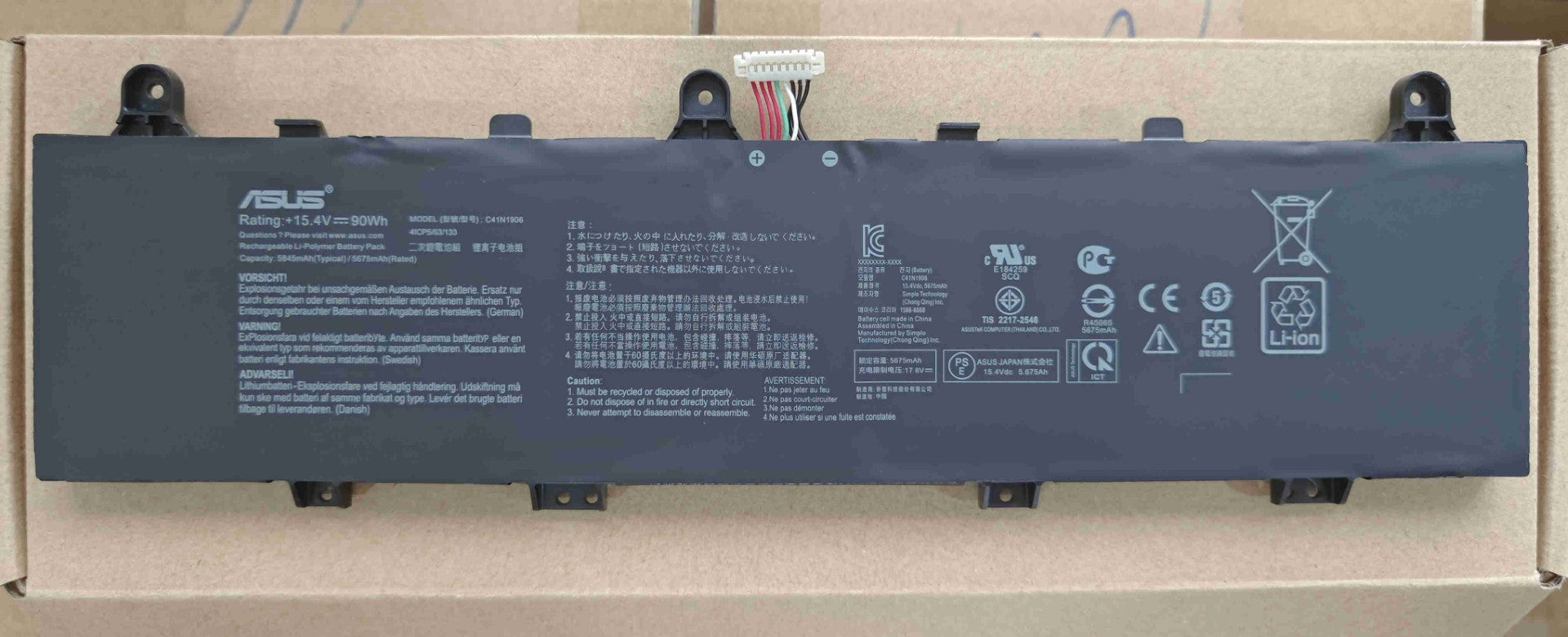
How to identify battery number?
New Genuine Asus 0B200-03590000 C41N1906 Battery 90WH
Status:
Open May 19, 2026 - 05:21 PM
1answer
Answer
May 19, 2026 - 05:21 PM
To identify a battery number, look for a series of letters and numbers printed or engraved on the battery’s label or casing; this code usually indicates the battery’s model or type. Common places to check are the top or side of the battery. If it’s a device battery, the number may also be found in the device’s user manual or near the battery compartment.
View More Product Details
New Genuine Asus 0B200-03590000 C41N1906 Battery 90WH
New Genuine Asus 0B200-03590000 C41N1906 Battery 90WH New Genuine Asus Battery Features and Technical Specifications: Number of Cells: 4 Capacity: 90WH Voltage: 15.4V *** Please note that there are two compatible types. There is a difference with tab placements and the wire connector. Please closely...
See More
View all New Genuine Asus 0B200-03590000 C41N1906 Battery 90WH Questions & Answers