How to check Dell battery capacity?
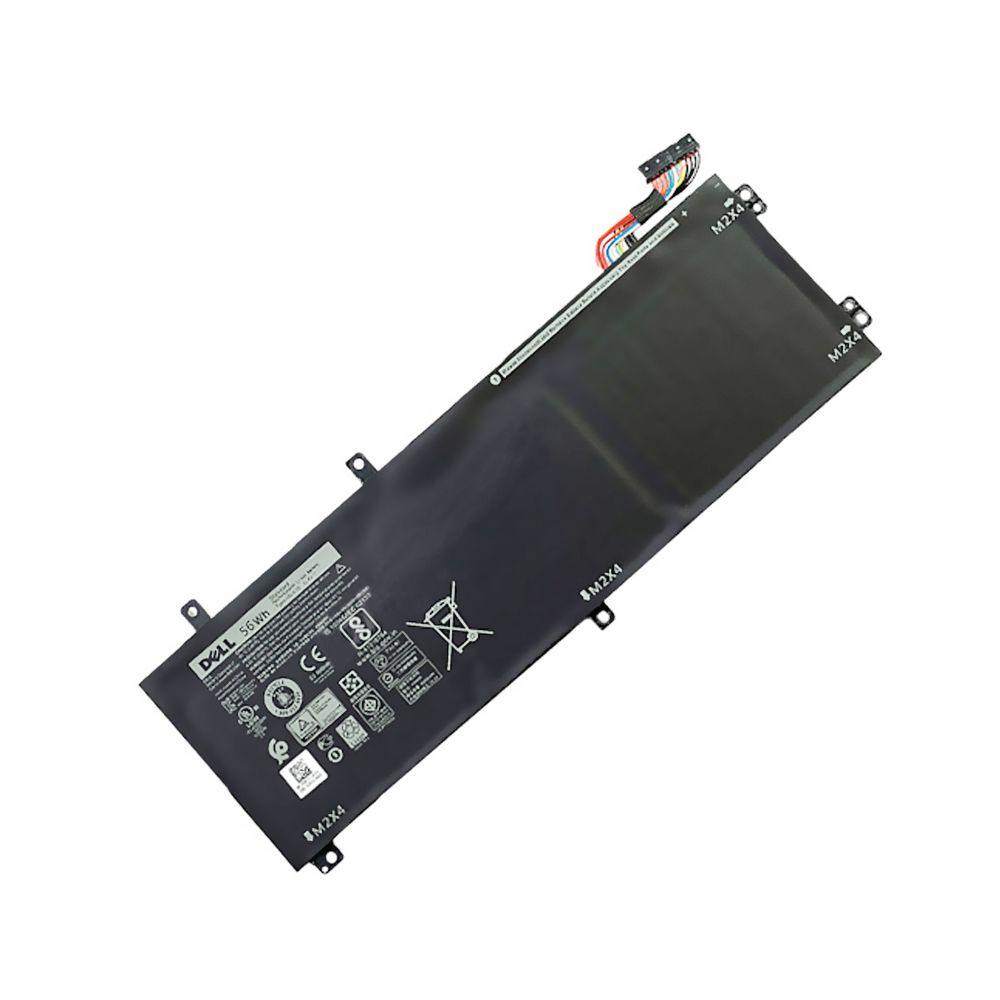
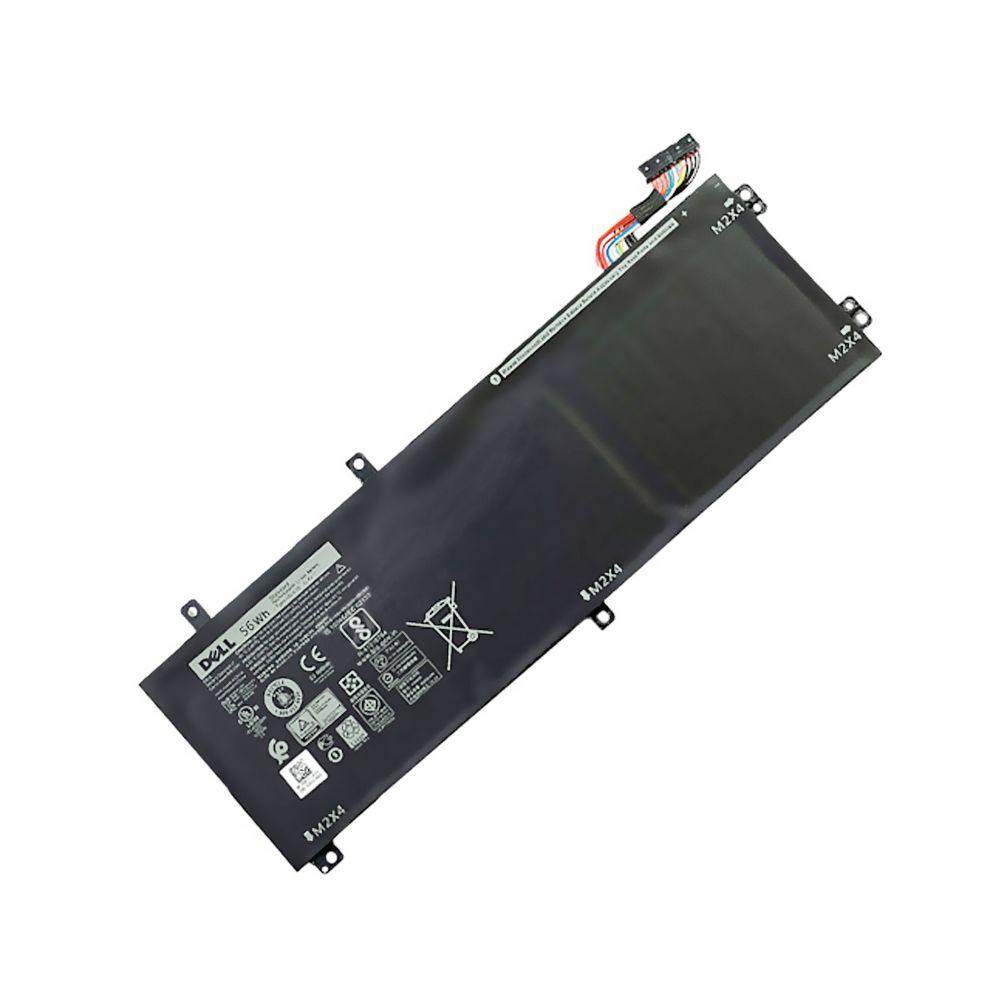
New Genuine Dell Precision 5520 5530 5540 Battery 56Wh
Status:
Open May 19, 2026 - 05:19 PM
1answer
Answer
May 19, 2026 - 05:19 PM
To check your Dell laptop battery capacity, press **Windows + X**, select **Windows PowerShell (Admin)** or **Command Prompt (Admin)**, and type `powercfg /batteryreport`, then press Enter. This generates a battery report (usually saved in `C:\Users\[YourName]\battery-report.html`) where you can view the **Design Capacity** and **Full Charge Capacity**.
View More Product Details
New Genuine Dell Precision 5520 5530 5540 Battery 56Wh
New Genuine Dell Battery. Features and Technical Specifications: Number of Cells: 3Capacity: 56WhVoltage: 11.4VColour: Black Compatible Part #'s: H5H20, 0H5H20, 5D91C, CP6DF **** Please make sure that you choose the correct battery for your laptop **** This might require that you open the base c...
See More
View all New Genuine Dell Precision 5520 5530 5540 Battery 56Wh Questions & Answers