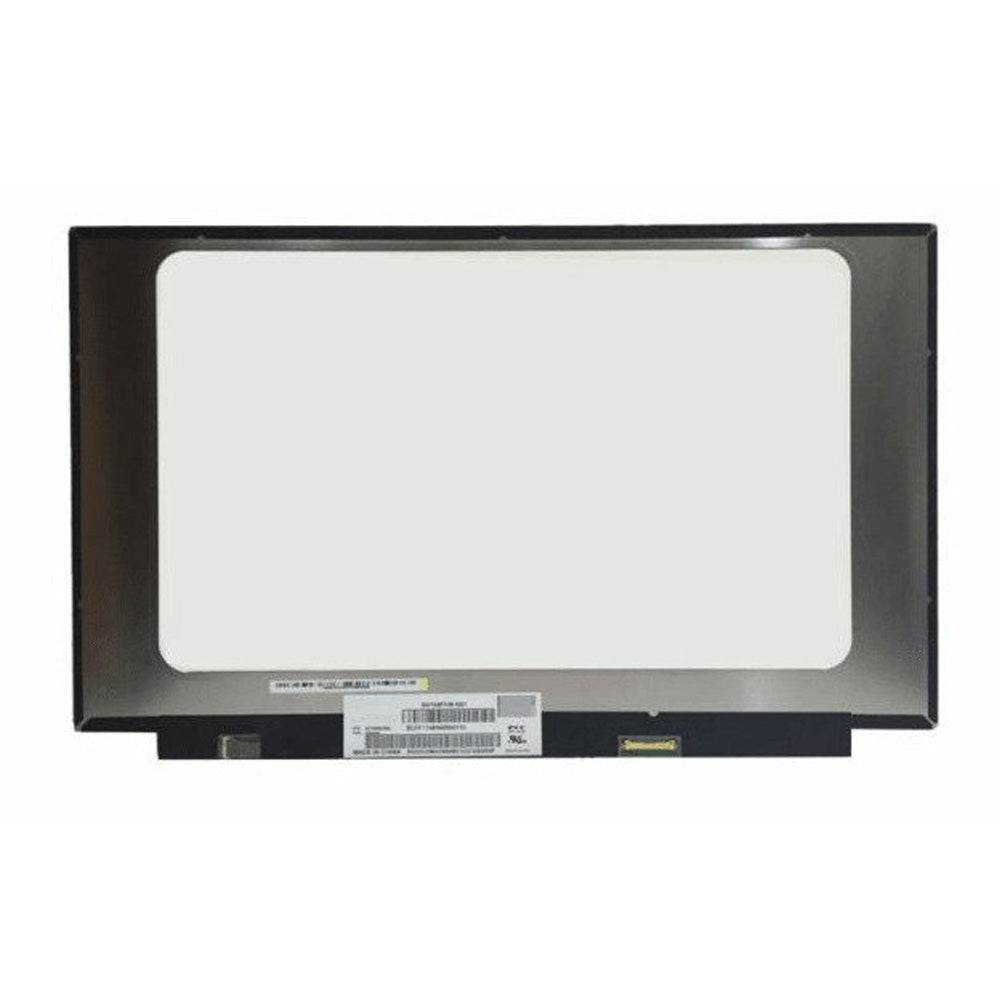
We’ve provided several answers to questions related to New 15.6" FHD Led Lcd Screen N156HCA-EAB REV.B1 REV.C1 REV.C2 REV.C3 REV.C4 REV.C5 , see some other helpful Q&A related to this product.
-
Question: What is the resolution of b156htn03 8?
Answer: The resolution of the B156HTN03.8 display panel is 1920 x 1080 pixels (Full HD). This panel is a 15.6-inch LCD screen commonly used in laptops.
-
Question: What laptop models is this screen compatible with?
Answer: Some laptop models may come with more than one type of screen, so it’s important to check your laptop’s specifications carefully. Ensuring correct compatibility helps avoid installation issues and ensures the best performance.
-
Question: Is there a way to fix dead pixels on this screen?
Answer: Running a specific video on full screen overnight may help fix a few dead pixels. This method can sometimes stimulate stuck pixels to function properly, potentially improving display quality without needing a replacement.
-
Question: What are the full dimensions of the screen?
Answer: The screen is 15.6 inches diagonally, with a width of approximately 35 cm. Knowing the exact dimensions helps users confirm that the replacement will fit their laptop.
-
Question: What is the special feature listed for the screen?
Answer: A special feature is the 35 cm measurement, which typically refers to the width of the screen. Having this measurement helps ensure compatibility with your laptop’s chassis and proper fit.
-
Question: Does the screen have touch capability?
Answer: No, this screen does not have touch functionality. This is valuable information for users who specifically need or do not need touch input, as it affects both usability and price.
-
Question: Are there brackets or tabs on the screen?
Answer: There are no brackets or tabs (NB), meaning the screen comes without mounting hardware. This is important for users to know, as some laptop models require brackets for secure installation.
-
Question: Where is the connector located on the screen?
Answer: The connector is located at the bottom right. Knowing the connector position is crucial for installation, as it ensures alignment with your laptop’s internal wiring.
-
Question: How many pins does the screen connector have?
Answer: The connector has 30 pins. Having the correct number of pins ensures compatibility with your laptop’s display cable, which is essential for proper functioning.
-
Question: What is the resolution of the screen?
Answer: The resolution is Full HD (FHD) 1920x1080 pixels. FHD stands for Full High Definition and delivers sharp, clear images, making it ideal for work, streaming, and gaming.
-
Question: What is the size of the screen?
Answer: The screen size is 15.6 inches, which is a common size for laptops and offers a good balance between portability and comfortable viewing area for productivity and media use.