How to check battery health on LG Gram?
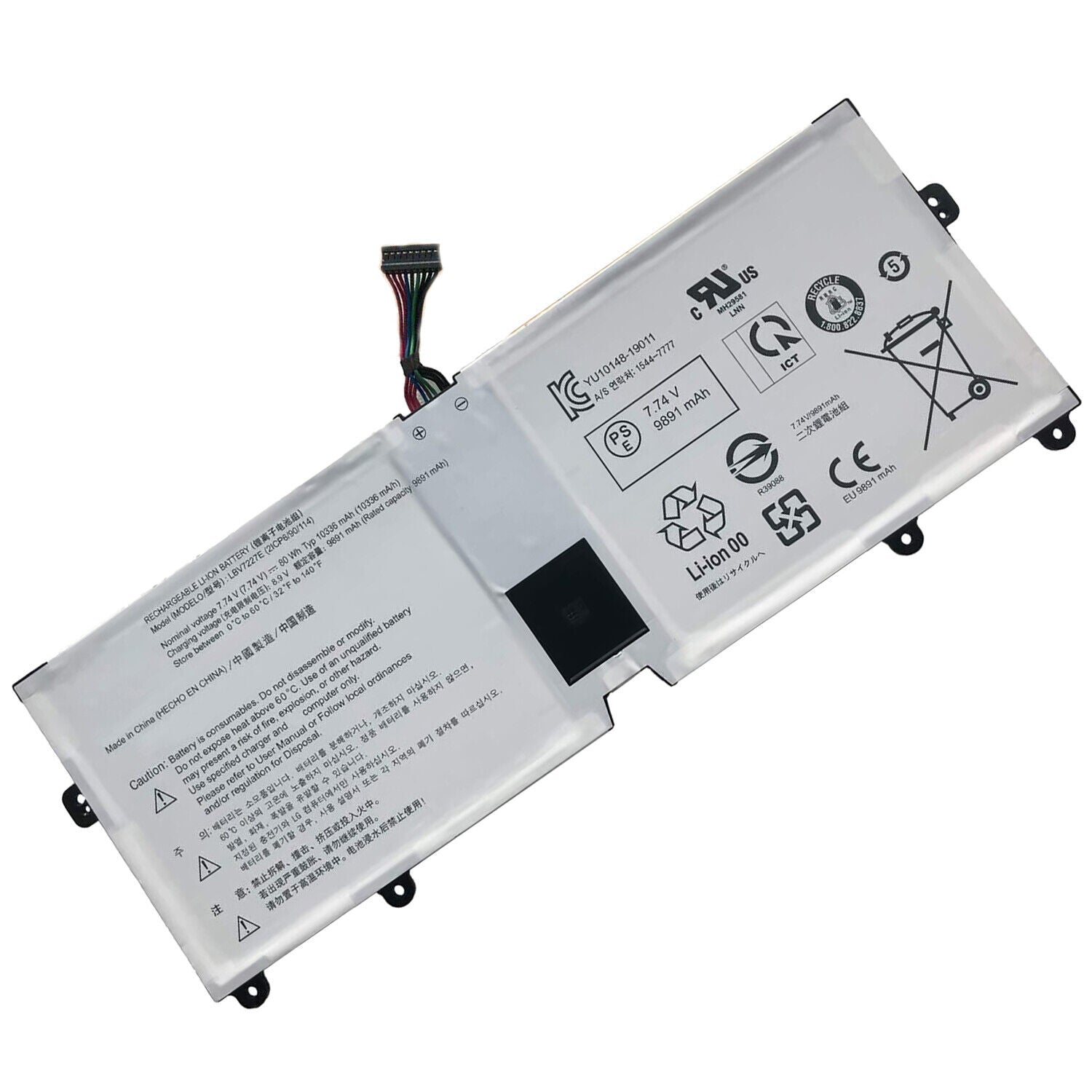
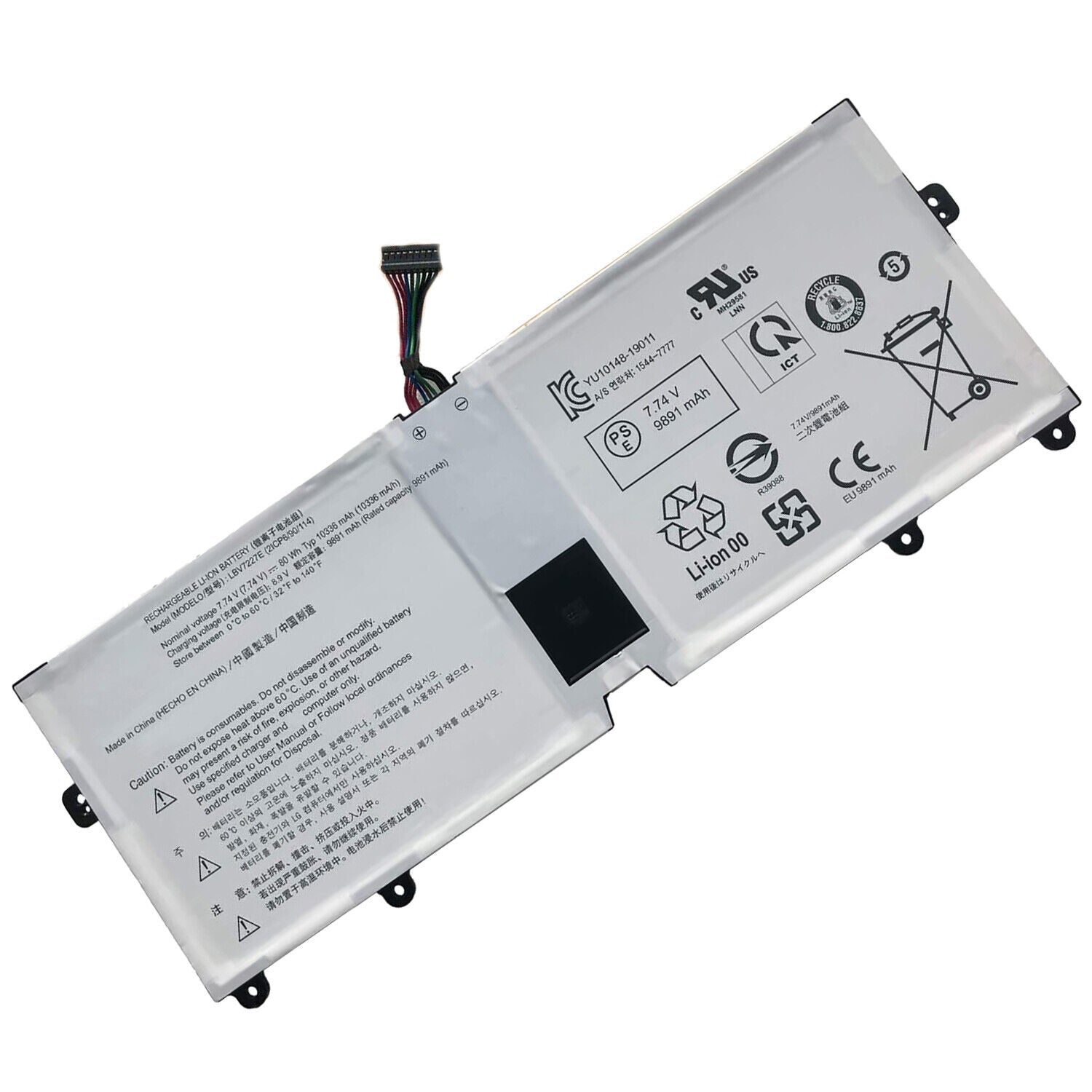
New Genuine LG Gram 14Z980 14Z90N 15Z980 17Z990 15 2020 15Z90N LBV7227E Battery 80Wh
Batteries
Status:
Open Apr 16, 2026 - 09:18 AM
1answer
Answer
Apr 16, 2026 - 09:18 AM
To check battery health on an LG Gram, open the LG Control Center app and select the "Battery" section to view battery status and health information. Alternatively, you can use the Windows built-in tool by running the command `powercfg /batteryreport` in Command Prompt to generate a detailed battery report.
View More Product Details
Browse by Category
Batteries
View our complete selection of Batteries to find the one that suites your needs.
View All
View all Batteries Questions & Answers
View all New Genuine LG Gram 14Z980 14Z90N 15Z980 17Z990 15 2020 15Z90N LBV7227E Battery 80Wh Questions & Answers