Answer
Apr 16, 2026 - 09:18 AM
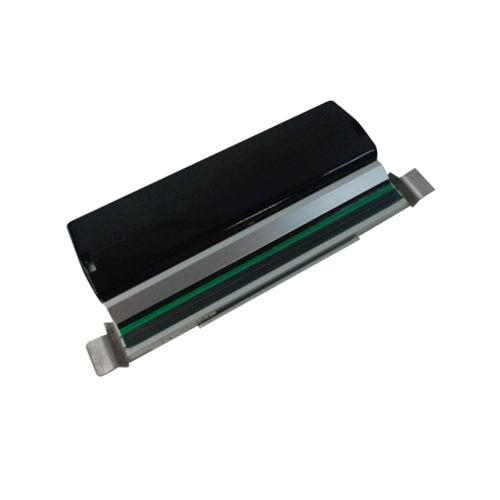
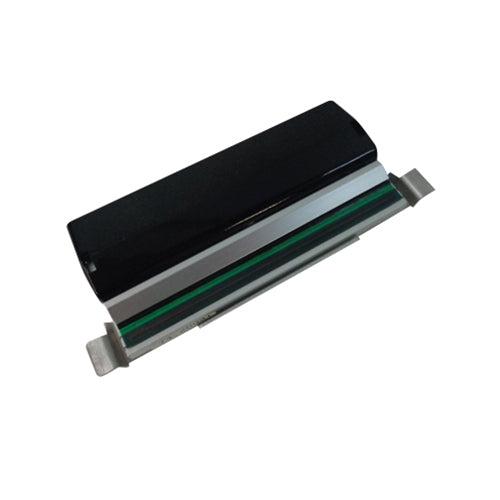
To load ribbon in a Zebra ZT410, open the printer's media door and place the ribbon roll on the supply spindle, making sure the ribbon unwinds from the top. Thread the ribbon under the printhead and around the take-up spindle, securing the end of the ribbon to the empty take-up core. Close the printhead and media door, then follow the printer's prompts to complete loading.