How to clear ZT410 printhead?
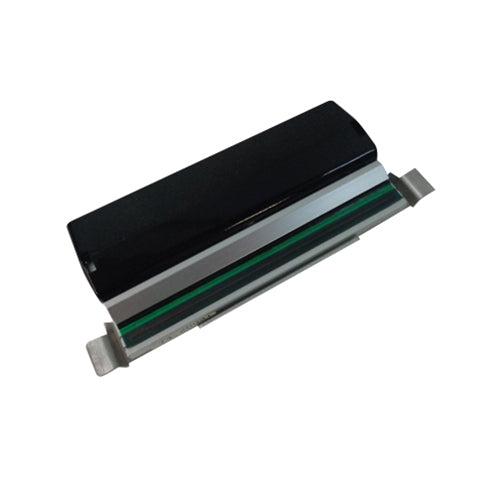
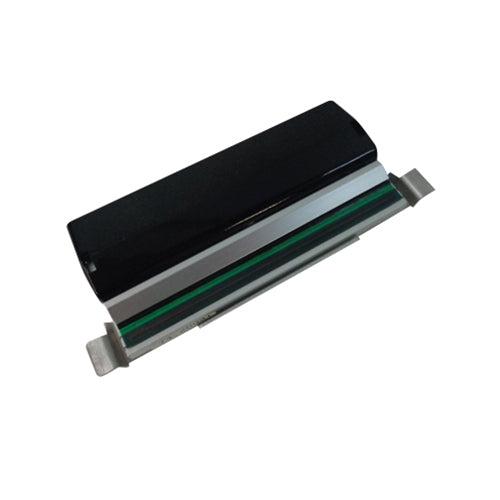
New Zebra ZT410 ZT411 Thermal Label Printer Printhead P1058930-009 203DPI
Status:
Open Apr 16, 2026 - 09:18 AM
1answer
Answer
Apr 16, 2026 - 09:18 AM
To clear the ZT410 printhead, first turn off the printer and allow the printhead to cool. Gently wipe the printhead with a lint-free cloth moistened with isopropyl alcohol. Allow it to dry completely before turning the printer back on.
View More Product Details
View all New Zebra ZT410 ZT411 Thermal Label Printer Printhead P1058930-009 203DPI Questions & Answers