Answer
Apr 16, 2026 - 09:16 AM
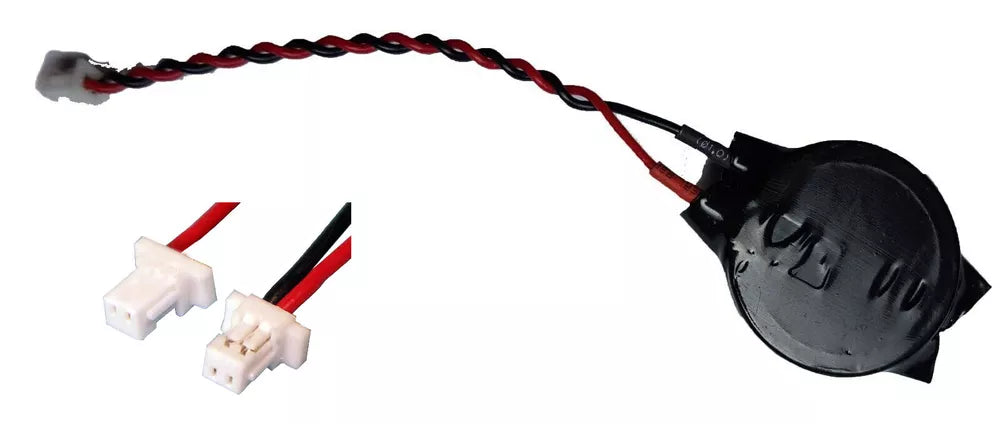
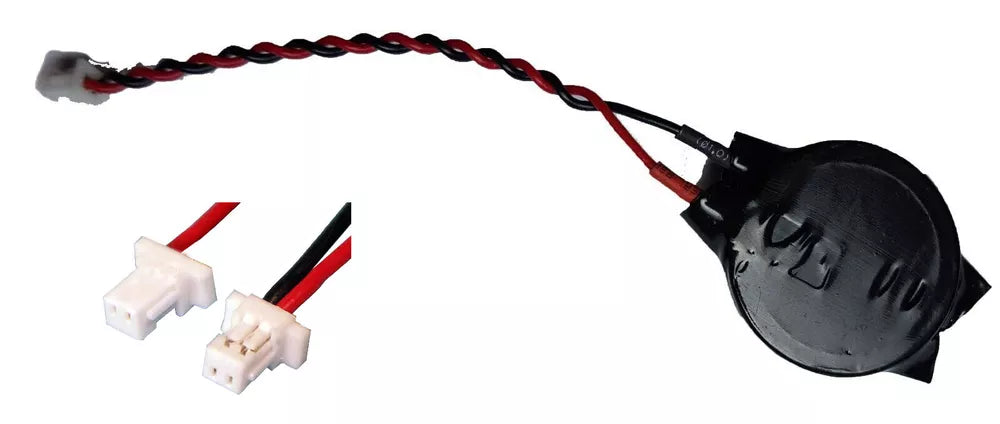
To replace the CMOS battery in an HP laptop or desktop, first power off the device and unplug it from any power source. Open the case, locate the CMOS battery on the motherboard (usually a coin-cell type like CR2032), carefully remove the old battery, and insert a new one in the same orientation. Close the case, reconnect the power, and restart the computer.