Answer
Apr 16, 2026 - 09:14 AM
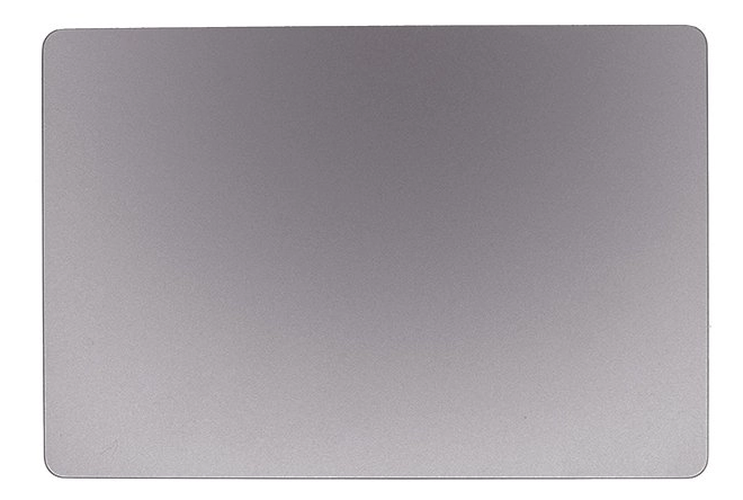
To use the MacBook Air M1 touchpad, move your finger across the trackpad to control the cursor. You can click by pressing down or tapping, and use gestures like two-finger scrolling, pinch to zoom, or swiping with three fingers for navigation. Adjust touchpad settings in System Settings > Trackpad for more customization.