Answer
Apr 16, 2026 - 09:11 AM
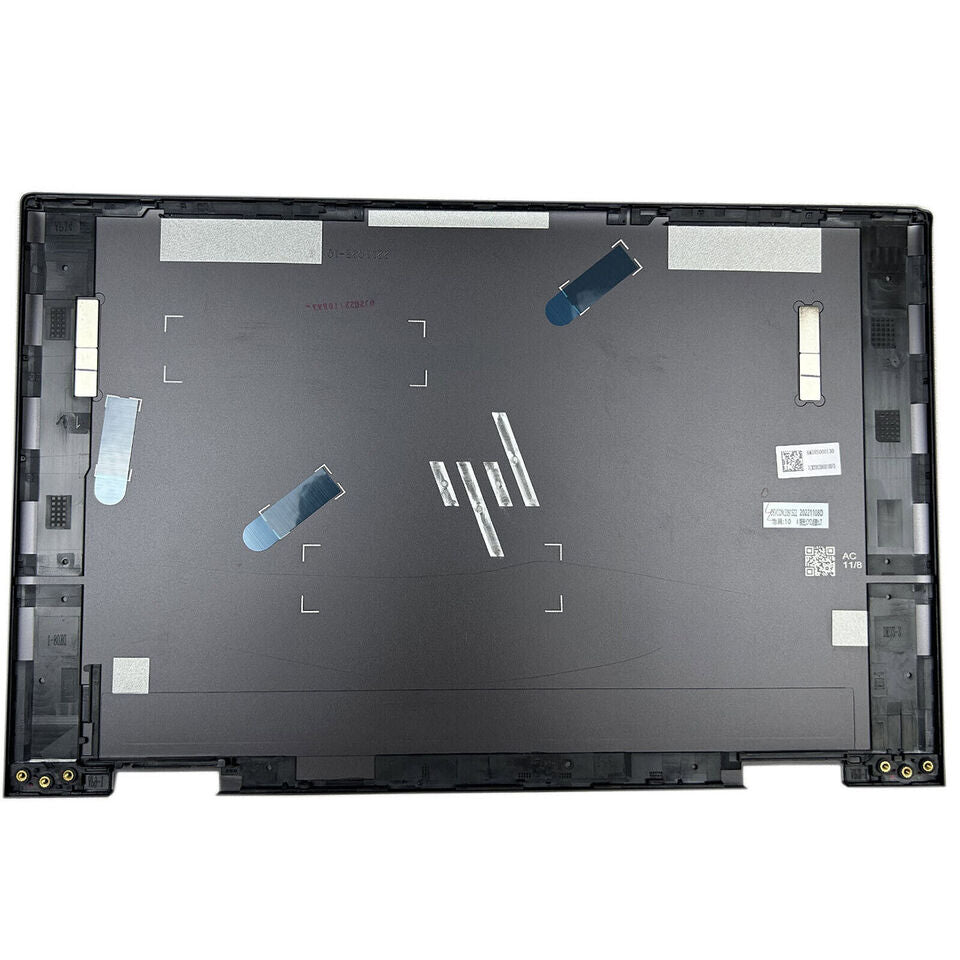
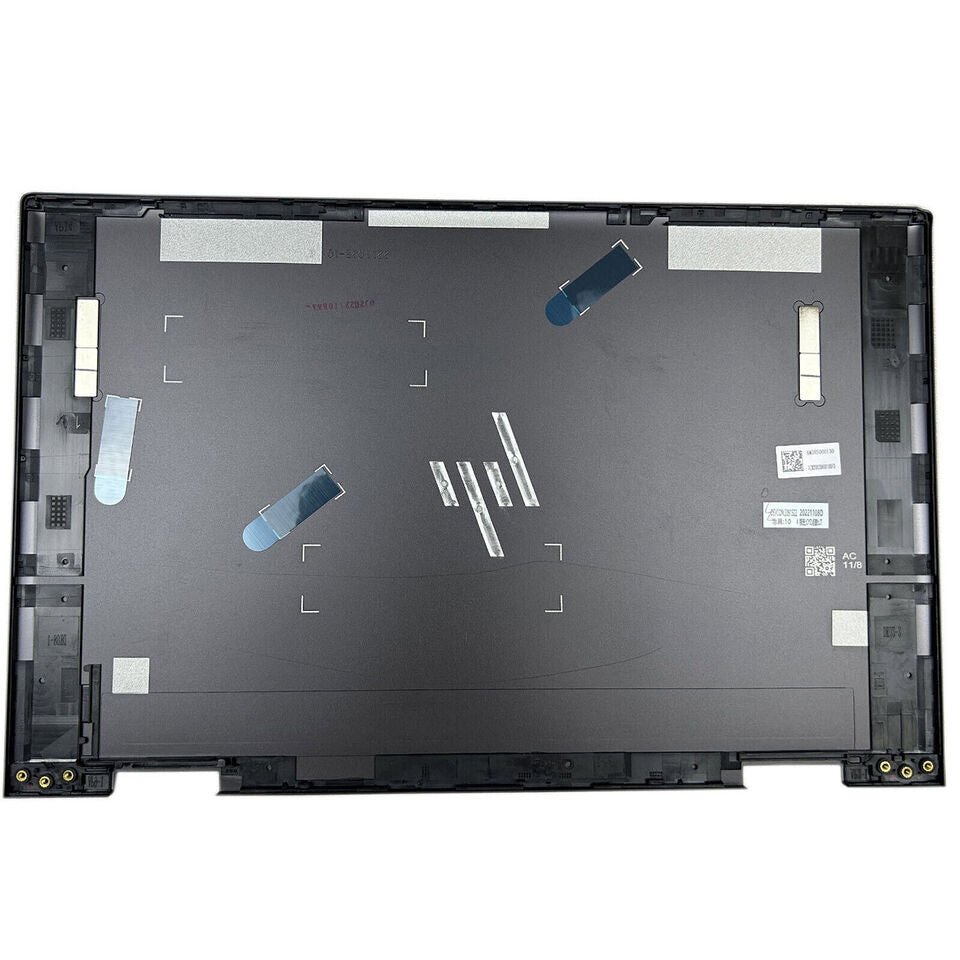
To remove the back cover of an HP Envy 15, first power off the laptop and disconnect all cables. Use a small Phillips screwdriver to remove all visible screws on the bottom panel, including any hidden under rubber feet or stickers, then gently pry around the edges with a plastic tool to lift off the cover. Be careful not to force it to avoid damaging the clips or the cover itself.