How to check ASUS laptop specs?
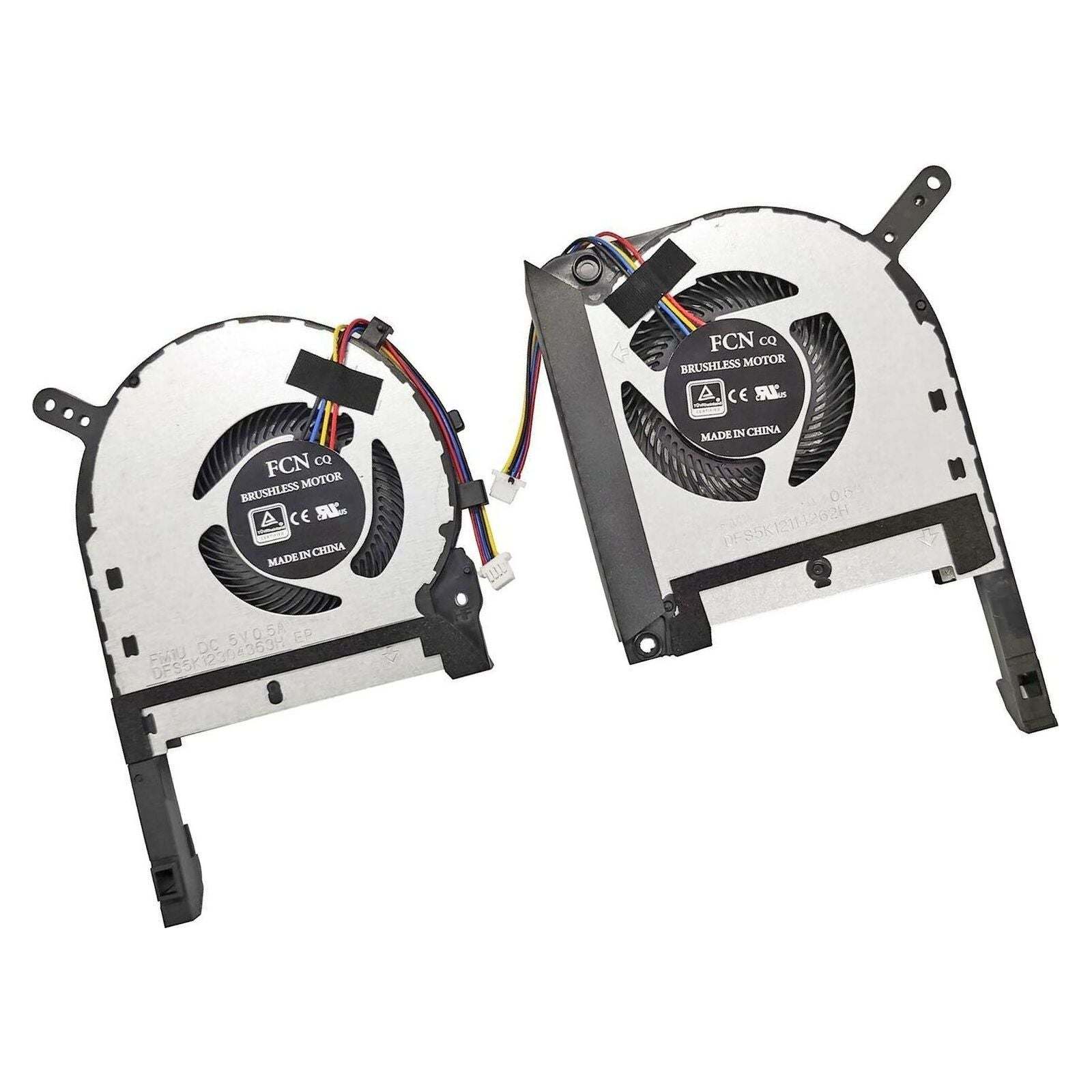
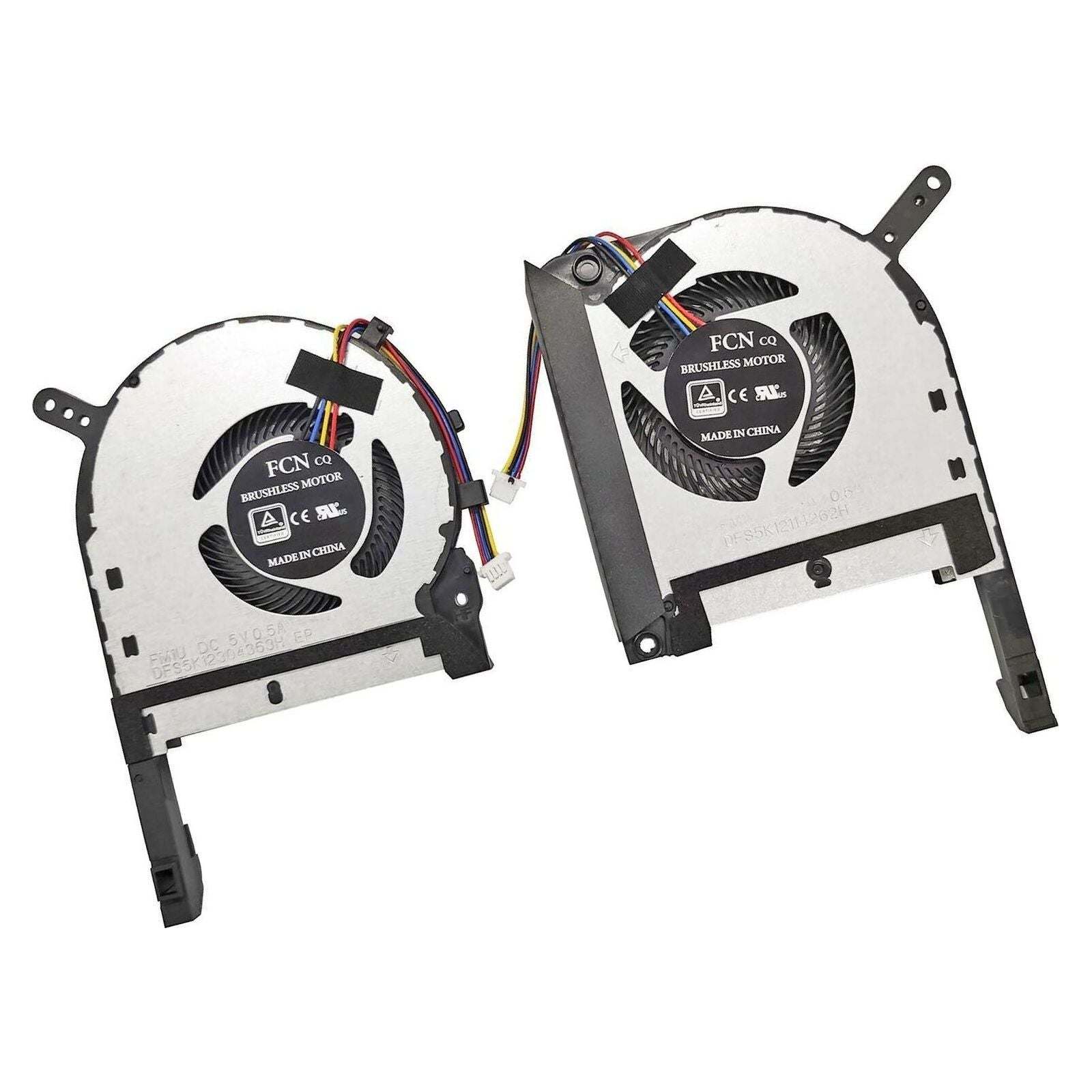
New Asus TUF CPU & GPU Fan Set 5V 13NR00S0M09011 13NR00S0M12011 13NR00S0M11111 DFS5K12114262H DFS5K12304363H
Asus Parts Canada
Status:
Open Apr 16, 2026 - 09:09 AM
1answer
Answer
Apr 16, 2026 - 09:09 AM
To check your ASUS laptop specs, press the Windows key + R, type "dxdiag," and press Enter to view system information like processor, RAM, and graphics. Alternatively, go to Settings > System > About for basic device specifications.
View More Product Details
View all Asus Parts Canada Questions & Answers
View all New Asus TUF CPU & GPU Fan Set 5V 13NR00S0M09011 13NR00S0M12011 13NR00S0M11111 DFS5K12114262H DFS5K12304363H Questions & Answers