Answer
Apr 16, 2026 - 09:03 AM
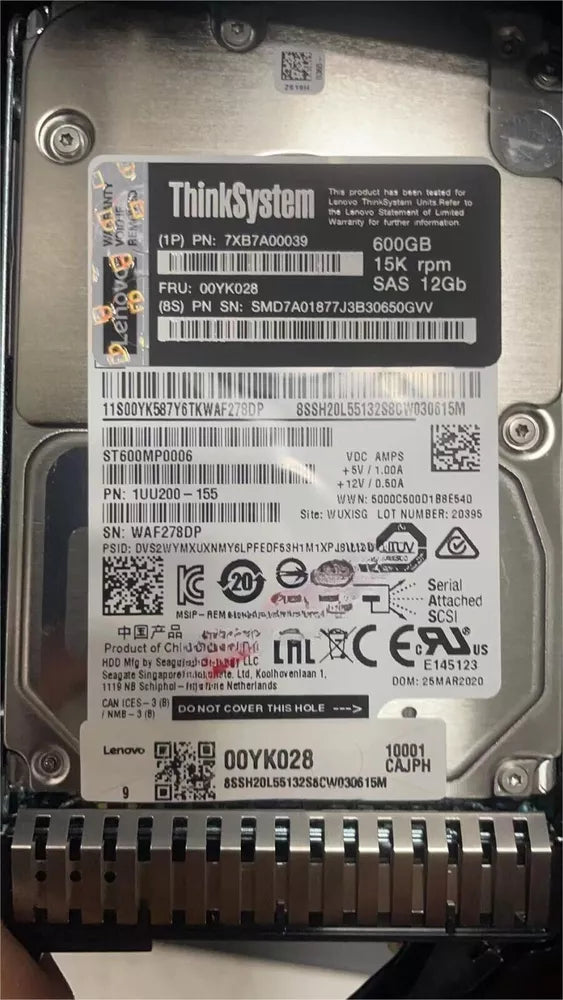
To access the hard disk in a Lenovo laptop or desktop, first shut down the device and disconnect all power sources. Then, remove the back panel or hard drive cover using a screwdriver, and carefully locate the hard disk inside. For specific instructions, refer to your Lenovo model's user manual.