Answer
Apr 16, 2026 - 08:58 AM
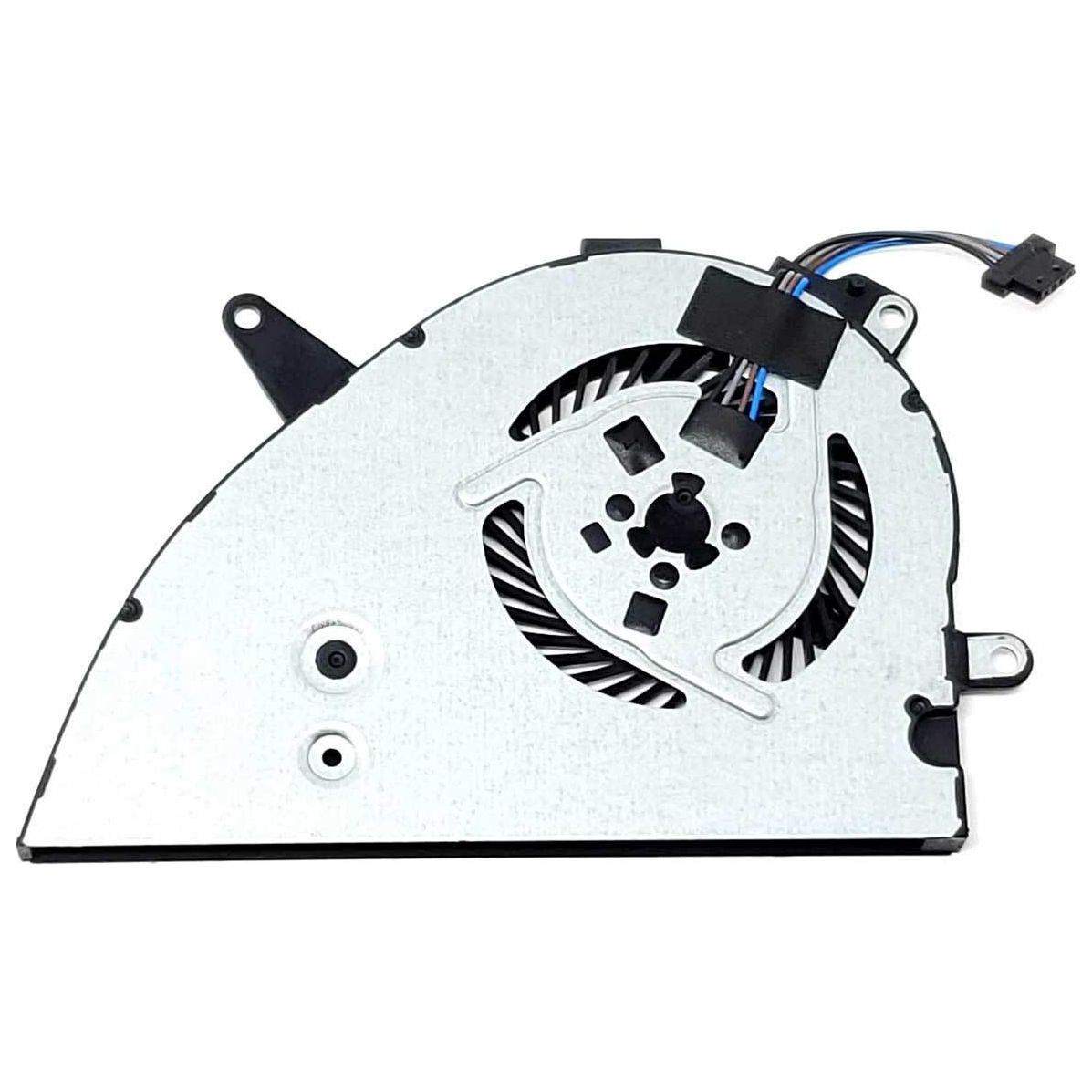
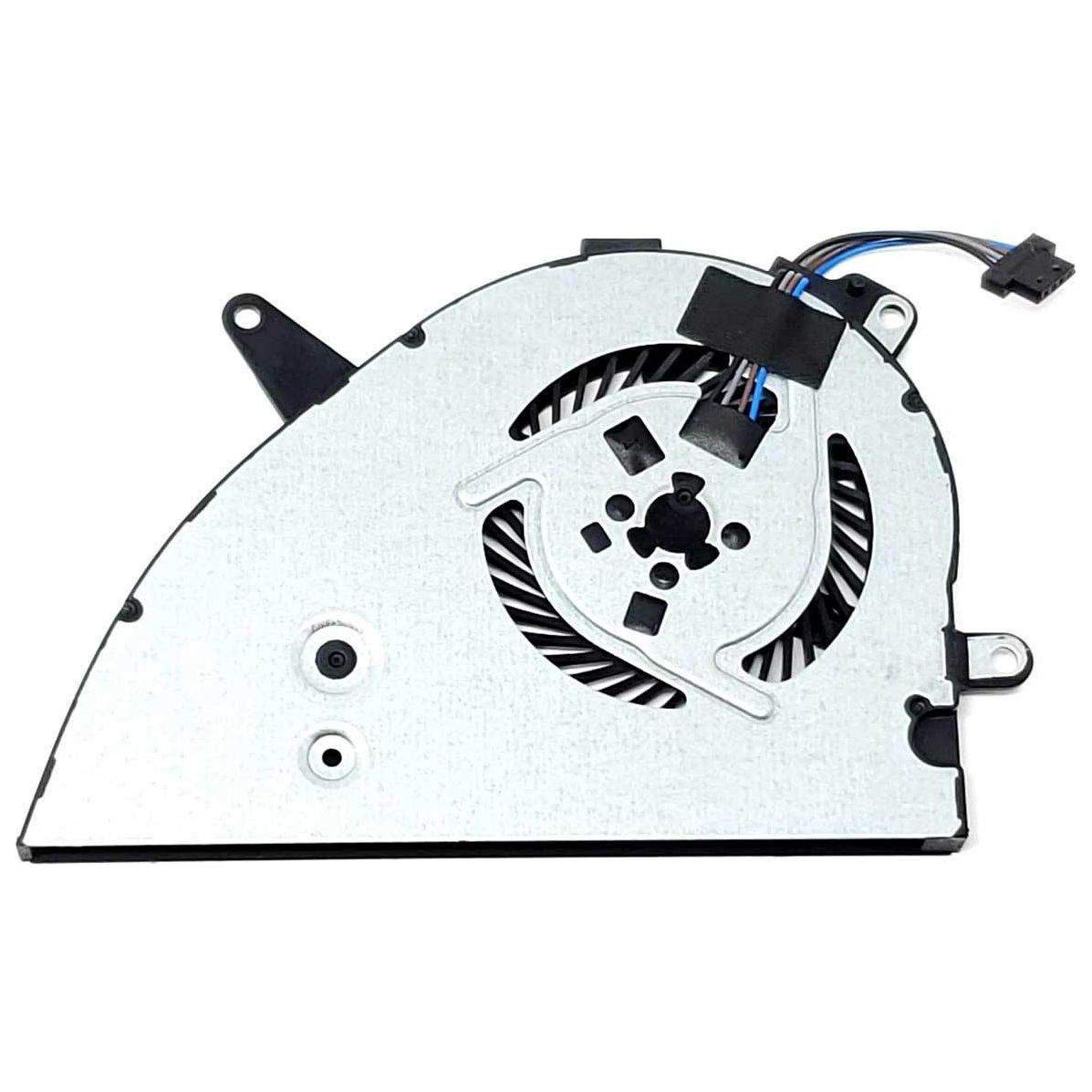
The "90x fan error" typically indicates a problem with your computer's cooling fan, often seen in HP laptops. To fix it, turn off your device, clean the fan and air vents of dust, ensure the fan is properly connected, and restart the laptop. If the error persists, consider replacing the faulty fan or seeking professional repair.