Answer
Apr 16, 2026 - 08:58 AM
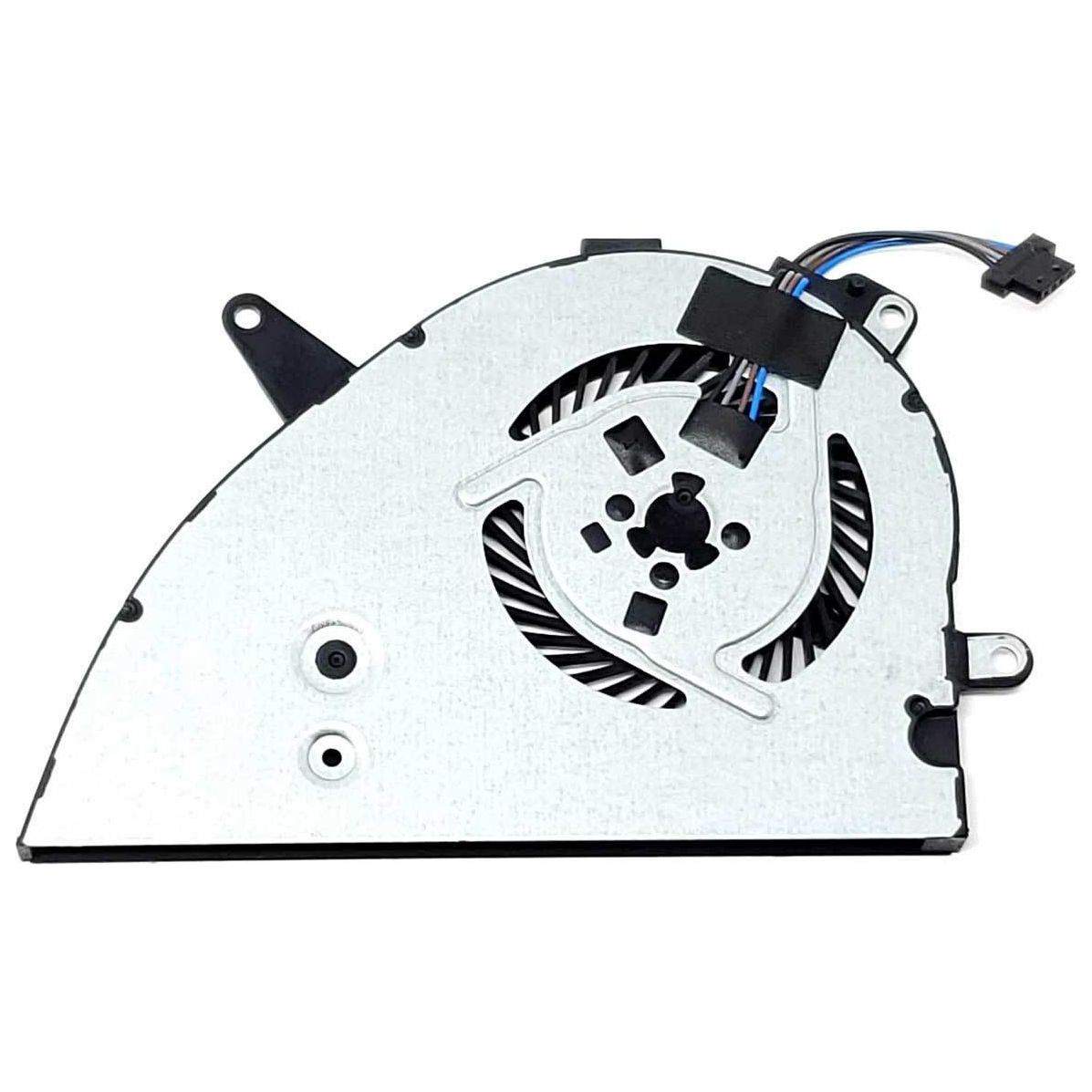
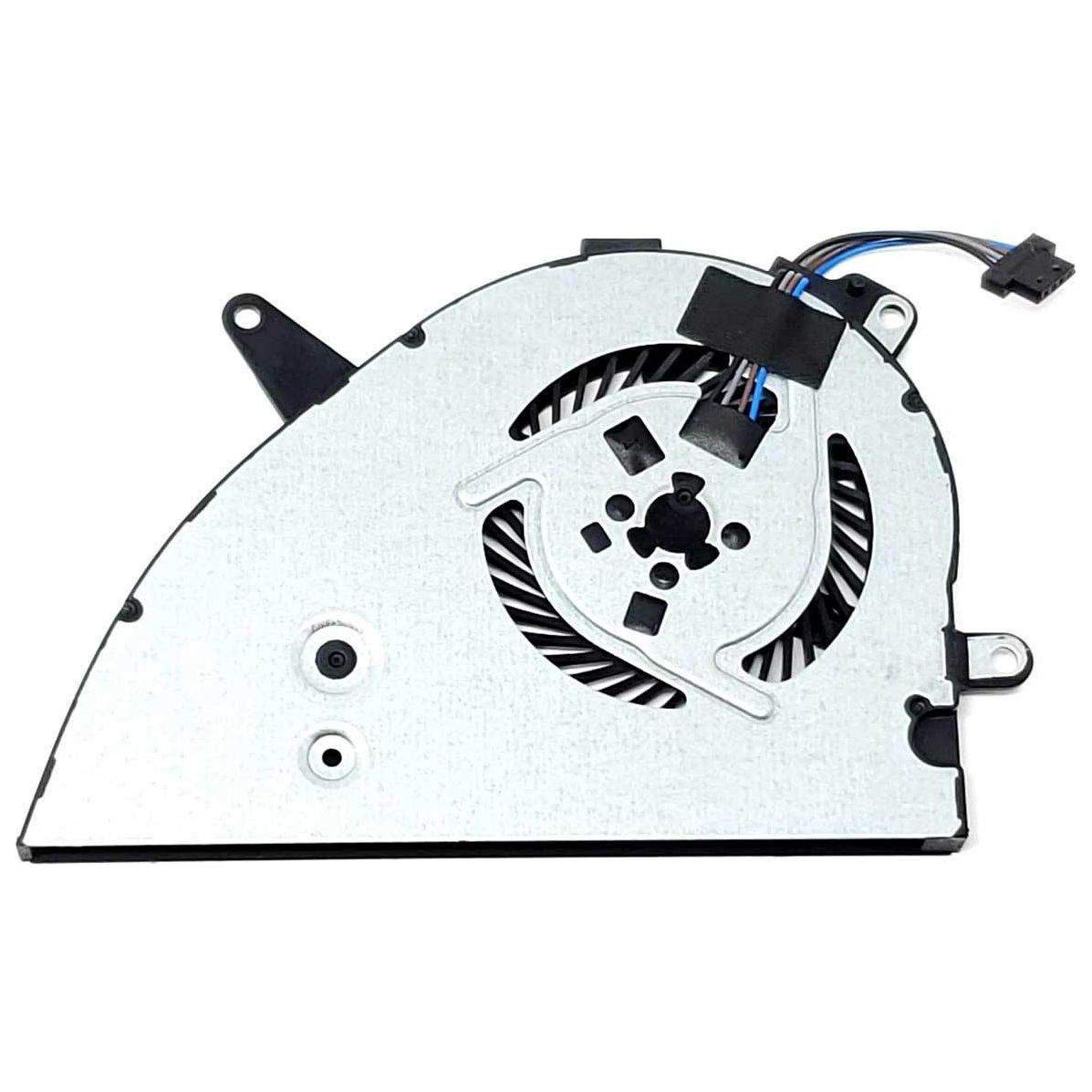
To fix an HP laptop fan issue, first clean any dust from the vents and fan using compressed air. If the problem persists, update your BIOS and device drivers from the HP Support website. If the fan is still noisy or not working, the fan may need to be replaced by a professional technician.