Answer
Apr 16, 2026 - 08:58 AM
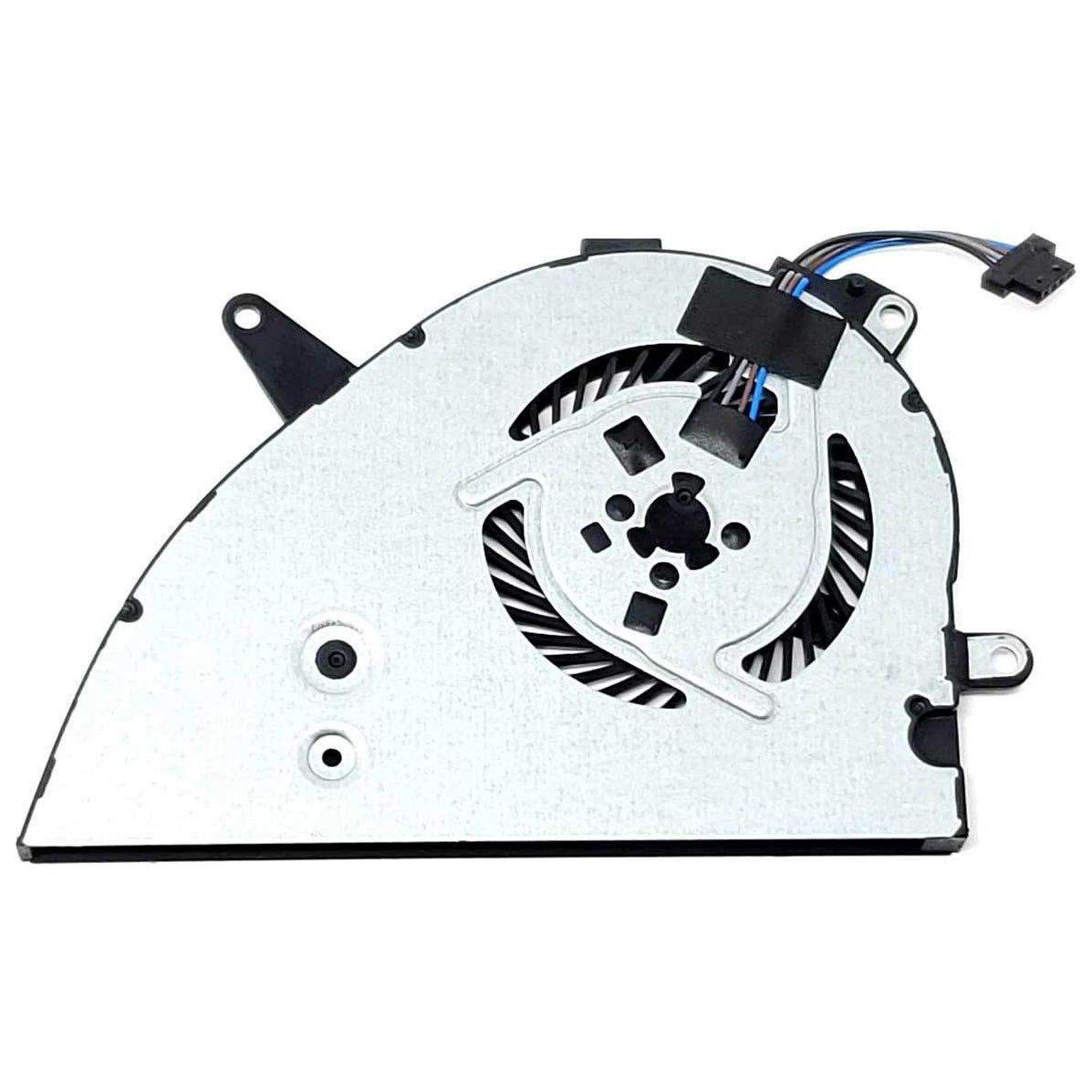
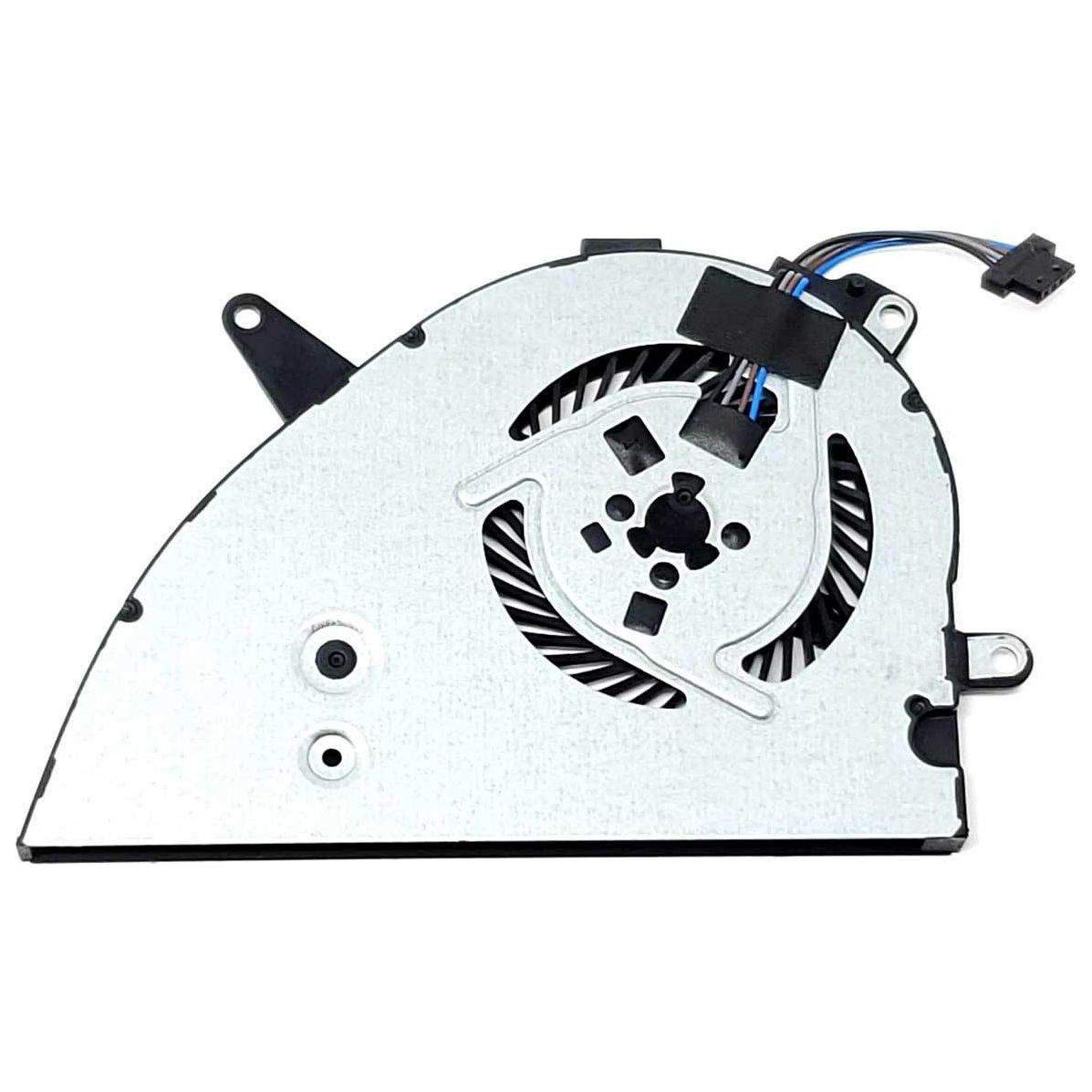
To fix your HP cooling fan error, first turn off your laptop, unplug it, and use compressed air to clean dust from the vents and fan area. If the error persists, update your BIOS and check for any loose or damaged fan connections inside the laptop, or consider replacing the fan if necessary. If you're not comfortable opening your laptop, seek professional repair assistance.