Answer
Apr 16, 2026 - 08:58 AM
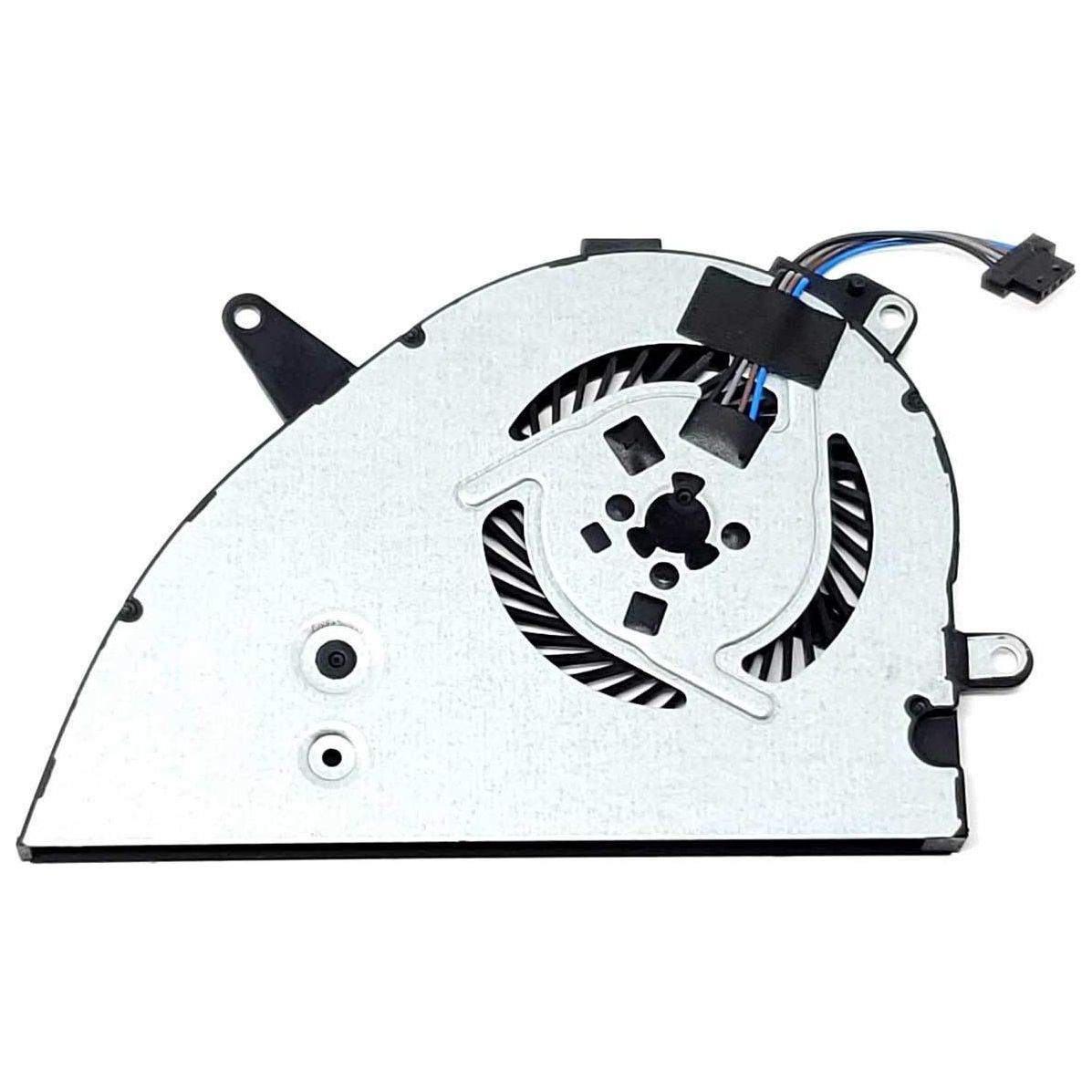
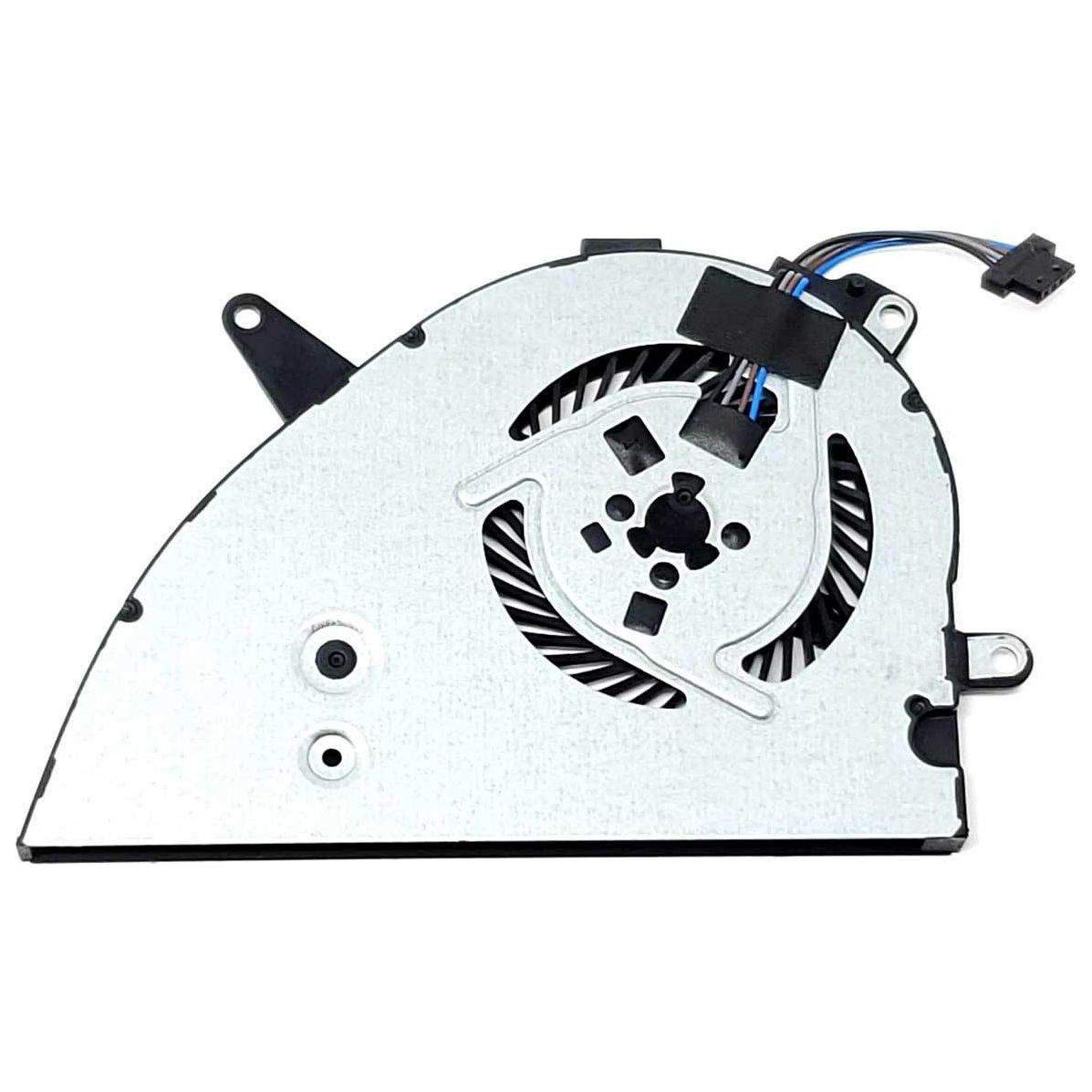
To fix a CPU fan speed detection error, first check that the fan is properly connected to the correct motherboard header and that no cables are loose. Enter the BIOS/UEFI settings to ensure fan monitoring is enabled and set correctly, and consider updating your BIOS if the issue persists. If the fan still isn't detected, try replacing the fan to rule out hardware failure.