How to display battery percentage on Lenovo ThinkPad?
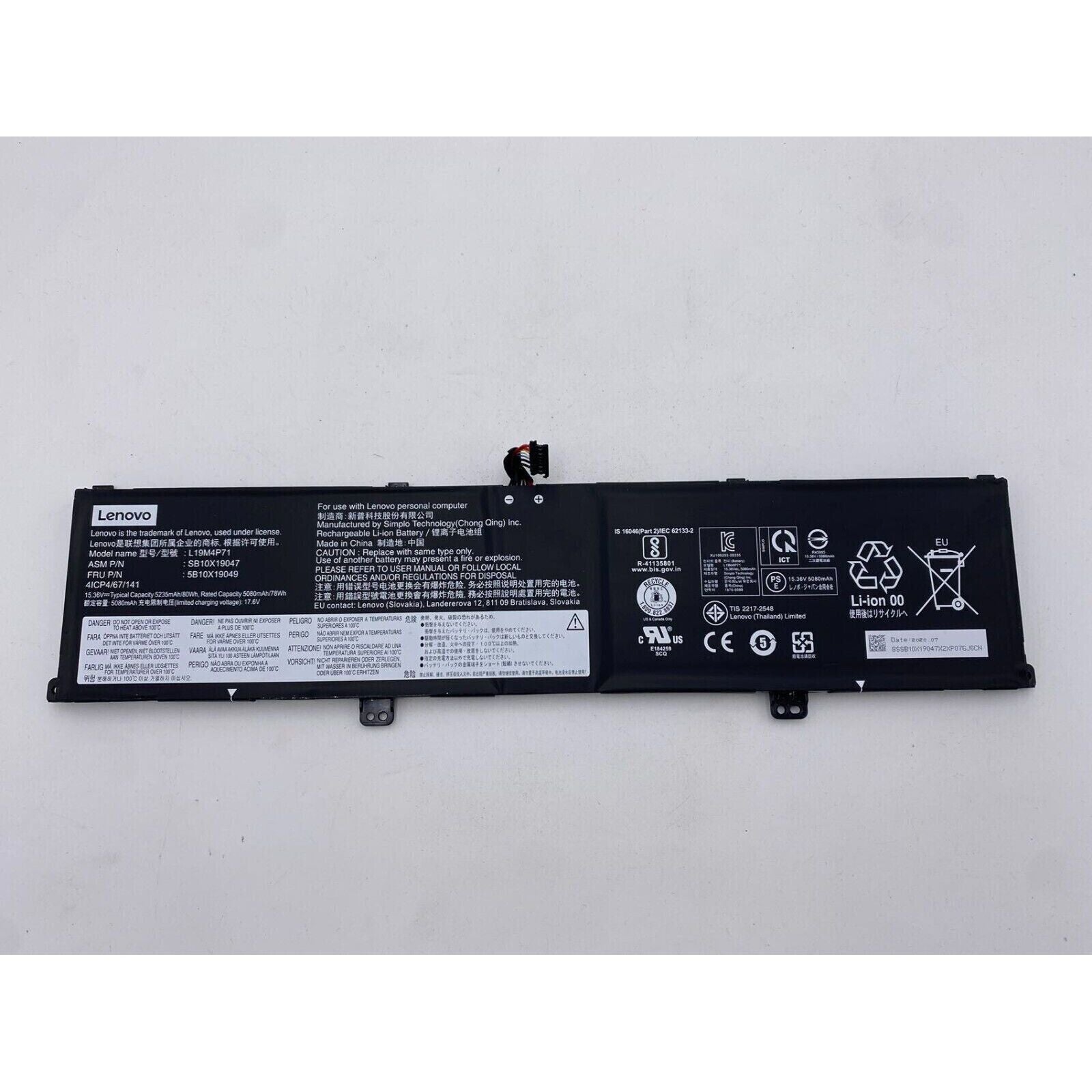
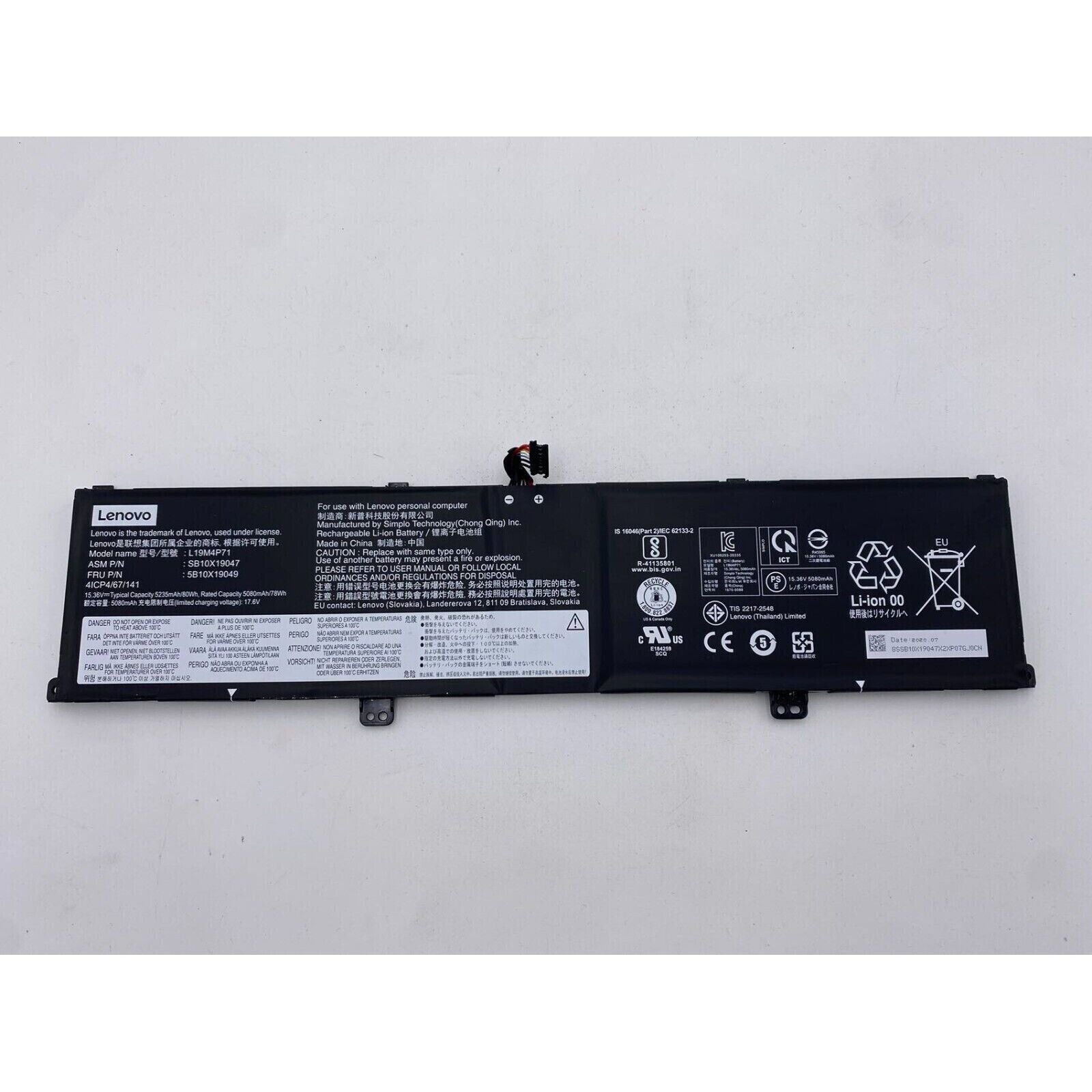
New Genuine Lenovo ThinkPad P1 Gen 3 Battery 80WH
Batteries
Status:
Open Apr 16, 2026 - 08:53 AM
1answer
Answer
Apr 16, 2026 - 08:53 AM
To display the battery percentage on a Lenovo ThinkPad, right-click the battery icon in the system tray and select "Battery settings." Then, toggle on the option labeled "Show battery percentage." If you don't see this option, make sure your Windows is updated, as older versions may not have this feature.
View More Product Details
Browse by Category
Batteries
View our complete selection of Batteries to find the one that suites your needs.
View All
View all Batteries Questions & Answers
View all New Genuine Lenovo ThinkPad P1 Gen 3 Battery 80WH Questions & Answers