How to check battery health on MacBook Pro 2017?
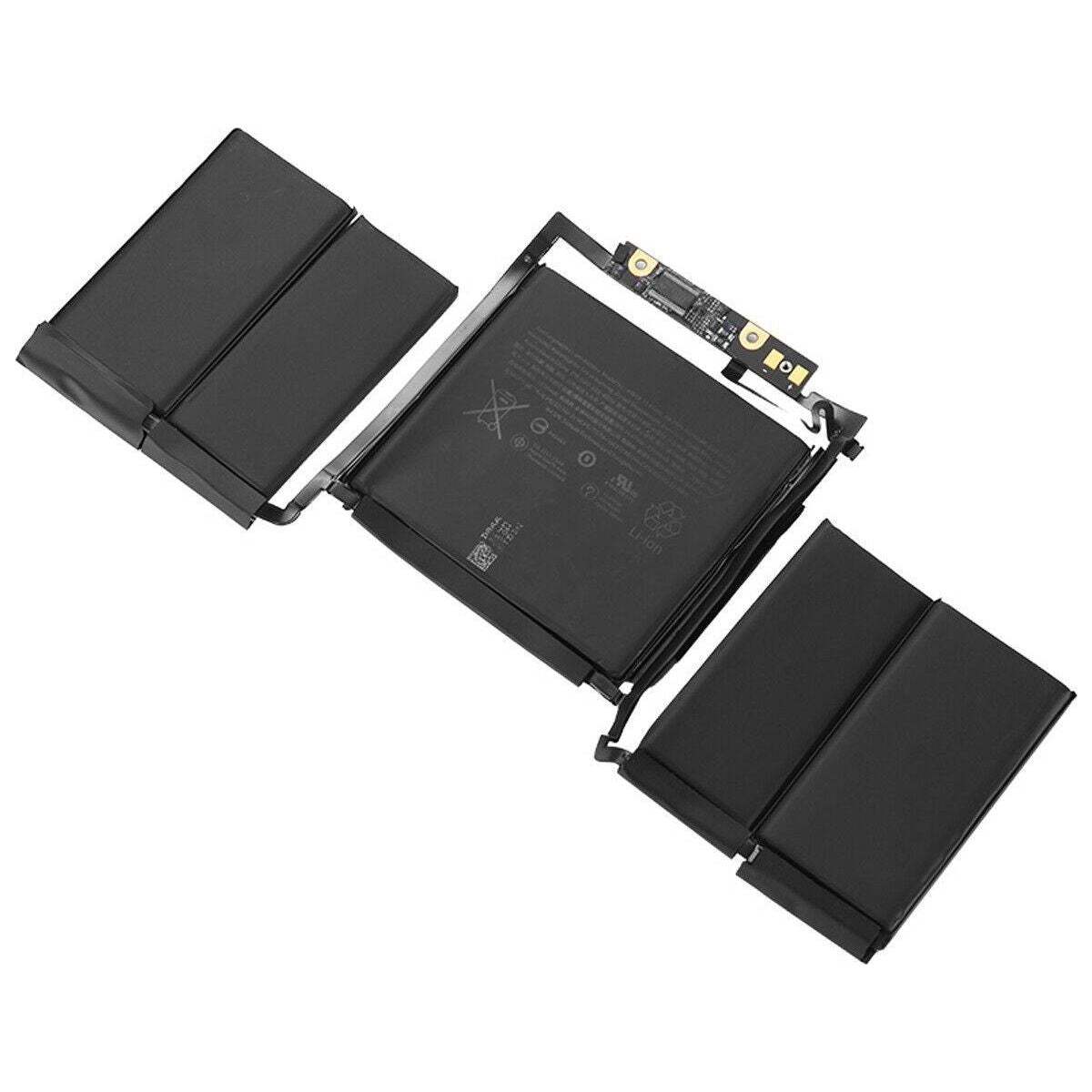
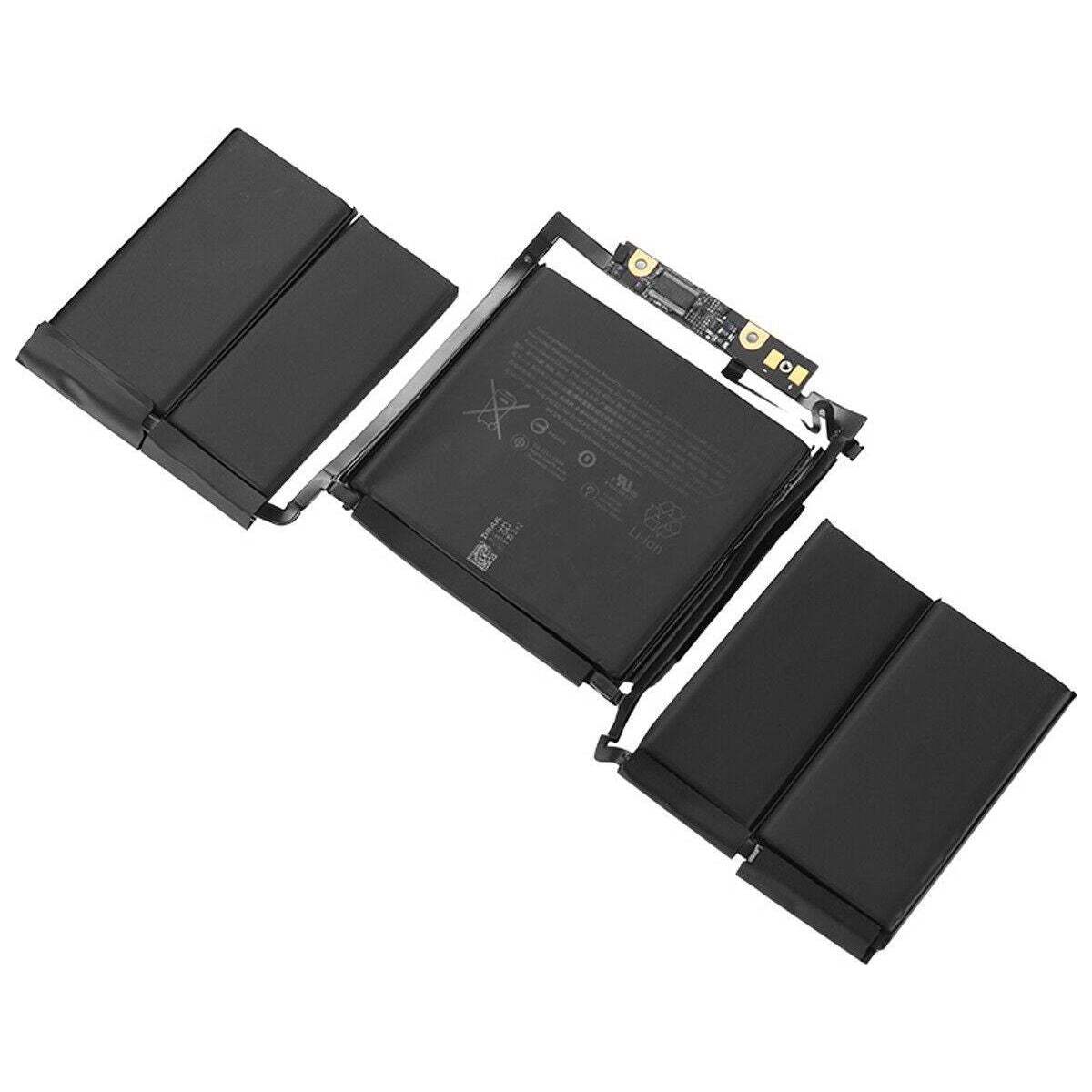
New Genuine Apple Macbook Pro Retina 13 A1706 2016 2017 Battery 49.2Wh
Status:
Open Apr 16, 2026 - 08:48 AM
1answer
Answer
Apr 16, 2026 - 08:48 AM
To check battery health on a MacBook Pro 2017, hold the Option key and click the Apple menu, then choose "System Information." Under the "Power" section, look for "Cycle Count" and "Condition" to see your battery's health status.
View More Product Details
View all New Genuine Apple Macbook Pro Retina 13 A1706 2016 2017 Battery 49.2Wh Questions & Answers