Answer
Apr 16, 2026 - 08:42 AM
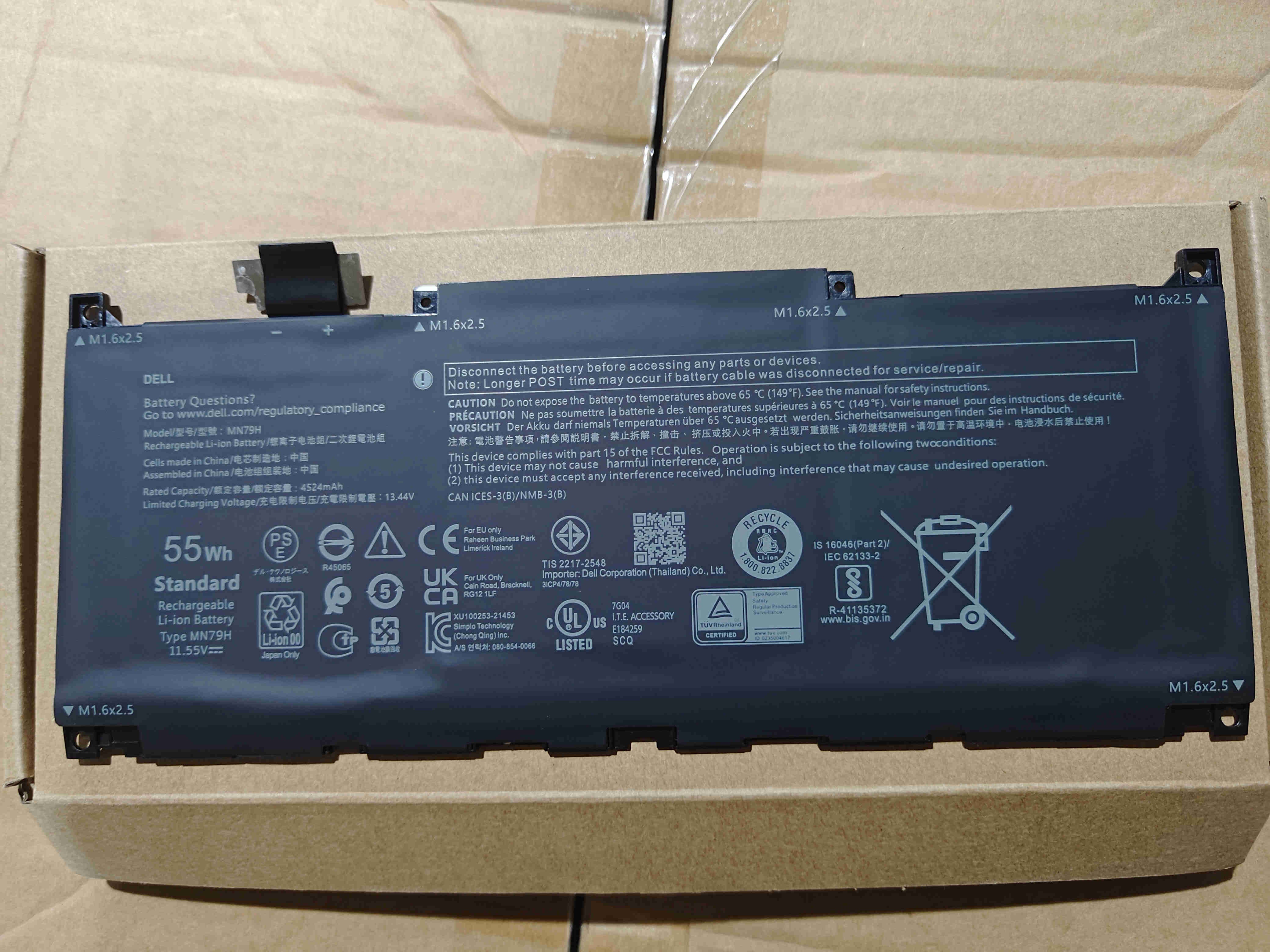
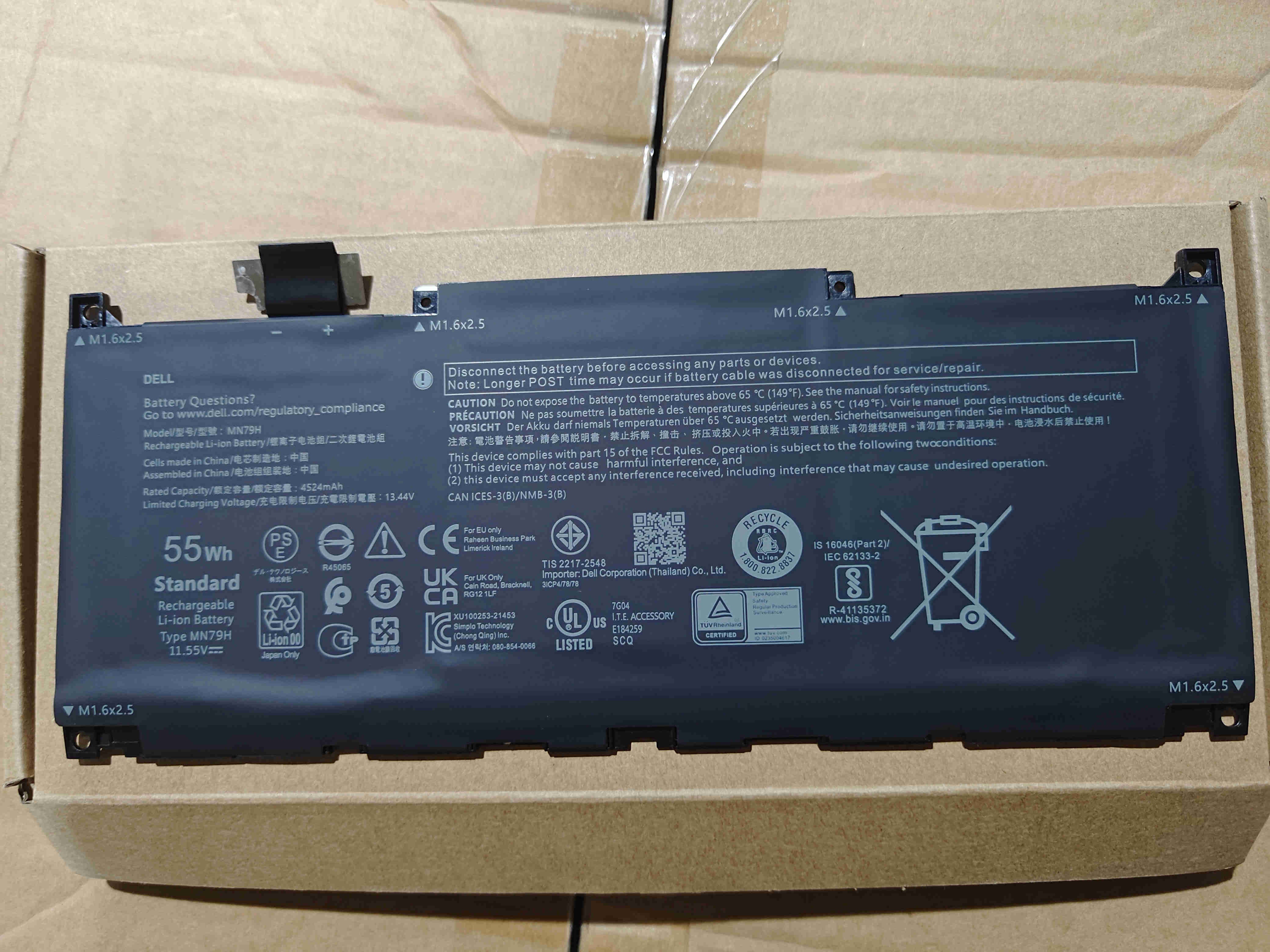
To check your Dell XPS battery capacity, open Command Prompt and type `powercfg /batteryreport`, then press Enter. This will generate a battery report (usually saved as an HTML file) showing your battery's design capacity and full charge capacity. You can open the report to compare the two values and assess battery health.