Answer
Apr 16, 2026 - 08:42 AM
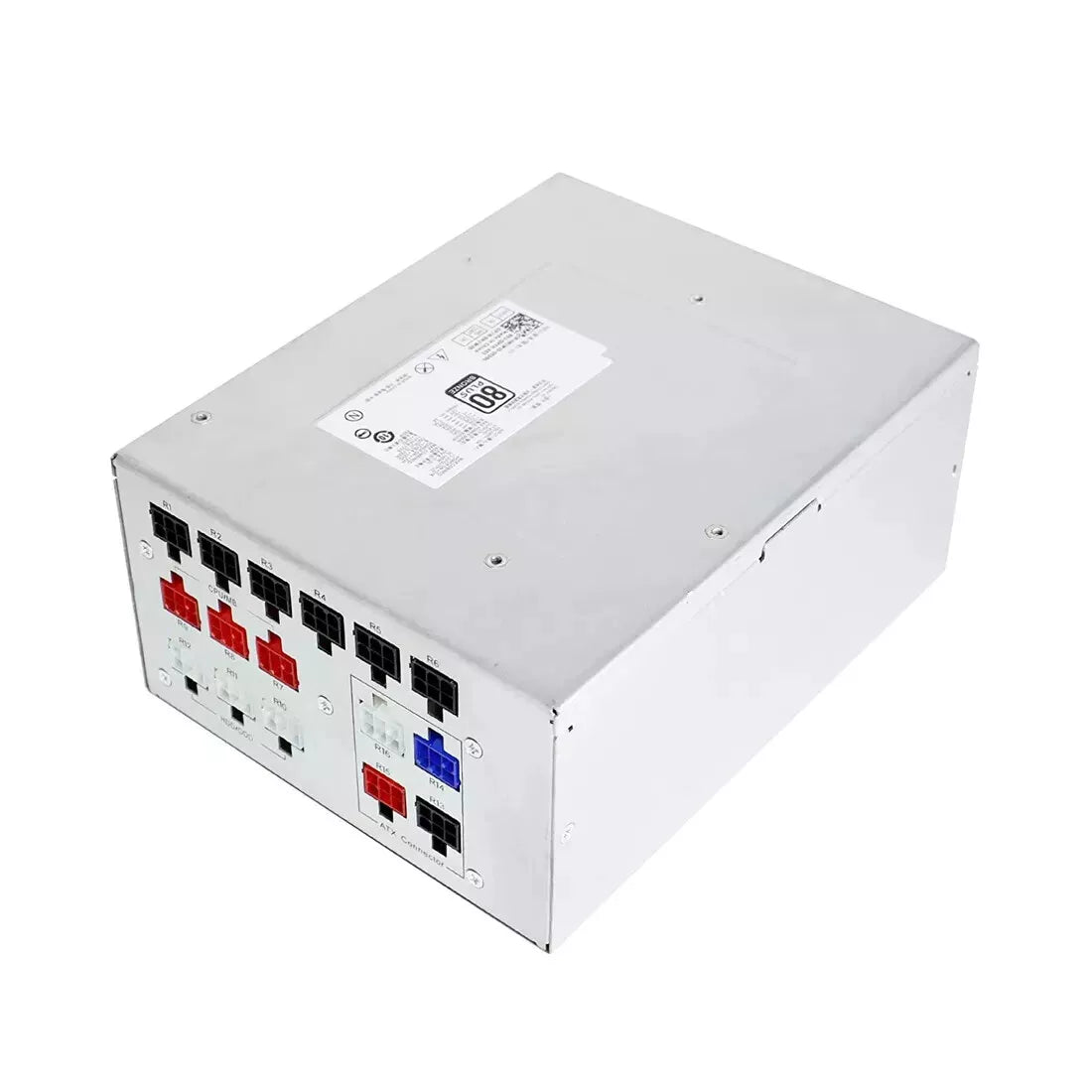
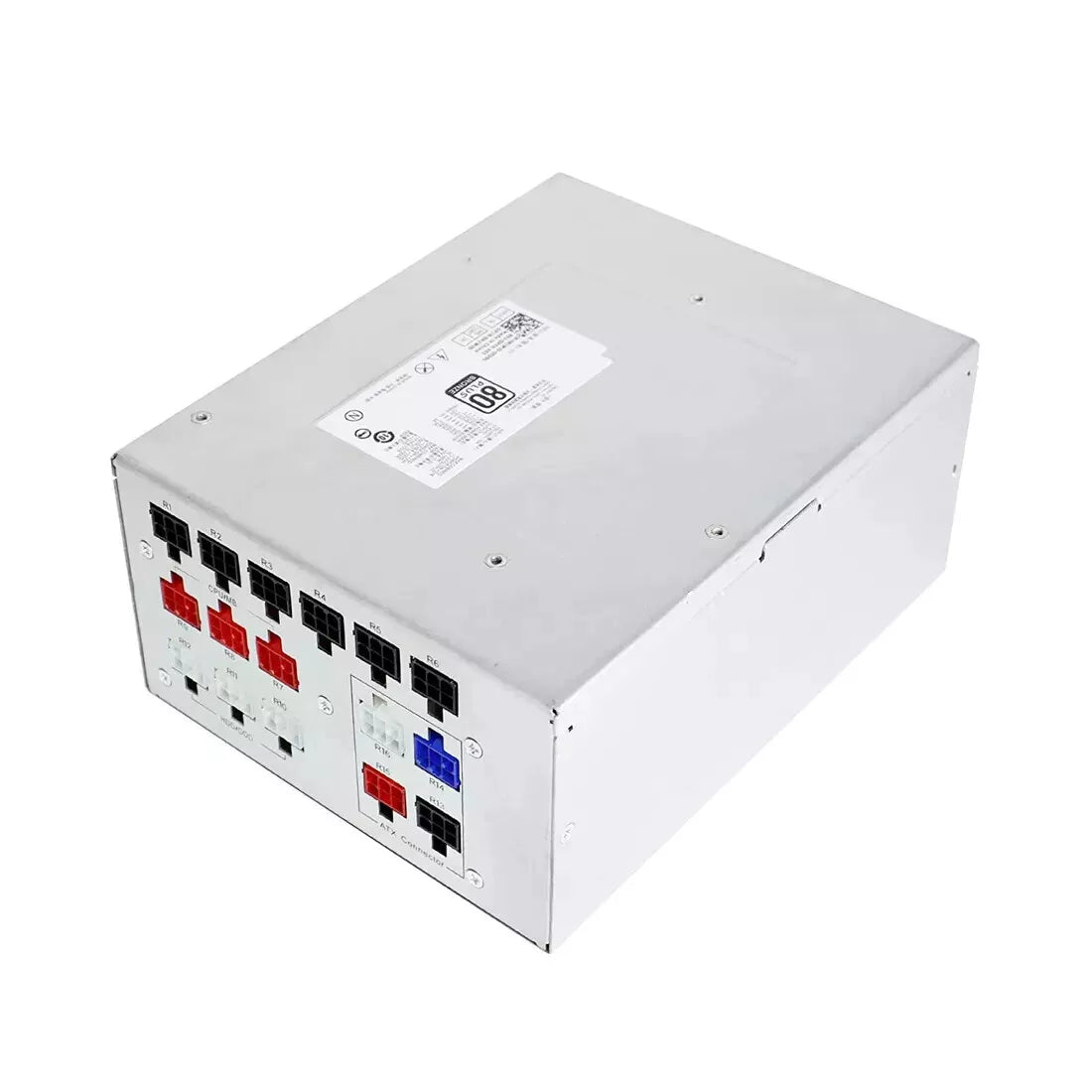
To check your Alienware power supply, first turn off your PC and unplug it, then inspect the label on the power supply unit (PSU) inside your case to find its wattage and specifications. You can also use Dell SupportAssist or BIOS to check if the system detects any power supply issues. If the PC isn’t powering on, try the built-in Alienware PSU self-test button (if available) to see if the PSU is functioning properly.