Answer
Mar 18, 2026 - 03:52 PM
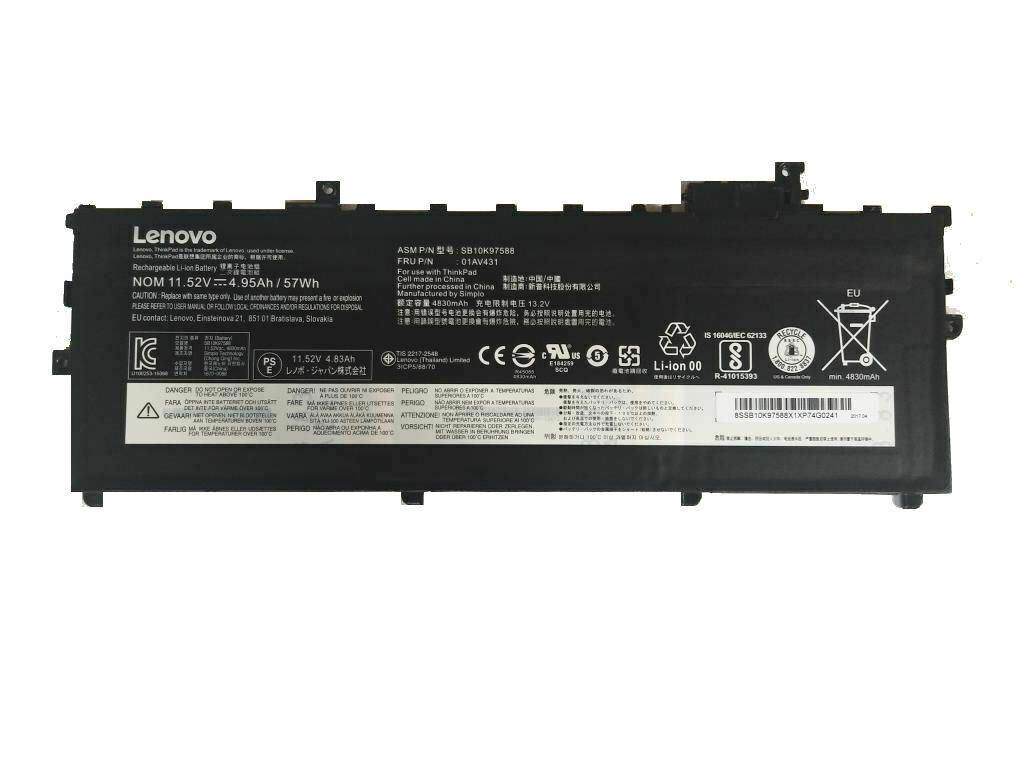
To replace the Lenovo BIOS battery, first power off your laptop, unplug it, and remove the back cover. Locate the CMOS battery (usually a coin-cell battery), carefully disconnect it, and replace it with a new one of the same type. Reassemble your laptop and power it on to ensure proper operation.