How do I know my laptop battery type?
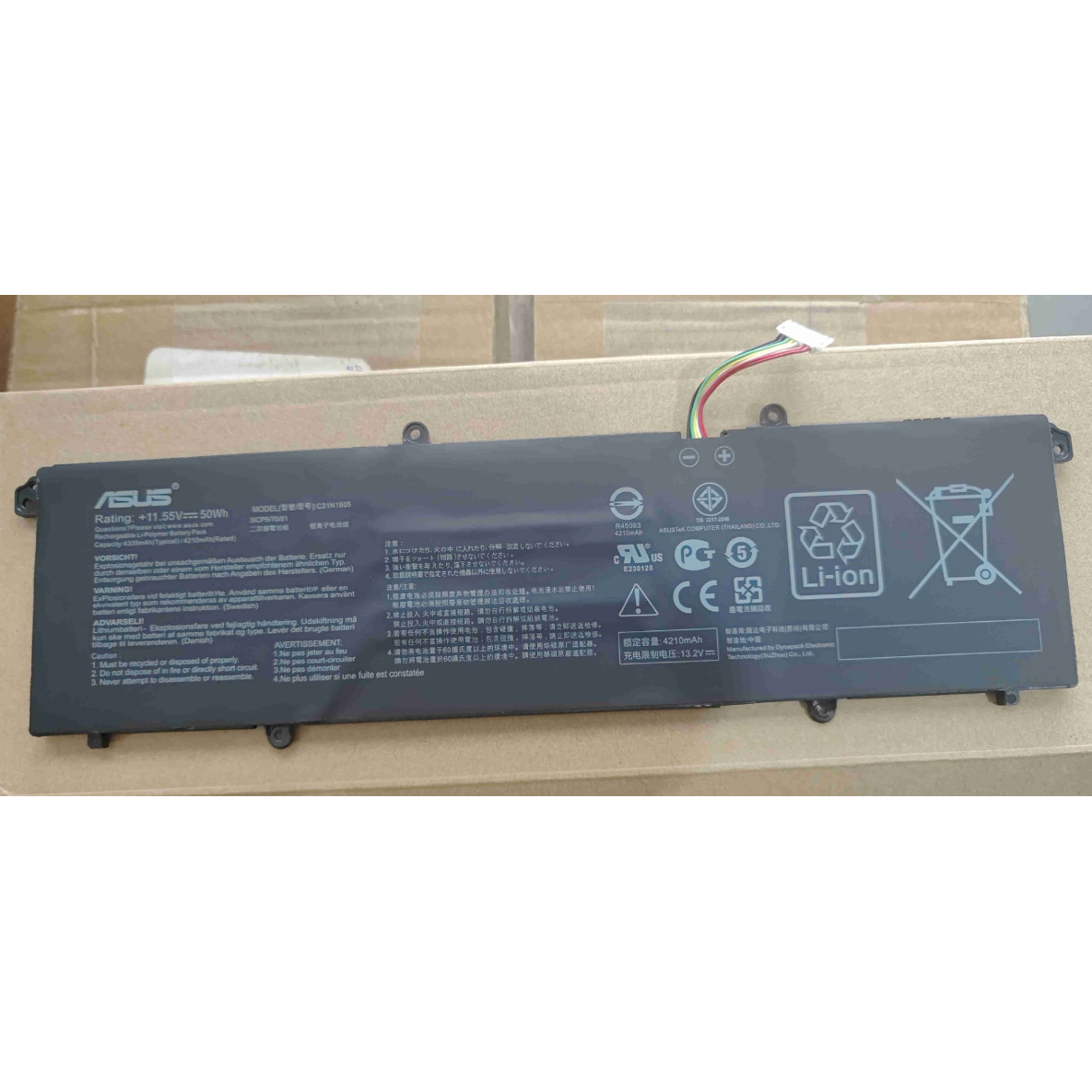
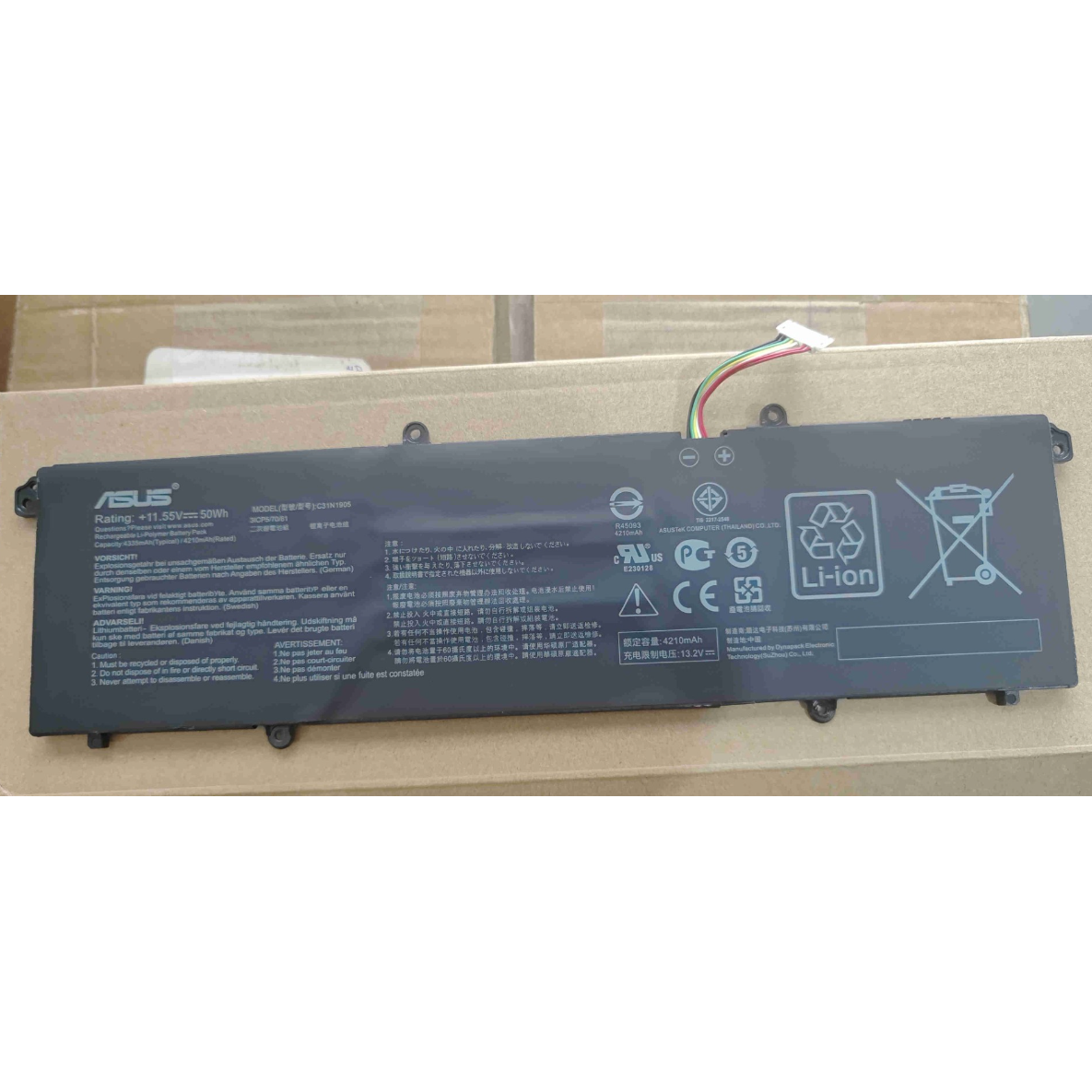
New Genuine Asus VivoBook C31N1905 Battery 50WH
Batteries
Status:
Open Mar 18, 2026 - 03:48 PM
1answer
Answer
Mar 18, 2026 - 03:48 PM
You can check your laptop battery type by removing the battery (if it's removable) and reading the label on it, which usually lists the model and type (such as Li-ion or Li-polymer). Alternatively, you can find battery information in your laptop's system settings or by using battery information software.
View More Product Details
New Genuine Asus VivoBook C31N1905 Battery 50WH
New Genuine Asus VivoBook C31N1905 Battery 50WH New Genuine Asus Battery Features and Technical Specifications: Number of Cells: 3 Capacity: 50WH Voltage: 11.55V *** Please note that there are two types compatible with this model. This type is 50WH, with the longer cable, not short. Please closely c...
See More
Browse by Category
Batteries
View our complete selection of Batteries to find the one that suites your needs.
View All
View all Batteries Questions & Answers
View all New Genuine Asus VivoBook C31N1905 Battery 50WH Questions & Answers