Answer
Mar 18, 2026 - 03:45 PM
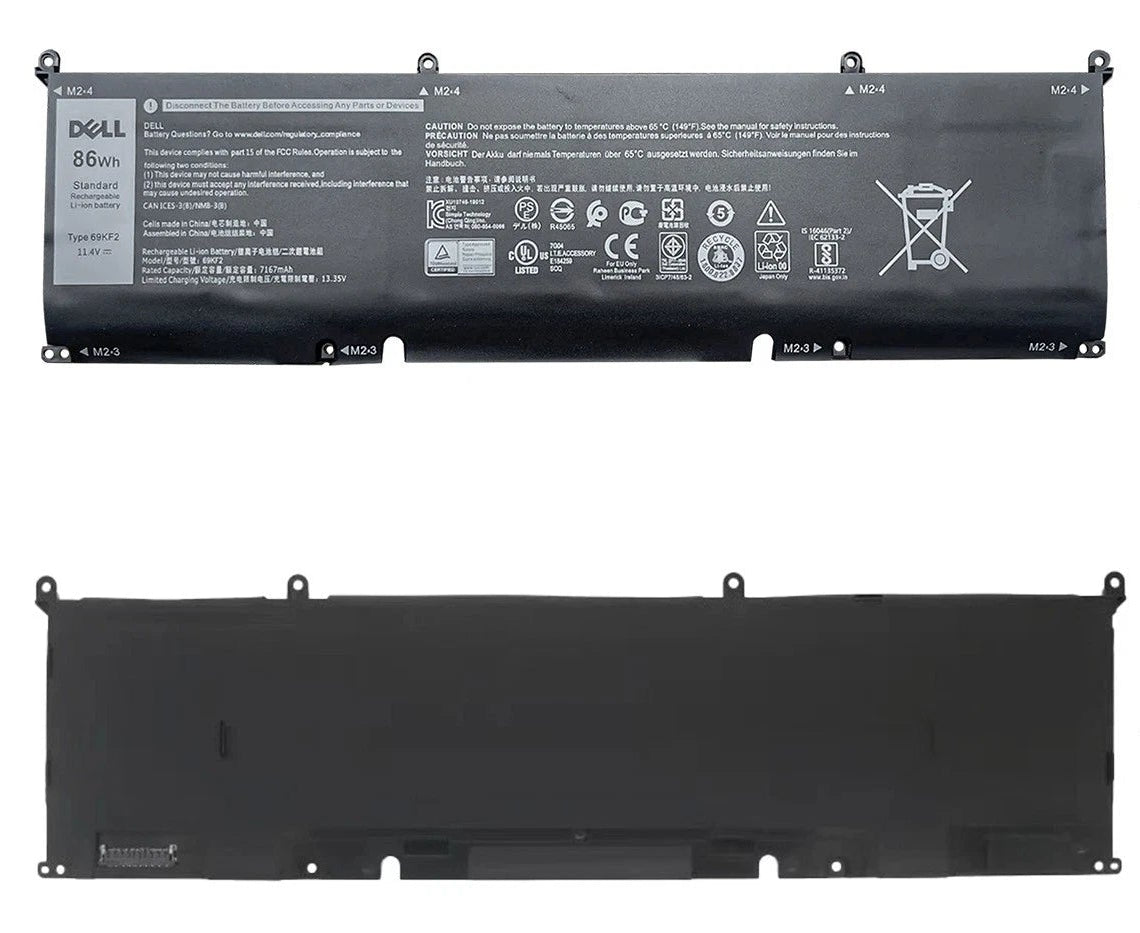
To find battery information on a Dell laptop, press Windows + X and select "Device Manager," then expand the "Batteries" section. You can also check detailed battery health by running the Dell Power Manager app or using the BIOS by pressing F2 during startup and navigating to the "Battery Information" section.