Answer
Feb 04, 2026 - 11:35 AM
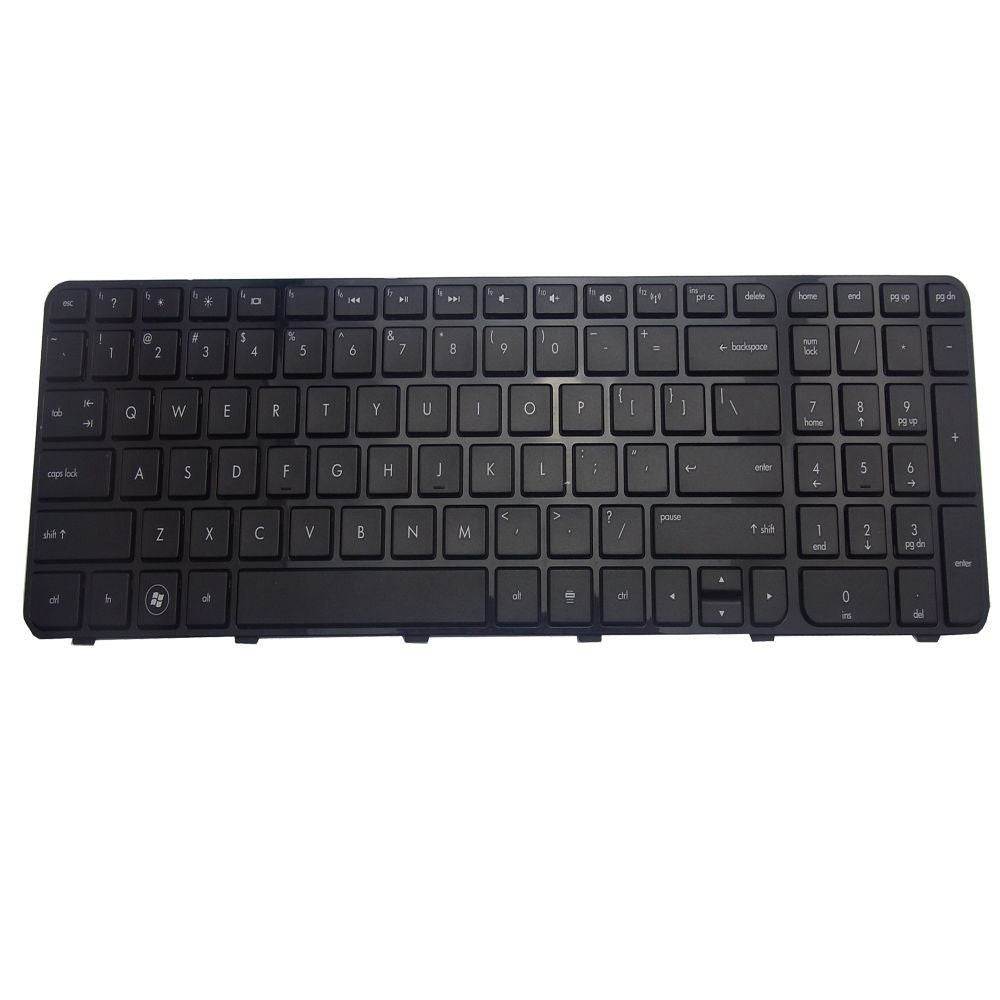
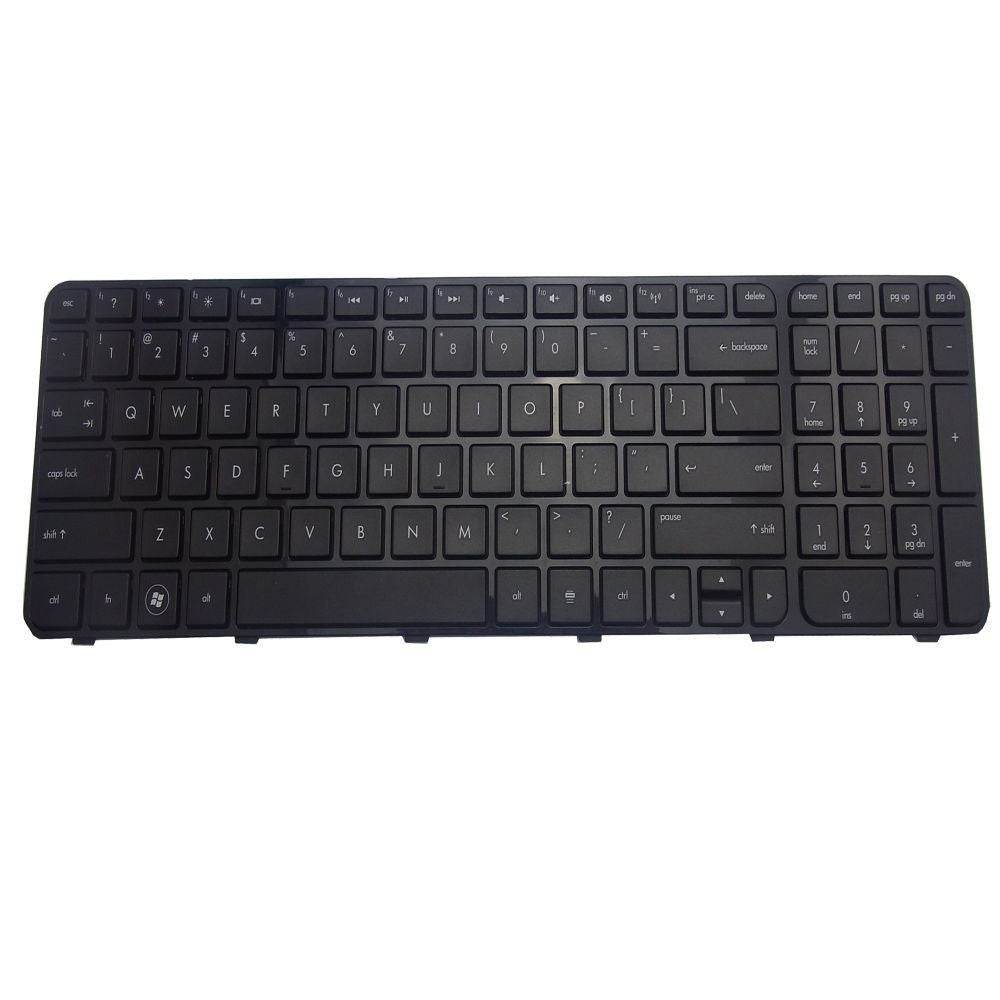
To reset the keyboard on an HP Pavilion, first restart your laptop and check if the issue resolves. If not, go to Device Manager, right-click on the keyboard device, select "Uninstall," then restart your computer to automatically reinstall the keyboard driver. This can help reset the keyboard settings and fix common issues.