Answer
Feb 04, 2026 - 11:35 AM
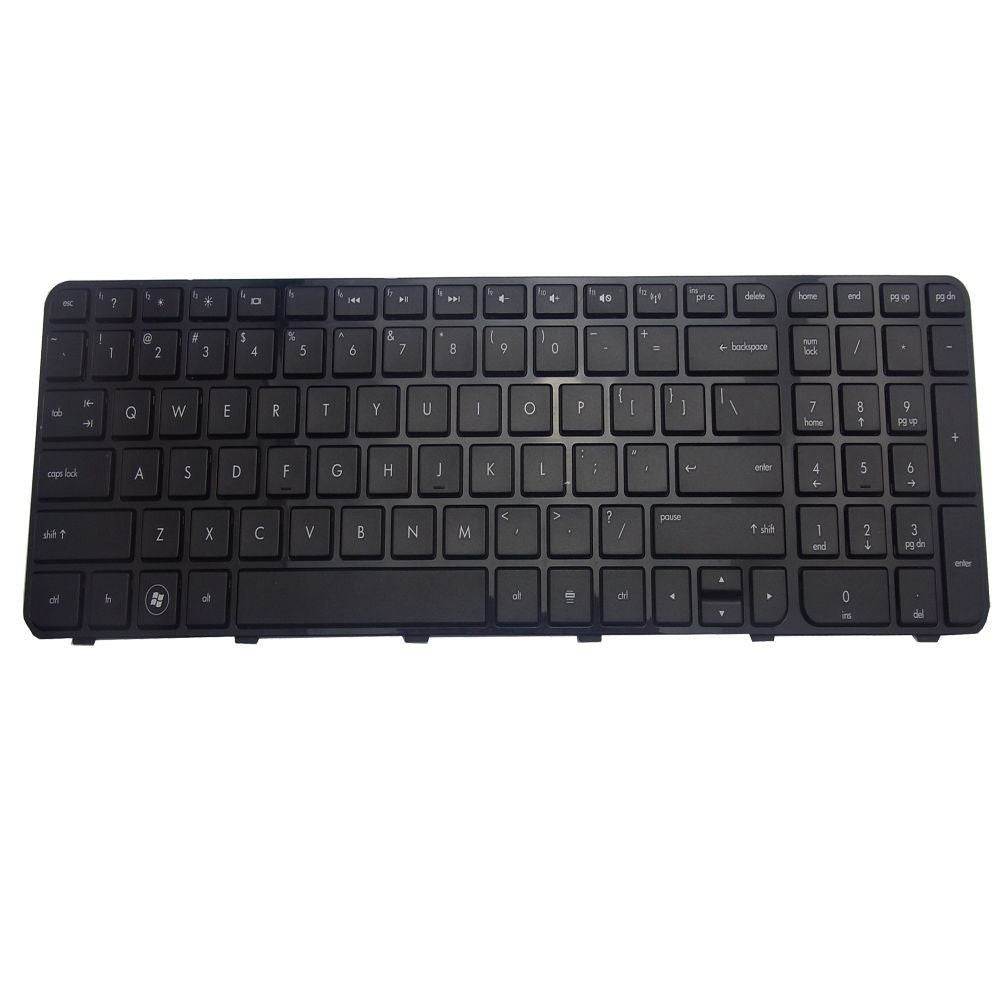
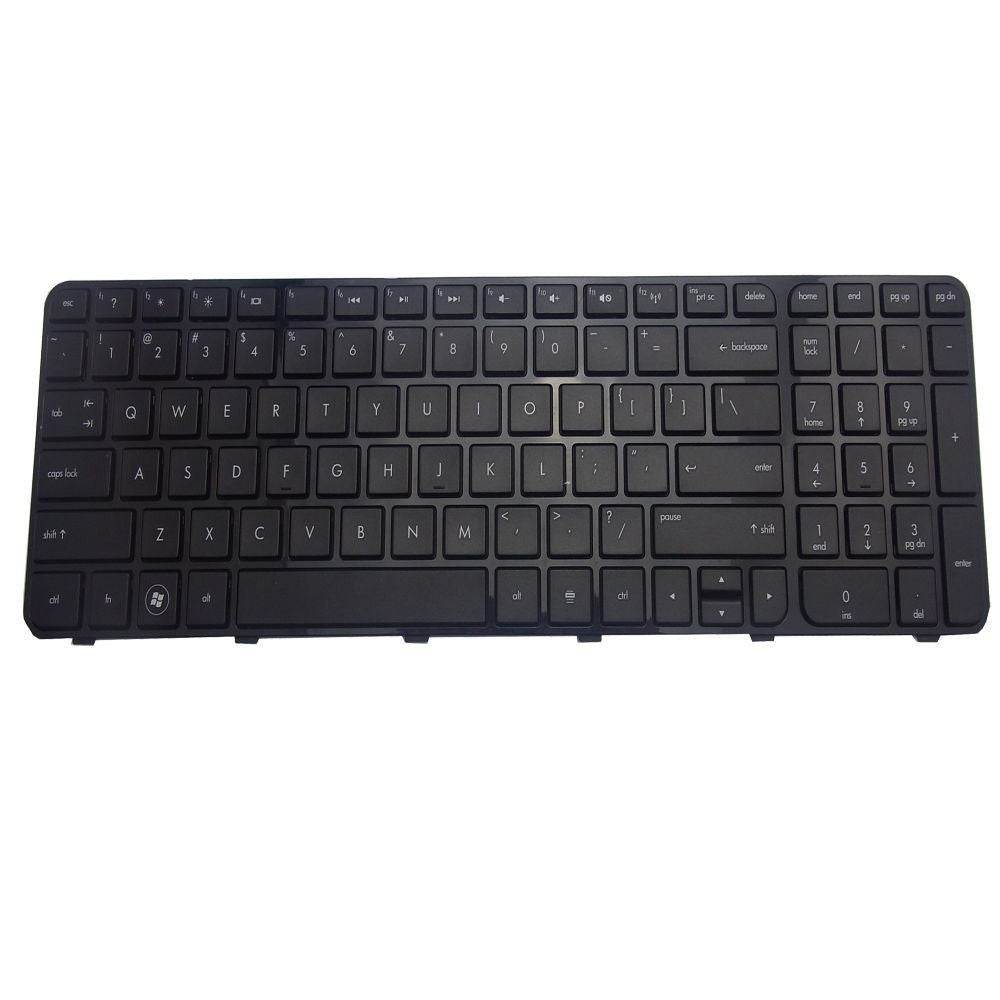
To fix an HP Pavilion keyboard that’s not working, first try restarting your laptop and checking if any keys are physically stuck or dirty. If that doesn’t help, update or reinstall the keyboard drivers from Device Manager, and if the problem persists, try connecting an external keyboard to determine if the issue is hardware-related.