How to use Seagate external hard drive on laptop?
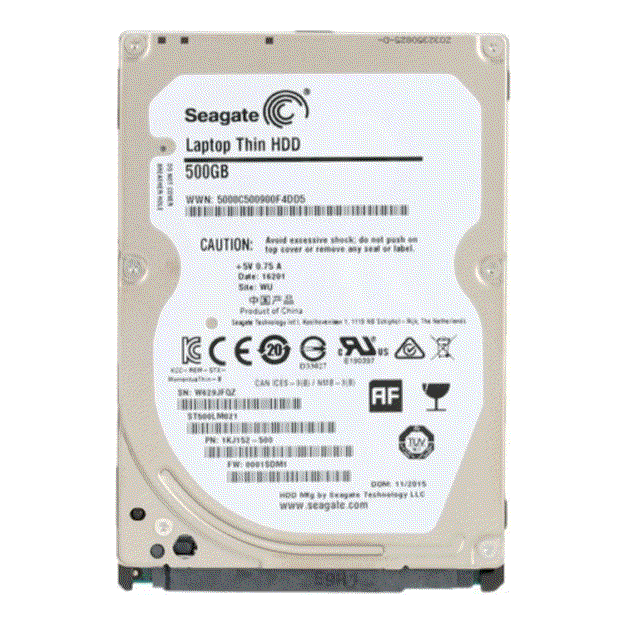
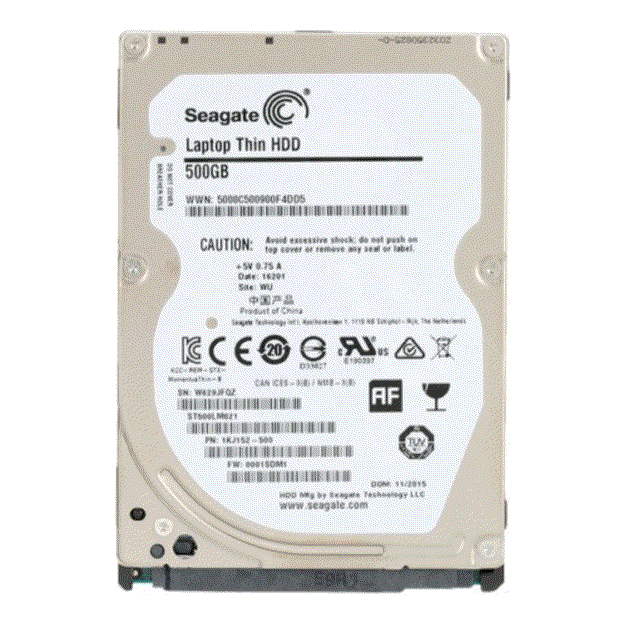
New Seagate Laptop Thin 500GB 2.5" SATA 6Gb/s Internal Hard Disk Drive HDD ST500LM021
Laptop Hard Drive
Status:
Open Feb 04, 2026 - 11:30 AM
1answer
Answer
Feb 04, 2026 - 11:30 AM
To use a Seagate external hard drive on your laptop, connect the drive to your laptop using the provided USB cable. Once connected, your laptop should automatically recognize the drive, allowing you to open it in File Explorer (Windows) or Finder (Mac) to transfer and manage files.
View More Product Details
View all Laptop Hard Drive Questions & Answers
View all New Seagate Laptop Thin 500GB 2.5" SATA 6Gb/s Internal Hard Disk Drive HDD ST500LM021 Questions & Answers